Solutions · Food & grocery
Restaurant website and QR ordering: what to decide, build and test.
Planning one? Here's what to settle before you brief anyone, what goes in the first version, how the build runs week by week, how the beta is tested with real people, and the numbers that show it's working.
Website, direct orders or table ordering: what are you actually fixing?
Most restaurant owners say they need a website. The useful question is which problem they want gone, because each one needs a different build.
- People cannot find you or your menu. A fast website with the menu as real text, hours, location and phone is enough. This is the cheapest fix and the one that helps search most. See the local SEO guide.
- You pay aggregator commission on regulars. Add direct takeaway or delivery orders on your own site, and send repeat customers there. Aggregators can stay for discovery.
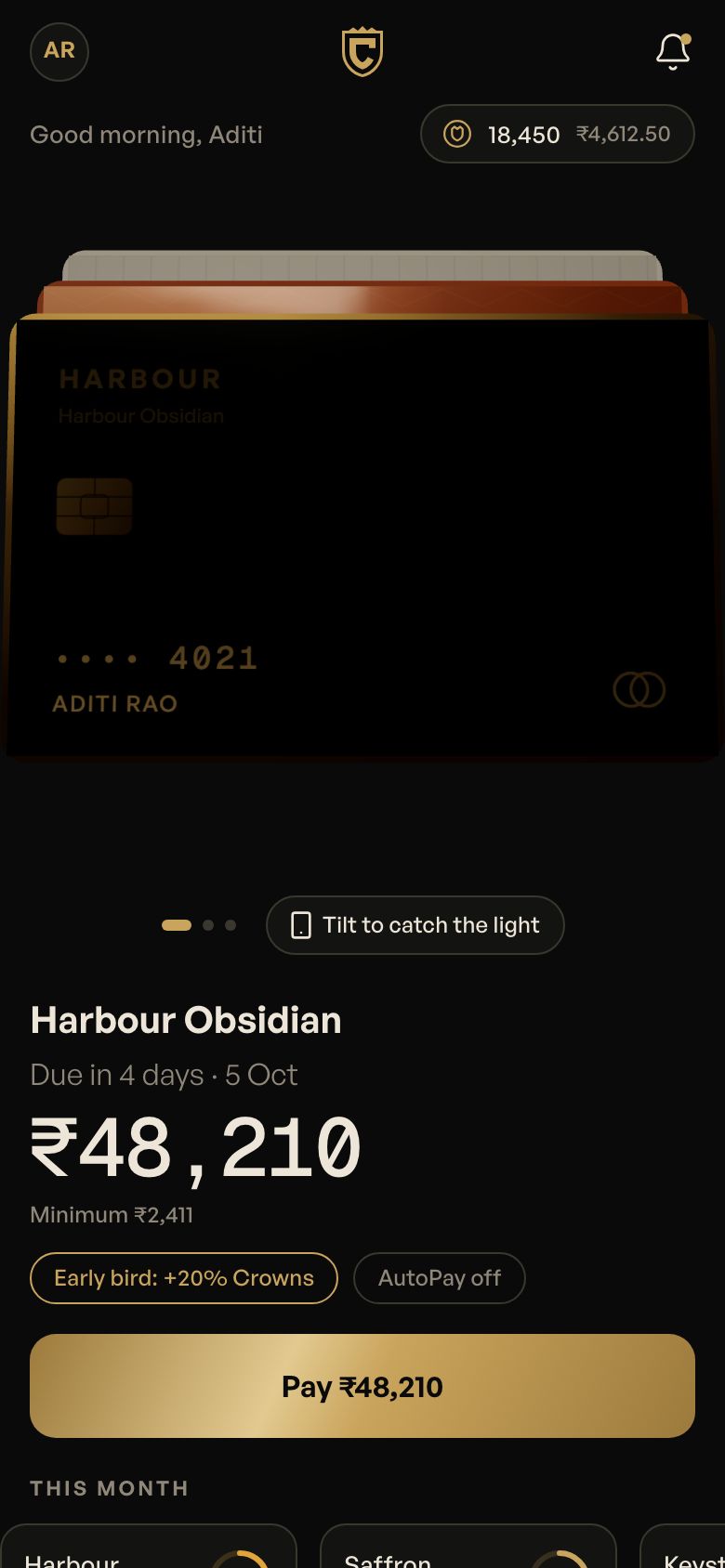
- Tables turn slowly or staff are overloaded. QR table ordering with a kitchen screen helps, as in Tabletap: diners scan, order in the browser, add rounds and split the bill by UPI with no app install.
- You sell cakes, boxes or custom orders. An order-ahead builder that sends details on WhatsApp is often right, as in Crumbloom.
Also settle: who delivers direct orders (your staff, a partner or pickup only), whether outlets share one menu, and who edits the menu on a busy Friday. The online ordering guide and the restaurant playbook cover running costs and the business side. Before briefing anyone:
- The one problem the site must solve first
- Menu source: do you have prices and dish descriptions in one place?
- Dine-in only, takeaway, delivery or all three
- Number of outlets and whether prices differ by outlet
- Your billing or POS software, and whether it must connect
- Photos: existing, or a shoot to schedule
Version 1: pages and ordering that earn their place
| Module | First version | Add later | Why |
|---|---|---|---|
| Menu | Text menu with veg, egg and Jain tags, sold-out switch | Seasonal menus, scheduled specials | Searchable text beats a PDF image. |
| Home and story | Photos, hours, map, call and WhatsApp buttons | Blog, press page | Most visits are checking hours and the menu. |
| Reservations | Date, time, party size, confirmation message | Deposits, waitlist | Deposits need a payment flow and a no-show policy. |
| Direct orders | Takeaway with UPI and pay-at-counter | Delivery zones and fees | Delivery needs riders and radius rules. |
| QR table ordering | Order, add round, call staff, pay | Bill split by item, loyalty | Start with order and pay, then split. |
| Kitchen screen | Tickets by table and course, allergy flag | Station routing | The kitchen must trust it before it scales. |
| Local search | Structured menu, hours, address, Google profile link | Review prompts | Gets found for near me searches. |
| Customer list | Order and booking history with consent | Offers and WhatsApp campaigns | The list is the asset you keep. |
| Owner dashboard | Orders, covers, top dishes | Table turn analytics | Needed on day one for ordering, optional for brochure sites. |
Four to six weeks: what we need from your kitchen
- Week 1: goals, sitemap, menu structure and tone. You send the current menu, logo and any photos.
- Weeks 2 and 3: design and build of pages, menu and reservations. You send final prices, outlet details, and photo or shoot dates.
- Week 4: direct ordering and payments, if included. You open a payment gateway account and share KYC documents; allow extra time for approval.
- Week 5: QR table ordering and kitchen screen, if included. You send the table list and nominate a kitchen lead, and a tablet or printer if you want tickets.
- Week 6: staff trial, fixes and launch. You supply your FSSAI number, domain access and the staff who will edit the menu.
Brochure sites finish in four weeks. Adding table ordering and the kitchen screen is why plans stretch to six; launching the website first and switching on table ordering later is common.
How we work with you each week
The same rhythm runs from week 1 to launch, so you always know what's happening and what we need from you.
- Friday: a demo link and a 30-minute call. You open the latest build on your own phone and try it yourself, rather than watching our screen.
- Within 48 hours: your feedback, in writing. In one shared doc, next to the screen it's about. Written feedback is clear, dated and doesn't get lost between calls.
- Monday: triage. Every comment goes into fix now, next week or later. Anything that changes the agreed scope gets a written quote before we touch it.
- Each milestone: two revision rounds, then your sign-off. Sign-off is against the scope we agreed, so it's clear what done means.
- One decision-maker on your side. Most delays aren't build time. They're feedback waiting on several people who disagree.
The full version, including how the beta and user testing work across every kind of project, is on our process page.
The beta: a soft launch with your own regulars
For a brochure site the beta runs in week 4; with ordering or table ordering it runs in week 6, as the staff trial. The site lives on an unlisted staging address with a password. Menu, prices and hours are the real ones, and orders go to your real kitchen.
- What's in it. The text menu with veg, egg and Jain tags and the sold-out switch, hours and map, reservations, and direct takeaway or QR table ordering if they are in your scope.
- What stays out. Delivery zones, deposits, bill split by item, offers and WhatsApp campaigns. Each adds rules that cloud the main question: can a diner order and can the kitchen keep up?
- Who tests it. Eight to ten regulars you invite, a mix of ages, plus the floor staff, the cashier, the kitchen lead and whoever edits the menu. For table ordering, a few real tables on a normal evening.
- How long. Four or five days, covering at least one busy service such as a Friday dinner or a Sunday lunch. A quiet afternoon tells you little about a kitchen screen.
What we test with real people, and the tasks we set
Each person gets a task that matches a real moment in your restaurant. Diners use their own phones, often mid-range Android handsets on weak data inside the dining room, and read the menu in the language they prefer. We stand back and don't help. Roughly five sessions per role shows the main snags. We fix them and test again before the public launch.
| Who | The task | What we watch for |
|---|---|---|
| Diner searching nearby | "Find out if they're open now, and if they have a Jain thali." | Do they see hours and the Jain tag without opening a PDF or zooming? |
| Diner booking | "Book a table for six this Saturday at 8." | Do they get a confirmation message? Does the booking reach the restaurant phone? |
| Diner at the table | "Scan the QR, order a starter, then add a second round of drinks and pay by UPI." | Does the page open fast on the restaurant's Wi-Fi or patchy 4G? Can they add a round without starting over? Does the tip start at zero? |
| Takeaway customer | "Order two paneer rolls for pickup in 20 minutes." | Is pickup time clear? Do they get a message when it's ready? |
| Kitchen lead | "Five tickets land in two minutes. Fire them by course and flag the nut allergy." | Readable from a step away, in heat and noise? Is the allergy flag impossible to miss? |
| Manager | "The fish is finished. Mark it sold out and change tonight's special." | Done in under a minute on a phone, mid-service? Does the menu update for diners straight away? |
The numbers that say it's working
In week 1 we pick two or three goals together. Where you have a current figure, we note it: bookings by phone each week, direct takeaway orders, the aggregator share of your orders. We set up tracking before the beta and report at launch and after 30 days. We won't promise a number. We'll make sure you can see it.
| Goal | What we measure | Where it comes from |
|---|---|---|
| Diners find the menu | Menu page visits, and searches that show your site for dish and area terms | Analytics and Google Search Console |
| Bookings come through the site | Reservations made online per week, and no-shows | Booking records |
| Regulars order direct | Direct takeaway or delivery orders per week, next to aggregator orders | Order data and your aggregator reports |
| Tables turn smoothly | Time from seating to first order, and from bill request to paid | QR ordering timestamps |
| The map listing works | Calls, direction requests and menu clicks from your profile | Google Business Profile |
| Pages work on a phone | Mobile load speed on the home and menu pages | PageSpeed Insights and Search Console |
What a restaurant site costs and what changes the price
A menu, reservations and enquiries website is a website job, and our website cost guide covers it. Adding QR table ordering, a kitchen screen and an owner dashboard makes it a multi-user product. The nearest band in the app cost guide is two user types plus admin, ballpark ₹10–25 lakh from a small studio, and a single outlet is scoped to your brief. Treat all of this as ballpark; we quote after reading your brief.
- Website only versus ordering. Payments, order states and refunds are most of the difference.
- Outlets and menus. Each outlet with its own prices adds menu logic and tests.
- POS and printer integration. Pushing orders into your billing software depends on what that software exposes.
- Photography and brand work. Photos change how a menu converts more than any layout, and are usually a separate cost.
Service charge, FSSAI numbers and customer data: what a restaurant site must get right
- Service charge. Government guidelines issued by the consumer protection authority in July 2022 say a service charge cannot be added to the bill automatically, collected under another name or presented as compulsory. The Delhi High Court upheld them in March 2025, and the authority has separately warned against default charges with other labels. Do not add a default service charge in the QR ordering bill. A tip field that starts at zero is the safe design.
- FSSAI. The 14-digit licence or registration number must appear on bills and receipts. Put it on every digital bill and in the site footer. Your licence category depends on your size, so confirm it on the FSSAI portal.
- GST. What you charge on dine-in and takeaway, and whether you can claim input credit, depends on how your business is registered. Ask a CA, and configure the bill from that answer. On aggregator orders the platform has its own GST treatment, which is why direct and aggregator orders need separate lines in your books.
- Customer data. Reservations collect names and phone numbers, and ordering collects addresses. The DPDP Rules phase in over 18 months from November 2025. Ask for consent before marketing messages and keep consent records. See the DPDP checklist.
- WhatsApp. Send order updates, and offers only to people who opted in. See WhatsApp for business apps.
This is general information for planning, not legal or tax advice. Confirm with a CA or lawyer.
Seven restaurant website mistakes, and what to do instead
- A PDF menu. It is slow on phones and search cannot read it well. Publish the menu as text.
- Stock photos of food you do not serve. Diners feel misled. Use your own plates, even from a phone.
- Hiding hours and the phone number. Both are what most visitors want. Put them on the first screen.
- Forgetting sold-out items. Orders for dishes you ran out of cost trust. Give staff a one-tap switch.
- A default service charge on QR bills. It breaks the rules above. Start the tip at zero.
- Launching table ordering without the staff. Servers who do not trust it will bypass it. Run a trial shift first.
- Leaving the site in the agency's name. Register the domain and Google profile in your own name.
Start with the menu, hours, reservations and a call button, check that bookings arrive, then add direct orders, then table ordering.
Cost and timeline
4–6 weeks for a first version.
Fixed quote within 48 hours of your brief: scope, timeline and price in writing before we start. These are what move the number.
- Website only, or website plus QR ordering and kitchen screens
- Number of outlets and menus
- Delivery: your own staff or a partner
- POS and printer integration
- Photography and brand work
Questions
About your restaurant website and qr ordering.
How much does a restaurant website cost in India?
It depends on whether you need a menu-and-reservations site or full ordering with QR tables and a kitchen screen, and on how many outlets you have. We give a fixed quote within 48 hours of your brief. Our website cost guide explains the drivers.
Do diners have to download an app to order at the table?
No. In our concept build Tabletap, diners scan the table QR and order in the browser. They can add rounds later, watch kitchen status and split the bill by UPI without installing anything. The kitchen sees each order by table and course.
How long does it take?
A restaurant website with reservations and direct orders usually takes four to six weeks. Adding QR table ordering and a kitchen screen takes a little longer. We can launch the website first and switch on table ordering once your staff are comfortable with it.
Can we take orders without paying aggregator commissions?
Yes. Direct orders on your own site carry only payment gateway fees. Most restaurants keep aggregators for discovery and move regulars to direct ordering. Our online ordering guide explains how. We can also send order updates on WhatsApp, and keep your customer list in your own hands for offers and loyalty.
Who owns the website?
You do. The domain, code, designs and customer list are yours from the start. The domain is registered in your name, menus can be edited by your staff, and you can move the site to another team or host whenever you like.
Read next
- RestaurantsCommission-free ordering for restaurants: own site and QR menus →A practical guide for Indian restaurants and cafés: your own ordering website, QR table ordering, UPI payments and kitchen screens, without giving up every order to apps.
- MarketingGetting found on Google: local SEO for Indian businesses →Local SEO for Indian businesses done honestly: Google Business Profile, reviews, consistent addresses, fast mobile pages, schema markup and location pages that are real.
- CostHow much does a website cost in India? →Website costs in India for 2026: brochure sites, custom marketing sites, online stores and booking portals — ballpark ranges, yearly costs and red flags in quotes.
Start a project
Tell us how your business runs. We'll build what it runs on.
Four taps, about a minute. Fixed quote within 48 hours.