Solutions · Lifestyle & entertainment
Event & ticketing app: what to decide, build and test.
Planning one? Here's what to settle before you brief anyone, what goes in the first version, how the build runs week by week, how the beta is tested with real people, and the numbers that show it's working.
Your events, or everyone's? Six choices that shape a ticketing build
- Sell your own events, or host other organisers. Selling your own means one payout, one refund policy and one set of permits. Hosting others means settlement rules, organiser onboarding and a payment partner that can split money. It is a different, larger product.
- Open entry or reserved seats. General admission needs a count and a QR. Reserved seats need a venue map, holds that expire and a rule for broken seat blocks. Seat maps are the single biggest scope item on this page.
- Who issues the invoice. The organiser, you or both can be the party that charges GST and the booking fee. Ask your CA before design, because it changes the receipt and the payout screen.
- Refunds. Decide what happens when the organiser cancels, when the customer cancels, and when a show moves. Write it in rupees and days, not adjectives.
- Transfers and resale. Name-bound passes stop touting but annoy people who cannot attend. Allowing transfer inside the app, with no price change, is a middle road.
- Fee model. A booking fee added at checkout or an all-inclusive price. Show the final amount from the first screen, not the last.
Brief checklist: event types, venue sizes, seat or no seat, expected peak sales per minute, who pays whom and when, and the permits the organiser holds.
What the first release sells, scans and leaves for later
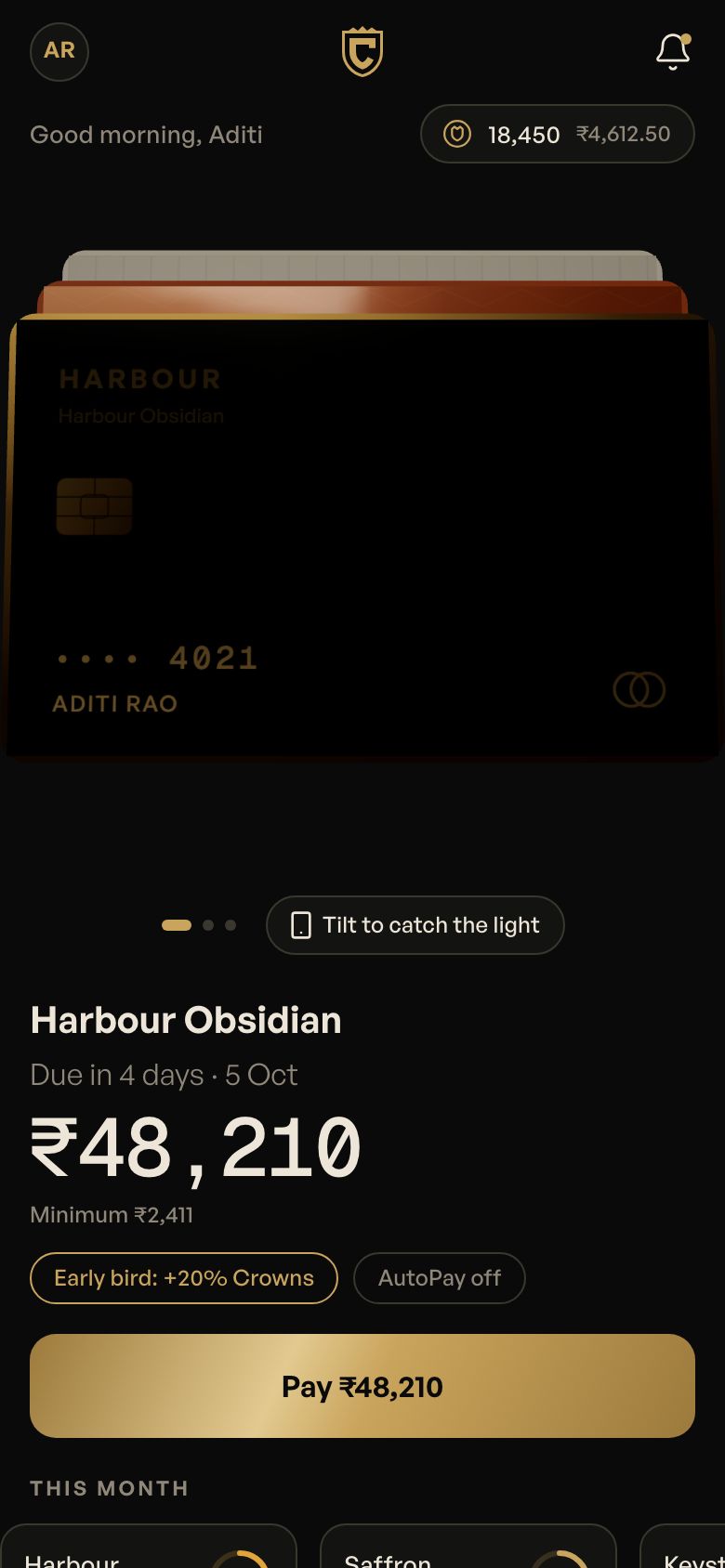
Outpass is our concept for tables, films and gigs. It shows how much sits behind a ticket: a customer view, a handheld gate scanner and an operations view. Keep those three and trim the rest.
| Module | First version | Add later | Why |
|---|---|---|---|
| Listings | Events, dates, price tiers, venue | Recommendations, city feeds | Guests arrive with a link, not by browsing |
| Checkout | UPI, price shown in full, tickets by message | Cards, wallets, offers | A short payment is the point |
| Seat map | General admission, or one simple map | Many venue layouts, best-seat picker | Every layout is a map to draw and test |
| Passes | A QR per ticket with a one-use rule | Rotating codes, wallet passes | Screenshots get shared on day one |
| Gate scanner | Offline guest list, clear green or red result, live count | Many gates, staff roles | Weak signal at a venue is normal |
| Waiting room | Only if a sell-out is expected | Priority windows | Fair queues matter for a drop, not a quiet show |
| Organiser view | Sales, entries, refunds | Payout statements, guest messaging | Organisers ask about money first |
| Refunds | Full refund on cancellation, clear rules | Partial and credit refunds | Edge cases multiply quickly |
| RSVPs and groups | Guest list, meal preference, attendance | Budgets, vendor quotes, multi-function planning | Weddings need this; concerts do not |
| Split bill | Skip unless tables are the product | Pay-your-share links | Each share is a payment to reconcile |
An 8 to 12 week build around your event calendar
Work backwards from your first date. A ticketing launch has a hard deadline that a normal app does not.
| Weeks | What gets built | What you supply |
|---|---|---|
| 1–2 | Flows for buying, scanning and refunds; prototype | Event list, ticket tiers, refund policy, venue plans |
| 3–5 | Listings, checkout, pass generation | Payment account and test credentials; sample events |
| 5–8 | Gate scanner, organiser or venue view; seat map if needed | Scanner phones or tablets, number of gates, door staff for a test |
| 8–10 | Load test for your peak, offline scan checks, WhatsApp messages | Expected sales per minute, approved message templates |
| 10–12 | Trial event, fixes, handover, store release | A low-risk event for the trial; print or display plan at the gate |
How we work with you each week
The same rhythm runs from week 1 to launch, so you always know what's happening and what we need from you.
- Friday: a demo link and a 30-minute call. You open the latest build on your own phone and try it yourself, rather than watching our screen.
- Within 48 hours: your feedback, in writing. In one shared doc, next to the screen it's about. Written feedback is clear, dated and doesn't get lost between calls.
- Monday: triage. Every comment goes into fix now, next week or later. Anything that changes the agreed scope gets a written quote before we touch it.
- Each milestone: two revision rounds, then your sign-off. Sign-off is against the scope we agreed, so it's clear what done means.
- One decision-maker on your side. Most delays aren't build time. They're feedback waiting on several people who disagree.
The full version, including how the beta and user testing work across every kind of project, is on our process page.
The beta: one small event, a real gate
The beta is the trial event in weeks 10–12. Tickets go on sale about ten days before, so the beta covers buying, refunds and the door, not just the door. Pick a show with one venue, one gate and a crowd you can count: a comedy night, a workshop, a small gig.
- What's in it. The listing, UPI checkout with the full price on the first screen, the QR pass by WhatsApp, refunds on the written rule, the offline gate scanner with its live count, and the organiser's sales and entries view.
- What stays out. Seat maps beyond the one you need, the waiting room, transfers, offers, group bills. A small event will not stress them, so they would only add noise.
- Who uses it. Real ticket buyers for that event, usually 50 to a few hundred, from the organiser's own list or followers. Two or three door staff who work your events, plus one spare. The organiser or venue manager on the dashboard. You recruit them; we are there on the night.
- How they get it. Buyers use the web checkout or the app through TestFlight and Google Play testing. Door staff get the scanner build on the Android phones or tablets you supplied in week 5. The organiser view runs on a laptop.
- How long. About two weeks from first sale to the morning after the event. Door staff keep the printed list and spare scanner from the mistakes list below, in case anything fails.
A new personal Google Play developer account has to run a closed test with at least 12 testers for 14 days before it can publish. Count the door staff and early buyers towards that, or use an organisation account.
What we test with real people, and the tasks we set
Before the event, we sit with a few people from each role and give them a job to do on their own phone, in Hindi, English or whatever they read fastest. We watch and do not help. Around five sessions per role finds the main trouble. We fix it and run the tasks again, then the event itself is the final test.
| Who | The task | What we watch for |
|---|---|---|
| Buyer | "Buy two ₹499 tickets for Saturday's show and pay by UPI." | Do they see the total with fee and tax before paying? Does the pass arrive on WhatsApp even if they close the UPI app early? |
| Buyer who can't go | "Something came up. Cancel and see what you get back." | Do they find the refund rule? Is the amount in rupees, with a date for the money? |
| Door staff | "Scan the next twenty people. One shows a screenshot of a pass that has already been used." | Is green or red readable in sunlight or a dark doorway? Does the reused pass fail, and does staff know what to say? |
| Door staff, no signal | "Turn mobile data off and keep scanning at the second gate." | Does scanning carry on? When signal returns, do both devices agree on who has entered? |
| Organiser | "It's 8:10 pm. How many people are inside, and how many tickets were refunded?" | Can they answer in a few seconds from the dashboard, without calling the door? |
| Organiser | "The show moves an hour later. Tell every ticket holder." | Is there a clear way to message buyers, and does the pass show the new time? |
The numbers that say it's working
In week 1 we agree two or three of these. If you sell through forms, a ticketing page or the box office today, we note today's figure. Tracking is in place before the first beta sale. You get a report after the trial event at launch and another 30 days on. We don't promise results; we make the numbers visible so you can act on them.
| Goal | What we measure | Where it comes from |
|---|---|---|
| Buyers finish checkout | Drop-off from ticket chosen to paid, by phone type and payment app | Checkout analytics |
| The gate moves | Scans per minute per gate at the busiest point; queue length checked by staff | Scanner logs |
| No pass gets in twice | Duplicate or invalid scans caught, and any that got through | Scanner logs after sync |
| Fewer support messages | "I didn't get my ticket" messages per 100 tickets sold | Organiser's WhatsApp and email, counted |
| Refunds don't become arguments | Refund requests, time to pay them, and disputes raised | Refund records |
| The organiser trusts the money | Mismatches between dashboard sales and payment gateway settlement | Weekly reconciliation |
What it costs: single venue versus many organisers
A single-venue ticket page is near our one-user-type tier, ₹3–10 lakh for a small studio. A customer app, gate scanner and organiser dashboard are two user types plus admin, ₹10–25 lakh. If you open the product to many organisers with live payouts, you are close to the marketplace tier, ₹25–60 lakh. All are ballparks from our cost guide; the studio quotes each project.
- Seat maps. Each venue layout is drawing, data and testing; one hall costs far less than twenty.
- Peak load. Preparing for a sell-out minute is engineering and testing, not a setting.
- Offline scanning. Many gates and devices need sync rules so a pass cannot enter twice.
- Payouts and splits. Paying organisers on a schedule, and splitting group bills, adds ledgers and failure cases.
GST, loudspeakers and guest data
- The tax depends on the event and the price. Since 22 September 2025, cinema admission is 5% when the ticket is ₹100 or less and 18% above that. Other admissions have separate entries. Build the tax as a lookup by event type and price band, not one fixed rate.
- Noise. A loudspeaker needs written permission from the authority. Outside closed premises it cannot run between 10 pm and 6 am, and a State may allow it until midnight on cultural or religious occasions for up to fifteen days a year. Show the end time on the listing and keep the permit status in the organiser view.
- Local permits. What an organiser needs from police, fire and local bodies varies by city. Give organisers a checklist field; do not claim to handle permits.
- Collecting for others. If you collect ticket money for other organisers, you may fall under payment aggregator rules, with settlement terms and escrow. Speak to a payment partner before design.
- Guest data. Meal preferences and stay needs can reveal health or religion. Ask for them with a stated purpose and delete them after the event. The DPDP Rules apply fully from 13 May 2027; see the DPDP checklist.
- Honest passes. In Outpass, the pass shows a code that changes every 20 seconds, so a screenshot goes stale. That build's hash is only a demo; a real one would sign codes on the server.
This is general information, not legal advice. GST rates and local permit rules change; confirm with your CA and local authority. See also the event and wedding app guide and the event management playbook.
Seven things that go wrong on event day
- Testing at office speed. A crowd at the gate has weak signal. Test scanning with the network off.
- Letting two gates accept the same pass. Sync entries and mark a pass used on first scan.
- Selling seats before holds expire. A seat held in a cart must release on a timer.
- Showing the fee last. Show the total on the first screen.
- Fuzzy refund rules. Write the rules in rupees and days before the first sale.
- One device for door staff. Keep a spare scanner and a printed list.
- Launching on a sell-out night. Run a small event first, then a big one.
Instead: pick one event, one venue and one gate, and trial it with real door staff. Then send a brief.
Cost and timeline
8–12 weeks for a first version.
Fixed quote within 48 hours of your brief: scope, timeline and price in writing before we start. These are what move the number.
- Seat maps and venue layouts to support
- Peak traffic expected during ticket drops
- Gate scanning offline and device count
- Vendor or venue side features
- Payment splits and payouts
Questions
About your event & ticketing app.
How much does an event ticketing app cost?
It depends on seat maps, traffic peaks and how many sides you need. Every project gets a fixed quote within 48 hours of your brief. Our guide to app development cost in India explains the usual ranges. A single-venue ticket page costs much less than a multi-venue app with seat maps, scanners and payouts.
Can it handle a rush when tickets go live?
We design for it: a waiting room that lets people in at a steady rate, seat holds that expire, and payment flows that don't sell the same seat twice. Load testing before your first big drop is part of the plan. We also plan what fans see while they wait, so the queue feels fair rather than broken.
Do gate scanners need internet?
No. Scanners can download the guest list before doors open, check passes offline and sync entries when they reconnect, so a weak signal at the venue doesn't stop the queue. Each pass can only be used once, even across several scanners at different gates.
Can guests RSVP over WhatsApp?
Yes. Invitations can go out as WhatsApp messages with a link to a light RSVP page, and replies feed the guest list automatically. See our guide to WhatsApp for business apps. Guests don't need to install anything; the RSVP page opens in the phone's browser.
Will it run on older Android phones?
Yes. Seat maps and passes are built to stay smooth on entry-level Android phones, and passes open even with no network. We test seat maps, payments and passes on entry-level handsets and slow networks before any launch, because a crowd at the gate has every kind of phone.
Read next
- EventsEvent ticketing and wedding planning apps: what to build →What event ticketing and Indian wedding planning apps need: seat maps, fast gate scanning, vendor marketplaces, multi-event itineraries, budgets and RSVPs.
- MessagingWhatsApp and your app: order updates, OTPs and support →How Indian businesses use the WhatsApp Business Platform with their app: approved templates, opt-in, the 24-hour window, OTPs, team inboxes and costs.
- PaymentsAdding UPI payments to your app: a plain guide →How UPI works inside an app or website: intent, QR and collect flows, payment gateways, refunds, AutoPay mandates and reconciliation, explained for business owners.
- CostHow much does it cost to build an app in India? →Ballpark app development costs in India for 2026, from a simple app to a multi-sided marketplace — what moves the price, and how to get a quote you can trust.
Start a project
Tell us how your business runs. We'll build what it runs on.
Four taps, about a minute. Fixed quote within 48 hours.