A caterer needs software to answer six questions for every event: what was quoted, how many guests are confirmed, what is the cost per plate, what must be bought, who is working, and how much is still unpaid. A spreadsheet plus WhatsApp Business answers all six for the first 20 or so events a month. Restaurant POS tools solve a different problem and fit poorly, because catering is quotes and deadlines, not tables and tills.
This page lists the cheapest tool that works at each size, then when a custom build is worth considering. Prices and plan features change often, so I have not quoted any and you should check them yourself. The playbook covers launch steps, and the what to buy page covers kitchen kit.
The paper trail of one event
Every event follows the same chain of documents, and it is where mistakes creep in. If you can name the document and its owner, you can choose the right tool.
| Step | Document | Typical failure |
|---|---|---|
| Enquiry | Date, venue, guest range, occasion, budget, source | A WhatsApp enquiry lost in a long chat |
| Quote | Menu tier, per-plate rate, extras, terms, advance schedule | A rate quoted from memory against old costs |
| Booking | Signed or confirmed quote, advance received, date blocked | Two events accepted for the same date and cook |
| Menu and guest count | Final menu, final count with a cut-off, allergy and Jain or no-onion notes | A count that keeps changing, with no record of when |
| Purchase and prep list | Raw quantities per dish, supplier, delivery time | A forgotten item at dawn |
| Roster and loading list | Who works, report time, vessels, burners, cylinders, crates, vehicle | A missing gas regulator or short-handed service |
| Event-day log | Departure time, serving start, leftovers, incidents | Complaints with no record |
| Settlement | Final headcount, extras, GST invoice, balance collected | Late balance and arguments over extra plates |
Up to about 20 events a month: one workbook and WhatsApp Business
A Google Sheet or Excel workbook is the right first tool, as long as it has a few well-built tabs rather than one long list.
- Calendar tab: one row per date, with a status such as enquiry, tentative, confirmed and done, plus venue and guest count. Highlight double bookings in red.
- Recipe master tab: each dish with its raw ingredients per 100 guests, a yield note and a current cost per kg or litre. This is the engine of every per-plate calculation.
- Quote calculator tab: pick dishes, enter guests, and the sheet totals ingredient cost, labour, gas, transport, rentals, a wastage percentage and a margin. Keep the plate-cost formula locked.
- Guest-count log: every change with the date, time and who gave it. Disputes end when you can show the messages.
- Purchase list tab: the recipe master multiplied by the final guest count, grouped by supplier.
- Staff and payment tab: who worked, shift, rate, paid or unpaid, and a client payment ledger with advance, balance and due date.
WhatsApp Business gives you a catalogue of menu tiers, quick replies for common questions and labels such as 'quoted', 'confirmed' and 'balance due'. See the WhatsApp for business guide. Use payment links or a UPI QR for advances and keep screenshots linked to the event row.
Keep your sheet shared with only two or three people, back it up weekly and never keep a live copy on one phone only.
20 to 60 events a month: add billing, a CRM and a roster app
Past roughly 20 events a month, the sheet starts to break in three places: invoices, follow-ups and rosters. Add one tool for each, and stop when the pain stops.
| Pain | Tool category | What to look for |
|---|---|---|
| GST invoices, advance receipts, balance reminders | Billing and accounting software | Quotes that turn into invoices, partial payments, reminders, GST reports, export to your CA; see the GST billing software guide |
| Lost enquiries and follow-ups | A light CRM or WhatsApp CRM | Pipeline by stage, reminders on tastings and quotes, a note trail per host; see business inbox and CRM |
| Casual staff scheduling and pay | Attendance and roster app, or a shared sheet with a WhatsApp group | Event-wise attendance, rates, advances, payout totals |
| Menu and costing at scale | Recipe-costing or inventory software for food businesses | Per-recipe costing, purchase lists, yield tracking; check that it handles 100+ guest batches, not single orders |
| Drivers and deliveries | A maps app and a shared location, or a route tool | Departure times, multiple drops, a simple check-in |
Restaurant POS suites often include recipe costing and inventory modules; some caterers use those modules for costing even though the till is unused. Ask for a demo with your own menu.
Per-plate costing is the feature to protect
Whatever you use, the per-plate calculation has to be right. A good costing sheet includes these lines:
- Ingredient cost at current supplier rates, adjusted for wastage and trim loss.
- Gas and consumables per event, not per plate.
- Labour for the cooking, service and cleaning shifts, including the helpers and the captain.
- Transport and equipment such as vehicle hire, vessel wear and rentals.
- Overhead and licence share spread across events.
- Margin and contingency, in particular for the guaranteed count and vegetable price swings.
After each event, enter the actual purchase bills against the estimate and note the difference per plate. Three or four events of this will teach you more than any template. Update the recipe master when prices move.
Guest-count guarantees, advances and settlement
The financial rules of catering are simple, but easy to forget. Build them into the tool so they do not rely on memory.
- Guarantee clause: a minimum billed count, such as 90 per cent of the confirmed number, locked 48 to 72 hours before the event.
- Cut-off timestamp: record the exact time of the last confirmed count; changes after it are quoted at the overage rate.
- Advance schedule: a booking amount, a second instalment before the event and a balance due on the day or soon after; mark each as received or pending.
- Cancellation terms: what is refunded if the date is cancelled at 30, 15 or 7 days; write terms you can actually enforce and consider legal advice.
- Extras log: extra plates, an additional counter and late-night tea logged during the event, signed by the host or planner's representative.
- GST invoice: ask your CA how your catering service is classified and taxed, and whether input credit applies; treatment depends on the type of service and I have not verified current rates.
A shared sheet or a billing app with partial-payment support covers all of this; it only needs discipline.
When custom software starts to pay
Custom software is worth discussing when a rule of your business costs you money every week and no tool handles it, usually after you have run the process in a sheet for a few months. A rule of thumb is more than 40 to 60 events a month, several kitchens or a team that edits the same event at the same time.
| Pain in the sheet | What a custom build could cover |
|---|---|
| Quotes built by hand, margins uneven | A quote builder tied to the recipe master and live supplier rates |
| Guest-count changes lost in chats | A host or planner link with a count and a cut-off, with a log |
| Overbooking cooks and vessels | A resource calendar for head cooks, burners, vessels and vehicles |
| Casual staff paperwork | Event-wise rosters, attendance and payout lists |
| Balance dues chased by hand | Advance and balance tracking with reminders and payment links |
| Repeat hosts and planners | A client portal with past menus, dates and reorders |
Read about event booking software and the event and wedding app guide to see how a booking flow is shaped, and how DPDP rules on guest and host data apply, before you brief a developer. Confirm current data protection obligations with a lawyer.
A concept to look at, and The Saral
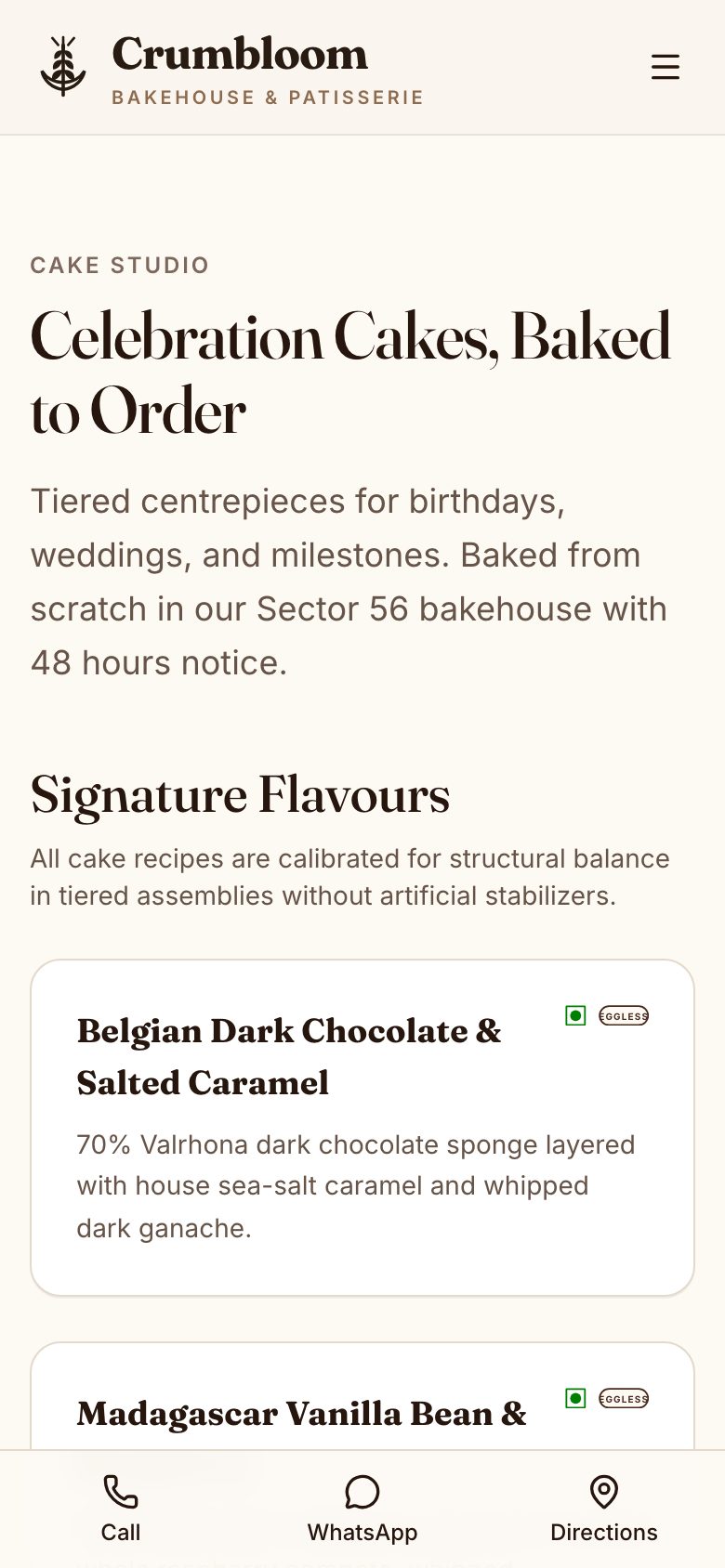
Crumbloom is our concept for a made-to-order cake and bakery shop, built as a prototype with sample data. It shows a customer choosing a product and customisation, picking a date and slot, and an order moving through production. You can click through it at crumbloom.thesaral.com. That order, slot and customisation flow is similar to taking a dated event order, and a catering version would swap cakes for menus and guest counts.
It does not cover per-plate recipe costing, guest-count guarantees, staff pools, vessel or vehicle planning or real payments; everything in it is simulated sample data. If you want something adapted for a caterer, The Saral can discuss a billing app or event booking app from a short brief. Start with the sheet, though, and let it show you what is worth building.
More on starting a catering business
- Start hereThe full playbook →Models, licences, startup costs and the steps to your first customer.
- Go deeperWhat to buy →Bhattis, degchis, buffet ware and carriers costed, with what to rent and what to leave for later.
- Go deeperWho to hire →Head cook, helper pool, service captains and drivers: pay, vetting and no-show cover.
- Go deeperGetting customers →Venues, planners, tastings, corporate lunches and quotes that win your first ten events.
- Go deeperFinding suppliers →Mandi, grain, dairy, meat, disposables and rentals: where to buy for events, how to vet and pay.
Questions people ask
What software does a small catering business need?
A Google Sheet with tabs for the event calendar, a recipe master, a quote calculator and payments, plus WhatsApp Business for enquiries and payment links, is enough for the first 20 or so events a month. Add GST billing software once invoices pile up. A restaurant POS is usually the wrong tool because catering is quote-led, not till-led.
How do I calculate cost per plate for catering?
Add ingredient cost at current rates with a wastage allowance, labour for cooking and service, gas, transport, rentals and a share of overhead, then divide by confirmed guests and add your margin. Update it after every event with the real bills. A recipe master tab with per-100-guest quantities makes this repeatable.
Can a restaurant POS handle catering orders?
Not well. Restaurant POS systems are built for tables, KOTs and same-day orders, not dated quotes, advances, guest-count guarantees or purchase lists for 300 guests. Some of their costing and inventory modules can still help, so ask for a demo with your own menu before deciding either way.
How should I track advances and balances from hosts?
Record each payment with date, mode and event in a ledger, show the balance due against every confirmed event and set reminders three to seven days before. Billing software with partial-payment support does this well, and a sheet can too. Put the payment schedule in the quote so the host sees it up front.
When should a catering company build custom software?
When a repeated problem costs you money weekly and tools cannot solve it, for example guest-count changes, resource clashes or quote errors, and you have run the process in a sheet for a few months. As a rule of thumb, consider it past 40 to 60 events a month or with multiple kitchens. Write a brief first.