A dental clinic needs software that does five things a general clinic tool does not: an appointment book by chair, a tooth chart tied to a treatment plan with estimates, an image link to your RVG, tracking for crowns and dentures out at the lab, and recall reminders. A sheet and WhatsApp can cover the first months; a dental-specific practice management product is the usual next step.
Custom software is rarely right for a one- to three-chair practice. Prices and features change often and we do not compare products or recommend brands here; check each vendor's current site. Patient records are sensitive personal data, so read our DPDP Act checklist and keep access controlled.
What a dental practice actually has to track
Think in terms of the objects dental software handles, because generic clinic tools often miss them.
| Object | What it holds | Why dentistry needs it specifically |
|---|---|---|
| Chair-wise appointment book | Columns per chair or dentist; time blocks matched to procedure length | A root canal takes 60–90 minutes; a scaling 30; a general OPD slot of 10 minutes does not fit |
| Tooth chart and clinical notes | Per-tooth findings and procedures, ideally numbered with a standard notation | Records read tooth by tooth, not by symptom |
| Treatment plan and estimate | Itemised procedures, stages, cost per stage, accepted or declined, signed consent | Patients decide on costs; unfinished plans are lost revenue |
| Imaging | RVG and OPG images stored against the patient and the tooth | Needs a driver for your sensor and an image store you can back up |
| Lab case tracker | Crown or denture sent, shade, due date, received, fitted, remade | A lab case is a promise to a patient on a date |
| Inventory | Consumables, expiry and lot numbers, reorder points | Anaesthetic, composites and impression material expire |
| Sterilisation and equipment log | Autoclave cycles, indicator results, service dates | Useful during inspections and complaints |
| Recalls and reminders | Due dates by procedure type, consent, channel, outcome of the call | Revenue depends on patients returning on time |
Months 0–3: paper, a calendar and a protected sheet
With one chair and a handful of patients, the cheapest thing that works is a shared Google Calendar with a colour for each procedure type, a printed treatment-plan form with a signature box and a locked sheet for the lab cases. It costs almost nothing, and it shows you what you actually need.
- Calendar: one calendar per chair; block lab days, X-ray and sterilisation time.
- Records: a sheet of patient ID, name, phone, consent for reminders, last visit and next recall due, limited to named staff accounts.
- Treatment plans: a paper form with tooth numbers and stages, signed by the patient and filed with a copy given to them.
- Images: store RVG images in the sensor's own software and make daily backups to a second drive; do not send them to personal phones.
- WhatsApp Business: for reminders and queries, with saved replies and an opt-in note. See how WhatsApp Business apps work.
- Weak points: no audit trail, no automatic recalls, shared passwords. Move on when you notice missed recalls or double bookings.
Months 3–18: a dental practice management product
Once a dozen patients a day come through, a purpose-built tool starts to repay itself. There are dental practice products from Indian and international vendors, and general clinic tools that add dental charting. Judge them with the checklist below rather than the demo's polish.
| Feature | Must have | Nice to have |
|---|---|---|
| Appointments | Chair-wise calendar, procedure durations, patient reminders | Online booking widget, waiting list |
| Charting | Tooth chart, history, treatment notes, prescriptions | Periodontal charting, photo attachments |
| Plans and billing | Itemised treatment plan, estimates, staged payments, GST-aware receipts where relevant | Insurance and corporate tie-up billing, commission split for associates |
| Imaging | RVG integration or image import and storage | Cloud viewer for patients |
| Lab cases | Case tracker with status and due dates | Lab-facing portal |
| Recalls | Rules by procedure type, consented reminders, call logs | Birthday and review request messages (check advertising limits) |
| Access and data | Role-based logins, audit trail, backups, export in a standard format | Mobile app, multi-branch |
| Support | Phone support in local hours, regional-language screens | On-site installation |
- Trial with real cases: enter one full root canal and crown plan, from chart to lab to final payment, and see how many clicks and screens it takes.
- Test the sensor: confirm that your RVG brand and the computer you have actually work with the software before paying.
- Ask about leaving: can you export patient records, images and ledgers? Which format? What does it cost?
- Ask about the ABDM: the national digital health programme has registries and consent flows that software vendors are adding. We have not verified the current process; read the official ABDM site and ask the vendor which features are live.
Recalls, reminders and billing without breaking the rules
Recalls are clinical follow-up, and the software should treat them that way: due dates set by the treating dentist, sent only to patients who agreed, in neutral words.
- Message content: appointment time, clinic name and a contact number; no diagnosis or treatment details on a message that may show on a lock screen.
- Channel: WhatsApp for most patients, SMS for older ones, a call for a missed root canal visit.
- Frequency: one reminder a day before and one missed-visit follow-up; avoid repeated promotional messages, given the council's advertising restrictions.
- Billing: receipts for every payment, a ledger for staged treatments, and a clear line for lab fees if you pass them on. Ask your CA about GST on cosmetic procedures and product sales; do not assume. See our GST billing guide.
- Opt-out: give patients an easy way to stop messages and record that they did.
When custom software pays for itself
| Situation | Why packaged tools struggle | What a custom build might cover |
|---|---|---|
| Dental chain of five or more branches | Records, chairs and revenue splits differ per branch | One patient identity, central lab and stock, branch dashboards |
| Heavy associate and visiting-specialist model | Revenue shares per procedure and per lab cost are hard to configure | Rule-based commission calculation and payout statements |
| Aligner or implant-focused practice | Case pipelines run for months with many stages | Case tracker with images, approvals and a patient-facing progress view |
| A dental-tourism or referral network | Patients travel from other states or countries and need coordination | Quote, itinerary, document exchange and remote consultations |
| Integration with a lab or scanner | The vendor does not integrate with your partner | APIs to exchange scan files, status and invoices |
For a single practice, keep paying the subscription. A fair test is whether you have used a dental product for six to twelve months and can name the three workflows it cannot handle. Read how to choose an app development company before asking for quotes, and our broader clinic appointment software guide.
The concept build, and The Saral
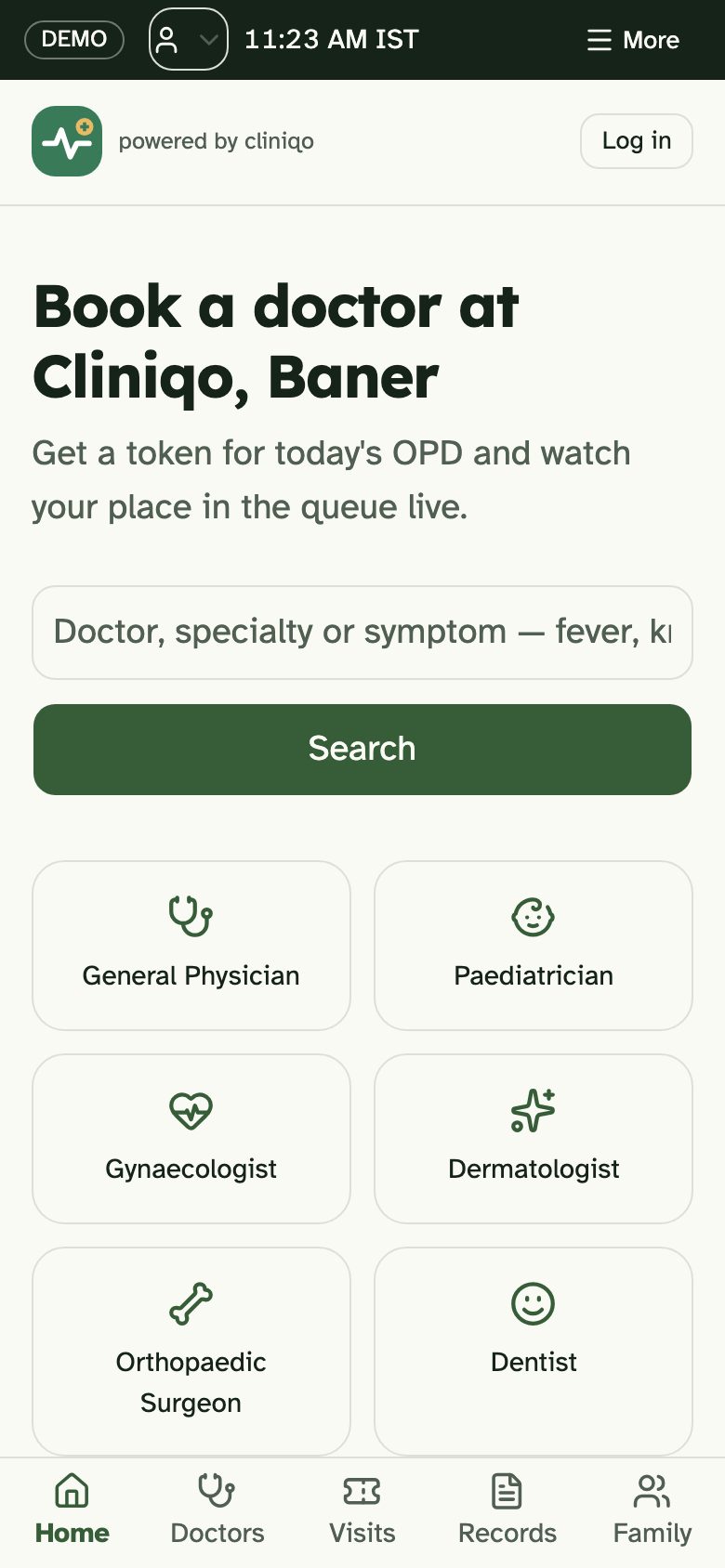
Cliniqo is a concept build by The Saral for a multispeciality OPD, with booking by specialty, a reception day board, a doctor desk and a waiting-room screen. It is a design and front-end concept, not a certified dental practice management or EMR product. It has no tooth chart, RVG integration, lab-case tracker, treatment-plan estimator or AERB and sterilisation logs, and you should not use it to store real patient records.
If your practice is at the stage where the table above describes you, send us a brief and The Saral can scope a fixed-price build for the parts you need, such as a booking, recall and lab-case layer next to your existing records. Our doctor appointment app page describes what that usually includes. For a smaller practice, start with the sheet and calendar above and move to a dental product when the cracks show.
More on starting a dental clinic
- Start hereThe full playbook →Models, licences, startup costs and the steps to your first customer.
- Go deeperWhat to buy →Chair, compressor, autoclave, RVG, handpieces and consumables, costed, with what to rent or defer.
- Go deeperWho to hire →Chairside assistant, front desk, hygienist and visiting specialists, in hiring order with pay ranges.
- Go deeperGetting customers →Local search, referrals, camps and recalls that suit a dental clinic, within advertising limits.
- Go deeperFinding suppliers →Equipment dealers, consumables distributors and crown labs: where to find, vet and negotiate.
Questions people ask
What software does a dental clinic in India need?
At minimum, a chair-wise appointment book, patient records with a tooth chart, itemised treatment plans with estimates, billing and a way to send recall reminders. Add RVG integration and a lab-case tracker as patient numbers grow. A calendar plus a protected sheet can cover the first months before you move to a dental practice product.
Does dental software connect to RVG sensors?
Many dental practice products can import or integrate with common RVG sensors, but it depends on the sensor brand, its driver and your computer. Confirm with the software vendor and the sensor dealer before buying either, and test on your own machine. Keep a daily backup of images on a second drive.
How much does dental practice software cost?
As a rough estimate, small-practice subscriptions run from a few hundred to a few thousand rupees a month depending on dentists, chairs and modules, with some one-time setup. Plans change, so check each vendor's current page and ask about data export, support hours and charges for extra users before signing up.
Can I use Google Sheets for dental records?
Only for the first few months and with care. Sheets lack an audit trail and tooth-level charting, and links can be shared by mistake. Restrict to named accounts, avoid storing images there and back up regularly. Move to a dental product with role-based logins before your active patient list grows, and respect data protection duties.
When should a dental clinic build custom software?
When you run several branches, split fees among associates and specialists in complex ways, or manage long aligner and implant pipelines that packaged tools handle poorly. For one to three chairs, a subscription is almost always cheaper. Name the specific gaps after a year of using a product, then get a fixed-scope quote.