A flower shop can run for its first months on a UPI QR, WhatsApp Business and one shared order sheet. Add billing software when GST invoices start piling up, and an online store with delivery slots when WhatsApp chat is the bottleneck on peak days. Custom software is only worth it when you have a repeating process that off-the-shelf tools handle badly, which for a florist usually means slots, message cards and subscriptions.
This page walks through what a florist actually has to track, what is the cheapest tool for each job, when to graduate, and where a custom build starts to make sense. It sits alongside the flower shop playbook and the e-commerce website guide.
What a florist has to keep track of
Software for a florist is mainly about timing and perishability. Unlike a gift shop, your stock has an expiry measured in days, and every order has a hard deadline measured in hours.
| Job | What goes wrong without a system | Cheapest fix |
|---|---|---|
| Order intake | Messages lost between WhatsApp, Instagram and calls | One shared order sheet with fixed columns |
| Delivery slot and address | Two riders sent to one address, a missed slot | Slot column and a route sort by area |
| Message card text | Wrong name or spelling on the card | A dedicated column and a read-back to the buyer |
| Buying list for tomorrow | Over- or under-buying at the mandi | A sheet that totals stems by flower from confirmed orders |
| Wastage | Nobody knows what was thrown away | A daily log by flower, quantity and reason |
| Billing and GST | Hand-written bills, input tax missed | Billing app or accountant's software |
| Subscriptions | Missed weekly deliveries, unpaid renewals | A recurring-orders tab and reminders |
The first setup: one sheet, WhatsApp Business and a UPI QR
A shared Google Sheet with one row per order will carry a small shop a long way if you hold to a few columns and one rule: nothing is an order until it is in the sheet.
- Columns: order date, delivery date and slot, buyer name and phone, recipient name, address and landmark, product, message card text, price, advance paid, delivery fee, rider, status.
- Status values: confirmed, in making, out for delivery, delivered, issue. Use drop-downs so nobody types a new status.
- Tomorrow tab: a filtered view of the next day's orders, sorted by slot and area, which is also your wholesale buying list.
- Wastage tab: date, flower, quantity discarded, reason (aged, heat, damaged, unsold).
- WhatsApp Business app: catalogue, quick replies and labels. See the WhatsApp for business apps guide for when to move to the API.
- UPI QR and payment links: reconcile each payment against the order row the same evening.
This costs next to nothing, and it forces you to learn what you actually need before paying for software that guesses.
Billing, stock and the point-of-sale layer
When you cross a few dozen bills a week, or when a CA asks for GST-ready invoices, move billing out of the sheet. Options in India broadly fall into three kinds, and you should check current prices and features for each before choosing.
| Tool type | Examples to look at (verify pricing and features) | Good for a florist when | Weak spot |
|---|---|---|---|
| Mobile billing and inventory apps | Vyapar, Zoho Invoice or Zoho Books, Khatabook-style ledgers | You mainly need GST invoices, party ledgers and payment reminders | No concept of a delivery slot or perishable batch |
| Retail POS with barcode and stock | Marg, Busy, retail POS apps from local dealers | You also sell vases, plants and gifts with SKUs | Treats flowers as ordinary stock; no wastage by default |
| Online store platforms with POS | Shopify, WooCommerce, Dukaan-style builders | You sell online and in the shop and want one set of orders | Needs setup for slots and a message card field |
For stock, do not try to track every stem by SKU. Track what you bought each morning, what you sold, and what you binned, by flower. The GST billing software guide explains invoices and returns in plain terms, and a CA should confirm how to bill flowers, décor and service charges.
Taking orders online: a store built for slots, cards and photos
When you are answering the same eight questions in chat all day, an online store pays back by letting customers fill in the details themselves. For a florist, a store needs more than a catalogue.
- Occasion-first navigation: Birthday, Anniversary, Get well, Sympathy, Corporate, instead of a flat list of products.
- Delivery slot picker with a cut-off: shows only slots you can still serve, and closes a slot when it is full.
- Pincode check with delivery fee by zone.
- Message card field with a character limit and a preview.
- Recipient details separate from the buyer, plus a "do not reveal the sender" option.
- Add-ons: vase, chocolates, teddy; keep edible add-ons within food-safety rules if you sell them (FSSAI may apply, confirm locally).
- Photo on delivery: a field to attach a handover photo that the buyer receives by message.
- Payment upfront through UPI or cards. See UPI payments in your app.
Off-the-shelf store builders can do most of this with plug-ins, but slots and cut-offs are where they tend to need extra apps or custom work. Test the checkout yourself on a phone, including a mid-evening order for the next morning.
Running delivery, subscriptions and reminders
Once you pass roughly 20 deliveries a day, the problem shifts from taking orders to moving them. At that point a route-planning tool or a rider app earns its keep.
- Route planner: group orders by area and slot and print or send a run sheet to each rider; even a map-based list works at first.
- Rider tracking and proof: a photo at handover and a live location link for the buyer reduce the "where is my order" calls.
- Subscriptions: a recurring-orders table with next delivery date, pause and skip options and a payment reminder. See the subscription app guide.
- Reminders: a saved list of birthdays and anniversaries you can message a week ahead, with consent. See the DPDP Act checklist for how to store customers' dates and contacts.
- Hyperlocal delivery: read the hyperlocal delivery guide for slots, zones and rider handling.
When custom software pays, and what it would cover
Custom software is worth considering when three things are true at the same time: orders are high enough that errors cost real money, your process has repeating rules that off-the-shelf tools handle badly, and you have run on sheets long enough to know what you would want.
| Signal | Why it matters | What custom would handle |
|---|---|---|
| Peak days where chat cannot keep up | Late replies lose orders, and mistakes cost a bouquet | Self-service ordering with slot caps and cut-offs |
| Wastage you cannot trace | Cold-room stock is bought without reference to orders | Buying list from confirmed orders and a wastage log tied to flower |
| Subscriptions to offices and homes | Missed deliveries and manual billing | Recurring orders, pause and skip, invoicing |
| Multiple shops or a central studio | Orders need routing to the nearest branch | Branch-wise slots, stock and rider assignment |
| Wedding and event quotes | Quotes in sheets are slow and inconsistent | Quote builder with item rates and advance tracking |
Costs vary a lot with scope, so get fixed-price quotes and read what an app or website costs in India before you commit. If you can reach your goals with a store builder and one or two extensions, do that first.
Where our concept build and The Saral fit
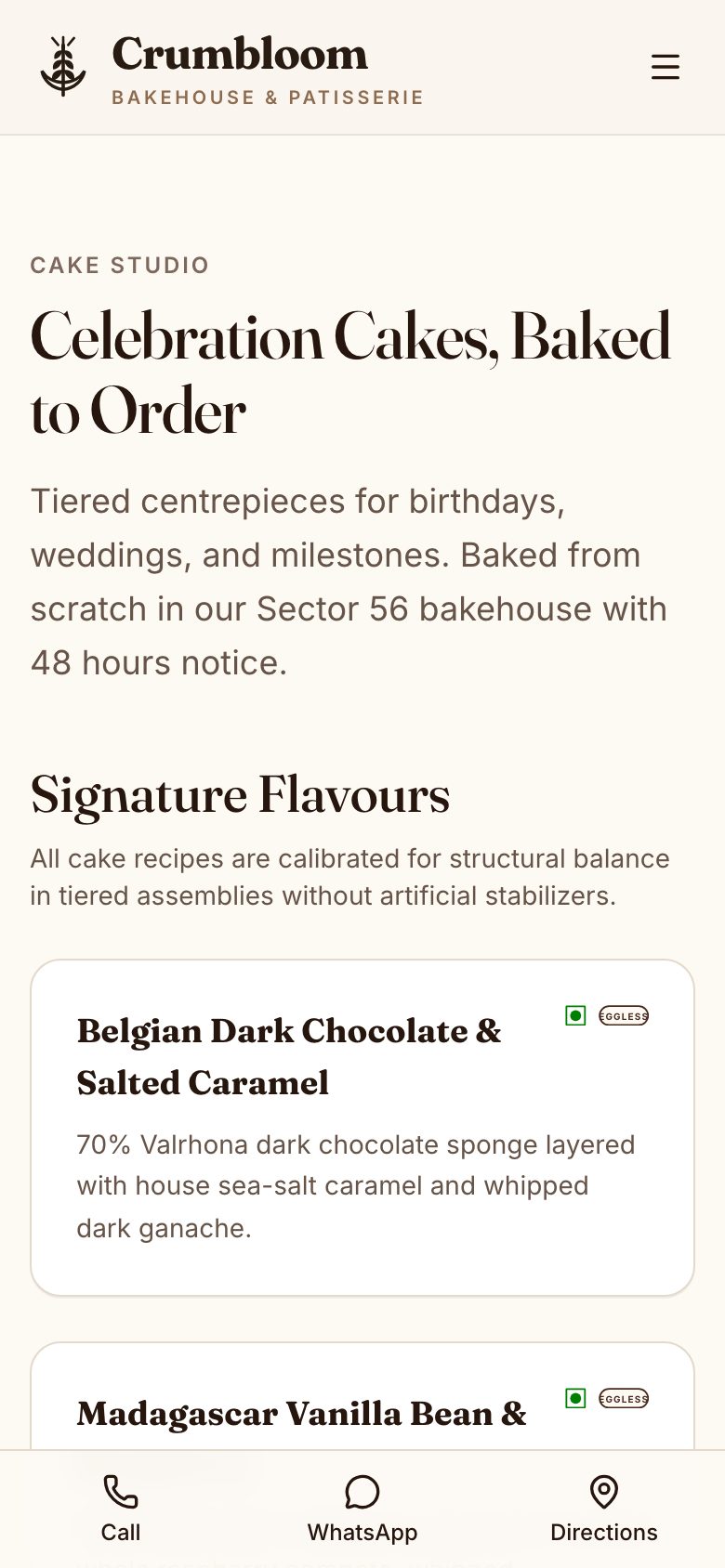
Our concept build Crumbloom is a bakery and cake-studio store, not a florist's. Its box builder, delivery slots and occasion pre-orders show how a flower store could work, but it has no florist catalogue, wastage log or flower-specific buying list, so treat it as a demonstration of the pattern rather than ready-made software for flowers.
The Saral is a small studio that builds websites and apps. If you reach the point where sheets and store builders no longer fit, read the online store solution page or send us a brief, and we will say honestly whether you need a build or a cheaper tool.
More on starting a flower shop
- Start hereThe full playbook →Models, licences, startup costs and the steps to your first customer.
- Go deeperWhat to buy →Chiller, buckets, tools, wraps, bike and first stock, costed, with what to skip early.
- Go deeperGetting customers →Maps, WhatsApp, hospital and office tie-ups, festival pre-orders and launch pricing.
- Go deeperFinding suppliers →Mandi traders, growers, imports, foliage and packaging, with how to vet and backup.
Questions people ask
What software does a small flower shop need?
A small flower shop needs a UPI QR, WhatsApp Business with a catalogue and one shared order sheet with delivery slots, message card text and status. Add a billing app for GST invoices once bills pile up, and a store with slot booking when chat becomes the bottleneck. A simple daily wastage log beats any fancy stock system early on.
Do I need a website for a flower shop?
Not on day one, but you will want one when you handle many orders for the same few occasions. A Google Business Profile and WhatsApp catalogue are enough to start. A website with occasion pages, slot booking, a message card field and online payment cuts back-and-forth chat and works especially well for out-of-city gifting.
Can Shopify or WooCommerce work for flowers?
Yes, they can handle catalogue, payment and checkout, but flowers need delivery slots, cut-off times, pincode rules and message cards, which usually need plug-ins or custom work. Test a mid-evening order for next morning on a phone before you commit. Check each platform's current pricing and plug-in costs, which we have not compared here.
How do I track flower wastage?
Keep a daily log with the date, flower, quantity thrown away and the reason, such as aged, damaged by heat or unsold. Compare it with what you bought that morning. After a few weeks you will see which flowers to cut back and which days to buy less. A simple sheet works; no special software is required.
When is custom software worth it for a florist?
When peak days overwhelm chat, you run recurring office or home subscriptions, or you operate several outlets and need slots and routing per branch. If a store builder with one or two plug-ins covers your needs, use that first. Custom software suits a process you already understand from running it on sheets for some time.