Start with a shared roster sheet, a Google Form for visit notes, WhatsApp Business and a payment link. That costs almost nothing and runs your first ten to fifteen engagements. Move to off-the-shelf scheduling, attendance and GST billing tools when gaps and late payments start to slip past you, and build custom software only when you have a process you repeat daily across dozens of clients.
The software has one job: no shift goes uncovered unnoticed, and every visit leaves a record the clinical lead and the family can read. It should never suggest doses or interpret readings. Patient details are health data, so access, consent and storage need thought from day one.
Stage 1: sheets, forms and WhatsApp (up to about 15 live engagements)
At this stage the main risk is not missing features. It is that nobody notices a gap until a family calls at 8 am. Build a roster that makes gaps visible and a habit of confirming every handover.
| Job | Use | How to set it up |
|---|---|---|
| Roster | Google Sheets | One row per client, one column per day, two colour-coded lines (day, night) showing caregiver name, role and phone; a red cell if unfilled in the next 48 hours |
| Caregiver pool and documents | Google Sheets plus a restricted Drive folder | One row per caregiver: role, registration number and renewal date, police verification date, languages, areas, leave; scanned documents in a folder only the coordinator can open |
| Check-in and handover | WhatsApp group per client with the coordinator and family representative | Arrival photo of the caregiver's ID is not needed; a timed message saying arrived and handover received is; agree this with caregivers and the family |
| Daily care notes | Google Form feeding a sheet | Fields: date, shift, observations the doctor asked for, tasks done, medicines given as per the chart, concerns, who was informed. Fixed fields avoid free-text guesses |
| Medicine chart | Printed chart in the home plus a photo at handover | Copied from the doctor's prescription by the nurse and checked by the clinical lead; the chart is the doctor's orders, not yours |
| Enquiries and assessments | Google Sheets or Calendar | Name, contact, relationship, condition in a line, area, urgency, assessment visit time, outcome |
| Invoices and payments | UPI payment links, a billing sheet and Zoho Invoice, Vyapar or Refrens | Weekly or fortnightly invoices; record each payment against the invoice number |
Care notes and prescriptions are sensitive personal data. Restrict sheets to named people, never use personal Gmail accounts for patient data, and remove access when someone leaves. See our DPDP Act checklist. This is not legal advice.
Stage 2: off-the-shelf tools (15 to 60 engagements)
You have outgrown sheets when coordinators spend the morning phoning for confirmations, when a caregiver double-books, when the family says they never got an update, or when you cannot say who owes you what.
| Need | What to look for | Examples to evaluate |
|---|---|---|
| Shift scheduling | Shift templates, conflict alerts, replacement requests sent to a pool, phone-friendly for caregivers | General workforce schedulers such as Deputy or When I Work, or a Zoho Creator or Airtable base you design yourself |
| Attendance and check-in | Check-in from a phone with time, optional location with caregiver consent, simple reports | Zoho People or similar HR attendance tools; check pricing and India support yourself |
| Enquiry tracking (CRM) | Pipeline stages, reminders, WhatsApp-friendly, low per-user cost | Zoho CRM, HubSpot's free tier or an Airtable base |
| Visit notes and care plans | Structured forms, per-client history, restricted access, export for the doctor | Forms in Zoho Forms or Airtable; avoid general chat tools for health data |
| GST billing and recurring invoices | Recurring monthly invoices, partial payments, reminders, e-invoicing readiness when you cross the threshold | Zoho Books, Vyapar, Refrens; see our GST billing software guide |
| Payroll and attendance feed | Shift counts to pay, PF and ESI where applicable | Payroll tools from established Indian providers; confirm your obligations with a CA first |
- Run the old sheet in parallel for one month before switching; staff trust what they can see.
- Check that every caregiver can use it on a basic phone and in their language; see our guide to regional language apps.
- Keep WhatsApp as the conversation layer and use the tools for the records.
- Do not let any tool recommend a dose or comment on a reading. Your clinical lead owns clinical decisions.
- Ask your CA before picking invoicing: GST treatment of nursing care, attendant supply, placement fees and equipment rental can differ.
What home-care software actually has to do
Whatever you choose, test it against the parts of home care that fail in practice.
- Roster with gap alerts: an unfilled shift in the next 48 hours turns red and pings the coordinator.
- Role-aware tasks: an attendant's screen does not offer nursing procedures.
- Check-in and handover: arrival, departure and a handover note, with a late alert if no check-in arrives within a set time.
- Structured visit notes: fixed fields for vitals the doctor asked for, tasks done and concerns, with a flag for the clinical lead to review the same day.
- Medicine chart as an image or structured copy of the prescription, with the date and the nurse who transcribed it. No dose suggestions.
- Family view: a read-only summary the relative can see, with consent from the patient.
- Incident log: falls, errors and near misses, time-stamped.
- Caregiver documents and renewals: registration and verification dates with reminders before they lapse.
- Billing: shifts delivered turn into an invoice automatically, with leave and replacement handled.
- Access control and audit trail: who opened which client's record, and the ability to remove access instantly.
- Offline mode: many homes and lifts have weak signal; the app should save a note and sync later.
When custom software starts to make sense
| Signal | What it suggests |
|---|---|
| You run 60 or more live engagements and a coordinator cannot hold the roster in their head | A purpose-built roster with replacement requests to a caregiver pool would save hours a day |
| Families keep calling for updates | A family view with shift status, notes and invoices would cut calls |
| You lose track of caregiver documents and renewals | A pool database with expiry reminders reduces risk |
| You add visits, equipment rental and physiotherapy to nursing | One system for bookings, assets and billing replaces three sheets |
| You are working with hospitals that want reports | Structured exports in the format a discharge team or doctor asks for |
| Your brand and your data are the product | A branded app keeps the records and relationship in your own hands |
If none of these apply, stay at Stage 2. A custom build needs an owner who collects feedback and a budget for maintenance, which our app maintenance cost guide and app development cost guide explain. If clinical records are in scope, read the clinic appointment software guide and the home services app guide to see the booking and dispatch side.
Records, consent and data protection
- Consent: a signed consent from the patient or their representative for collecting and sharing care records with the family and treating doctor.
- Minimum data: collect what the care plan needs; do not keep scans of documents longer than required.
- Access: named users, strong passwords, two-step sign-in and removal on the day someone leaves.
- Location data: if you use location check-in, tell caregivers and record their consent; consider checking in by time and phone call instead.
- Backups and retention: decide how long you keep records and who can delete them. Confirm retention periods with a lawyer or the health department.
- Health data in chat apps: keep photos of prescriptions and reports inside your own system where possible, rather than scattered across personal phones.
Health data rules, including the DPDP Act and any state or professional requirements on records, are evolving. Confirm with a lawyer; this is not legal advice. India's national digital health programme also has voluntary health ID and record standards; we have not verified whether they apply to a home care agency.
A concept to look at: Careloop
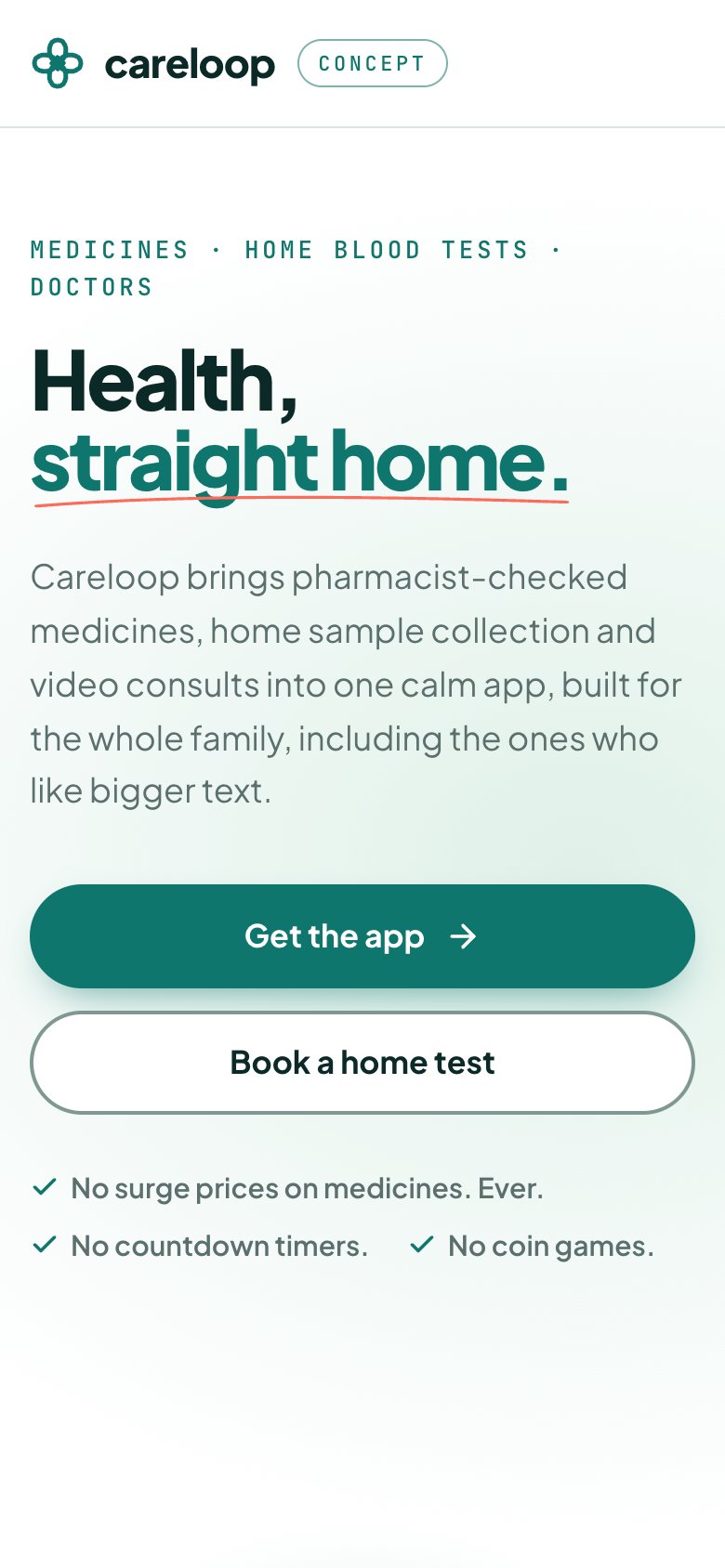
We built Careloop as a concept product for the patient side of care at home: medicine orders verified by a pharmacist, home lab sample collection by a phlebotomist, doctor consults and a family profile with reminders and records. It does not include a nursing roster, caregiver shift management or a home care agency back office. You can click through it and read the Careloop case study.
A home nursing agency would reuse its home-visit booking, patient profiles shared with relatives, reminders and records, then add a roster, a caregiver app and billing. It is a demonstration of what we would build, not a tool to buy off the shelf. The doctor appointment app page covers features and cost drivers, and the home services app page covers dispatch.
Open Careloop to try the concept build. If you want a version for your agency, send us a brief and we will quote it.
A sensible path
| Stage | Live engagements | Tools | Typical monthly spend (estimate) |
|---|---|---|---|
| 1 | Up to about 15 | Sheets, Forms, WhatsApp Business, payment links | Under ₹1,500 |
| 2 | 15 to 60 | Scheduler, CRM, attendance, GST invoicing, payroll | ₹5,000–25,000 |
| 3 | 60 or more with a clear process | Custom roster, caregiver app, family view and billing | Build cost plus maintenance; ask for a fixed quote |
Move tools after a quiet fortnight, not during a surge of discharges, and keep the old sheet for a month as a fallback.
More on starting a home nursing business
- Start hereThe full playbook →Models, licences, startup costs and the steps to your first customer.
- Go deeperWhat to buy →Nurse kits, devices, waste supplies and a rental fleet, costed, with what to hire instead of buy.
- Go deeperWho to hire →Clinical lead, nurses, attendants and coordinators: pay, verification and shift design.
- Go deeperGetting customers →Discharge desks, doctors, NRI children, pricing models and your first ten families.
Questions people ask
What software do home nursing agencies use in India?
Most start with Google Sheets for the roster, Google Forms for visit notes, WhatsApp Business for updates and payment links for collections. As they grow they add a scheduler, a CRM, attendance and GST billing tools. A few build a custom caregiver and family app once they have a steady volume and a clear process.
Do I need a custom app to run a home care agency?
No. Sheets and off-the-shelf tools handle most agencies well beyond their first fifteen to sixty engagements. A custom build becomes worthwhile when coordinators cannot hold the roster in their heads, families keep calling for updates and you need one system for rosters, notes and billing.
How do I record patient care notes safely?
Use structured forms with fixed fields, restrict access to named staff, avoid personal accounts and chat groups for sensitive records, and take the patient's or their representative's consent. Remove access when someone leaves. Health data rules are evolving, so confirm retention and consent practice with a lawyer.
Can software track caregiver check-in at a patient's home?
Yes, with a phone app that records arrival and departure, and optionally location. Tell caregivers what is collected and get their consent, and consider simple time-stamped check-ins or a call to the coordinator if you want less location data. Also give the family a clear explanation of what is recorded.
How much does a home nursing app cost to build?
It depends on the surfaces, such as a coordinator console, caregiver app and family view, and on integrations like payments, WhatsApp and attendance. The studio quotes after a short brief. Our app development cost guide explains the cost drivers and typical ranges, and the maintenance guide covers what to budget after launch.