Start with a shared sheet, WhatsApp Business and a GST billing tool, and move to field-service software when AMC visits, renewals and chemical logs outgrow the sheet. The recurring-visit schedule is what breaks first; missed visits turn into complaints and lapsed contracts.
Pest control software has four jobs: schedule recurring visits, record what was done and with which product, keep chemical stock and waste logs, and chase renewals and payments. This page maps those jobs to cheap tools, notes when custom work pays, and ends with what our concept build covers. Prices are estimates; check current plans.
The four jobs the software must do
| Job | What goes wrong without it | Data to capture |
|---|---|---|
| Recurring visit schedule | A quarterly visit is forgotten; the customer calls angry; the AMC does not renew | Customer, address, plan, visit dates, assigned technician, window |
| Service report | A restaurant cannot show an auditor what was done and when; disputes have no record | Pest found, areas treated, product names and batch numbers, photos, technician, customer signature |
| Chemical issue and stock log | Stock and waste cannot be traced; expiry dates pass unnoticed | Product, batch, expiry, quantity issued per job, returns, empties, disposal |
| Renewals and receivables | Contracts lapse quietly; invoices stay unpaid | Contract end date, renewal status, invoice, GST, UPI or cheque receipt |
Notice what is not on this list: a fancy customer app. Customers want a text before the visit, a report after it and an easy renewal, and WhatsApp covers all three for years.
The sheet-and-WhatsApp stage (up to roughly 150 active contracts)
A workable system costs almost nothing and takes a day to set up.
- Customer sheet: one row per customer with plan, start date, end date, number of visits, price, outstanding balance and a notes column for access issues, pets and children at home.
- Visit sheet: one row per scheduled visit, generated at contract start, with date, technician, status and report link. Colour overdue rows red.
- Product and stock sheet: product, batch, expiry, received quantity, issued per job and balance. Reconcile weekly against the physical store.
- Service report template: a one-page document or form that the technician completes on the phone, then sends to the customer on WhatsApp as a PDF or image.
- WhatsApp Business: labels such as new, quoted, AMC active and renewal due, a catalogue, quick replies for visit reminders and renewal messages.
- GST billing tool and UPI collection, with invoices numbered consistently and linked to the contract row. See GST billing software guide.
- A shared calendar with one colour per technician for day views and route planning.
Customer addresses, phone numbers, and information about children, pets or health conditions are personal data. Limit who can see the sheets, use individual logins, and read our DPDP Act checklist. This is not legal advice.
The sheet system fails in predictable ways: two people edit the same row, the schedule is regenerated by hand each quarter, and reports live in technicians' phone galleries. When you see any of these twice, it is time to look at software.
Off-the-shelf field-service tools
Several Indian and global field-service, CRM and job-management products suit a small trade firm. They are generalists; check that they handle recurring jobs, per-visit checklists and product logs before you pay.
| Feature to test | Why it matters here | Must have or nice to have |
|---|---|---|
| Recurring job generation from a contract | A quarterly AMC must create four visits automatically | Must have |
| Technician mobile view with checklist and photos | Service report built on site, not at night | Must have |
| Custom fields for product, batch and areas treated | Audit files for restaurants and hotels | Must have |
| Customer reminders on WhatsApp or SMS | Reduces no-shows and missed access | Must have |
| Route view by area | Fewer kilometres on a crowded day | Nice to have |
| Renewal pipeline and reminders | Recurring revenue lives or dies here | Must have |
| GST invoice and payment link | Saves double entry | Nice to have, or link to your billing tool |
| Inventory with batch and expiry | Often weak in generic tools; a sheet may be better | Nice to have |
A reasonable monthly budget at this stage is a few thousand rupees for the first handful of users, rising per technician. Ask about data export before signing; you should be able to take your customer and visit history with you.
When custom software starts to pay
Custom is worth testing when the same pain repeats after you have tried a good off-the-shelf tool, not before.
| Signal | What custom would cover |
|---|---|
| You manage hundreds of societies or commercial sites with different visit rules | Contract engine with per-site templates, area maps and compliance checklists |
| Auditors and large clients want a portal | Client login to see reports, certificates, product records and next visit dates |
| You sell across cities with different dealers and stock | Multi-branch stock, batch and expiry tracking linked to jobs |
| Technician app is the bottleneck | Offline-capable app with photos, signatures and PPE checklists in regional languages |
| Renewal revenue is large enough to automate | Renewal reminders, plan upgrades and UPI mandates tied to contract status |
| Customers want self-service | Booking, rescheduling and complaint tickets, linked to the schedule |
Read our home services app guide and the subscription app guide before you brief anyone. A good brief lists your four jobs above and gives sample contracts, reports and stock sheets.
Data you should never lose
- Service reports with product and batch for each visit. Keep them as long as your licensing officer, clients and legal advisor say is needed; confirm the period locally.
- Contract terms the customer accepted, with dates and the version of the terms.
- Staff training records and PPE issue sheets.
- Complaint and incident log with what was done and when.
- Product purchase bills and stock register that match your accounts.
- Backups: an automatic daily export of your sheets or system to a second account, with two people able to restore it.
Whichever tool you use, check that technicians cannot delete reports and that former staff lose access on their last day.
What our concept build covers, and what it does not
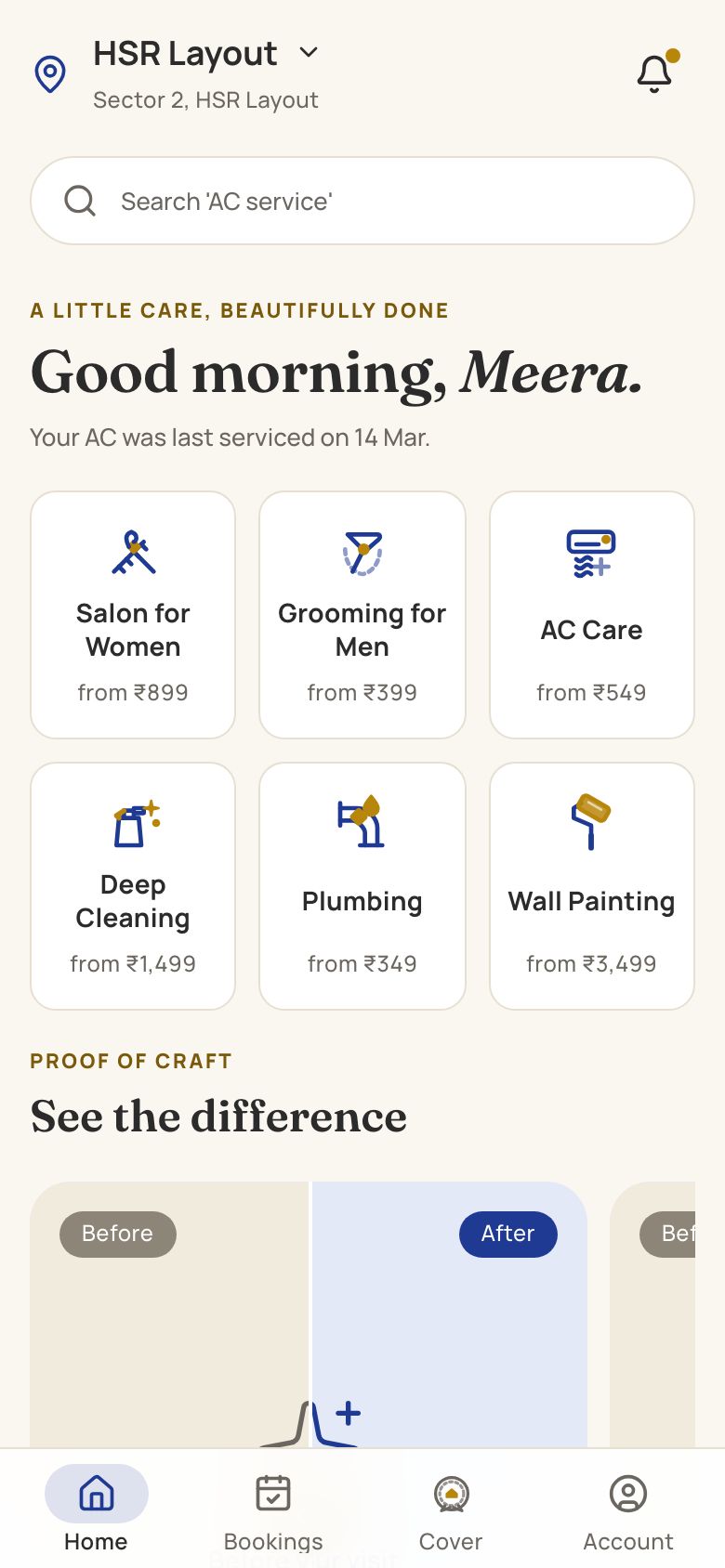
HomeCraft is our concept build for scheduled home services. It shows slot booking, certified technician profiles, a before-and-after photo slider and a warranty card after each job, and a technician's job view. Those ideas carry over to pest control: a quarterly visit as a booked slot, a technician profile that shows training, and a service record after each visit.
It does not include chemical stock and batch logs, product registration checks, safety advisories, licence records or compliance reporting, which a pest control firm needs and which a generic home-services concept does not cover. A pest control build would need those designed with your qualified person. The Saral builds software for Indian service businesses; if sheets and off-the-shelf tools stop working, send us a brief and we will reply with a scoped quote. Try the cheap options first; see the full start-up playbook for the rest of the business.
More on starting a pest control business
- Start hereThe full playbook →Models, licences, startup costs and the steps to your first customer.
- Go deeperWhat to buy →Sprayers, termite kit, PPE, a chemical store and a sensible stock, costed.
- Go deeperWho to hire →Qualified lead, technicians and a coordinator in order, with pay and a vetting task.
- Go deeperGetting customers →AMC-led plan: first 10 customers, society and restaurant pitches, pricing and renewals.
- Go deeperFinding suppliers →Licensed dealers, registered products, label checks, credit terms and red flags.
Questions people ask
What software does a pest control business need first?
A shared sheet for customers and visits, WhatsApp Business, a GST billing tool and UPI collection are enough for the first year. Add a simple service report template and a stock sheet with batch and expiry. Move to field-service software when scheduled AMC visits, renewals or chemical logs get missed or errors start costing money.
How do I schedule recurring AMC visits without missing any?
Generate every visit date when the contract starts and keep them in one place, such as a visit sheet or a field-service tool with recurring jobs. Send reminders a week ahead, flag overdue visits daily, and review the next two weeks every Monday. If you miss visits more than once a month, your sheet has outgrown its job.
Do I need to keep service reports and chemical records?
Yes, keep them. Restaurants, hotels and food businesses often ask for dated reports showing what was treated and with which products, and your licensing officer may expect records of stock and use. How long to keep them is something to confirm with your licensing officer and a CA. Store them in a place with backups and limited access.
Is a custom pest control app worth it?
Usually not at the start. It starts to pay when you have hundreds of recurring sites, multiple branches, or large clients asking for a report portal, and a good off-the-shelf tool still does not fit. Quotes depend on scope; start with a fixed first phase covering schedule, service reports and renewals, and tell the developer your real contracts.
How do I protect customers' personal data in my sheets?
Limit access to staff who need it, use individual logins, avoid sharing spreadsheets over open links and remove access when someone leaves. Notes about children, pets or health are sensitive, so store only what the job needs. India's data protection law applies to many businesses, so read a DPDP checklist and confirm your obligations with a lawyer. This is not legal advice.