Start with a form, a payment link, WhatsApp and one spreadsheet for batches, guests, guides and gear. Move to an off-the-shelf booking tool once you run several departures a month, and consider custom software only when your batch, permit and refund rules no longer fit anything you can buy.
Adventure operators have problems ordinary booking tools miss: fixed batches with seat limits, health declarations, permit lists that need names and ID, guides assigned by qualification, offline use at trailheads, and weather cancellations that trigger refunds or credits.
What the software actually has to do here
| Job | Why it is harder than a normal booking | Cheapest thing that works |
|---|---|---|
| Sell seats in a dated batch | A trek has a fixed date and a cap; a seat sold past the cap is a safety and permit problem | A form with a seat counter you update by hand, plus a payment link |
| Take an advance and the balance | Guests pay a deposit and the rest later; weather can change what is owed | UPI or a payment gateway link with a clear refund note |
| Collect waivers and health declarations | Needed from every guest before departure; paper gets lost on the trail | A shared digital form that stores the response; a printed copy for the leader |
| Build the permit and guest list | Forest offices and checkposts ask for names and ID; list changes until the last day | A spreadsheet tab per batch that can be printed |
| Roster guides and crew by qualification | A lead with the right certificate must be on every batch | A sheet with guide, certificate expiry and dates available |
| Track gear and inspections | Ropes, harnesses and life jackets have service lives | A gear register in a spreadsheet, with use counts and inspection dates |
| Handle weather cancellations | A cancelled batch means rescheduling and credits for many guests at once | A credit register and a message template |
| Work without signal | Trail has no coverage, and checklists are needed there | Printed checklists and a phone-saved PDF |
Day one: forms, sheets and a payment link
For your first two or three departures you need very little. A Google Form for booking, a UPI or payment gateway link for advances, and one workbook with tabs for batches, guests, crew and gear is enough.
- Booking form: name, age, phone, emergency contact, city, trek chosen, date, T-shirt and shoe size if you hire gear, fitness and medical declaration.
- Batch tab: date, route, capacity, seats sold, guide, cook, vehicle, permit status, forecast notes and a status column (open, full, confirmed, cancelled).
- Guest tab: payment received, waiver done, ID copy collected, gear hired, pickup point.
- Crew tab: guide, certificate type and expiry, wilderness first aid expiry, availability.
- Gear tab: item, serial or batch, purchase date, uses, last inspection, retired.
- WhatsApp: a business number with quick replies for dates, price and what to carry, and a broadcast list for batch updates. See the WhatsApp guide.
Keep a printed copy of the guest list, emergency contacts and medical declarations with the trek leader, because phones fail on trail. Payment and invoicing use GST-ready billing from the start, and a CA can confirm how GST applies to your services.
Health declarations and ID copies are personal data. Store them in a restricted folder, share only what permit offices and insurers require, and delete when no longer needed. See the DPDP checklist for the basics; this is not legal advice.
When to move to off-the-shelf tools
The signal is usually not volume but mistakes: a double-sold seat, a missing waiver, a guide whose certificate lapsed, a refund promised twice.
| Tool category | Solves | Check before buying | Typical cost (estimate) |
|---|---|---|---|
| Tour and activity booking software | Batch seats, online payment, waiver upload, booking confirmations | Does it handle fixed dates and group caps, deposit and balance, partial refunds, and Indian payment methods? | Often ₹1,000–6,000 a month or a booking-fee model; confirm the vendor's current pricing |
| Payment gateway or UPI link tool | Advances, balance links, refunds | Settlement time, refund fees, GST invoices | Per-transaction fees; check each provider |
| E-signature or digital waiver app | Signed waivers stored with timestamps | Whether the format suits your lawyer's wording; data location | Free to a few thousand rupees a month |
| WhatsApp Business API or CRM | Batch broadcasts, lead tracking, follow-up | Template approval rules, cost per conversation | Varies by provider and volume |
| Accounting and GST billing | Invoices, expenses, reconciliation | GST handling for tour services, UPI reconciliation | ₹0–2,000 a month for small plans |
| Rota or shift tool | Guide availability and assignment | Does it track certificate expiry? Many do not; keep that in your sheet | Free to ₹1,500 a month |
Most off-the-shelf booking tools are built for day tours and hotels. If you cannot find one that caps seats per batch, takes a deposit and records a health declaration, keep the sheet and add a payment tool.
A safety-linked log, not just a booking system
Whatever you use, the records that matter most after an incident are the ones you made before it. Plan to be able to produce them quickly.
- Guest records: waiver, health declaration, emergency contact and ID, kept with the batch.
- Briefing record: who briefed the group, when and what was covered.
- Crew record: who led, certificate numbers, and first aid validity on the date.
- Gear record: which harnesses and life jackets were issued, with inspection dates.
- Weather and decisions: forecast checked, go or no-go call and reason.
- Incident log: any injury, near miss or evacuation, with notes and follow-up.
Software helps you keep these, but it does not make a trip safe. Check with your insurer and the tourism department which records they expect.
When custom software pays
Custom software pays when the same manual work repeats across many departures, or when your own rules, such as the rules for refunds and credit, make off-the-shelf tools a poor fit. A rough test: you run more than 15–20 departures a month, or several regions, or you sell through your own site and need live seat counts across many routes.
| What custom could cover | Why it can justify the cost |
|---|---|
| Live batch calendar with seat limits per route and per guide | Prevents double sells and keeps ratios honest across regions |
| Deposit, balance and weather-credit flows | Automates what staff do by hand after every cancellation |
| Waiver, medical form and ID capture tied to each booking | Cuts paper and chasing; the leader sees who is complete |
| Guide and crew assignment with certificate expiry alerts | Stops an expired certificate from reaching the trail |
| Offline trip pack for leaders: guest list, contacts, checklists | Works at the trailhead where there is no signal |
| Gear register with inspection reminders and retirement dates | Connects equipment use to safety schedules |
| Permit export per batch | Saves rewriting guest lists for forest and tourism offices |
A first version that covers only batch booking, deposit payments and waivers can be a small project. Add guide rosters, offline packs and gear logs later if the sheet version is hurting.
Concept build and The Saral
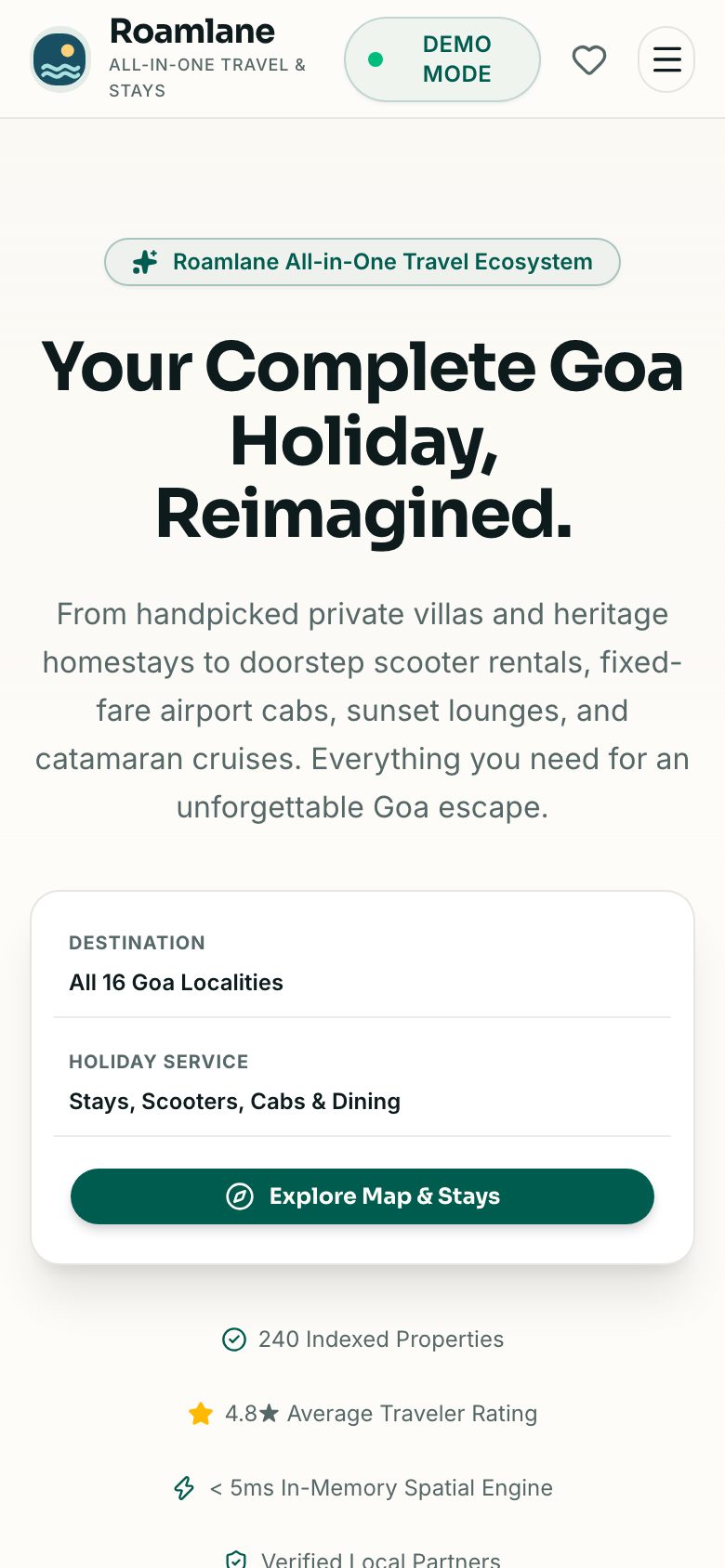
Our concept build Roamlane shows a holiday region's listings and search in one interface. It is a concept, not a finished adventure-operator system: it does not manage batch capacity, health declarations, guide certificates, gear logs or permit lists. The same patterns could be a starting point for a trip booking website, and fixed-date batches resemble an event booking app.
The Saral builds custom websites and apps for Indian businesses, and you can send a brief for a fixed quote. We would often suggest you stay on sheets and a payment link if you run only a few departures a month. Read the adventure tourism playbook for registrations, costs and launch steps first.
More on starting a adventure tourism business
- Start hereThe full playbook →Models, licences, startup costs and the steps to your first customer.
- Go deeperWhat to buy →Camp, safety, rescue and activity gear costed, with rent-versus-buy and what to leave for later.
- Go deeperWho to hire →Trek leaders, river guides, cooks and base staff: order, pay, vetting and seasonal contracts.
- Go deeperGetting customers →Channels, first 10 guests, launch pricing, weather-proof refunds and repeat trekkers.
- Go deeperFinding suppliers →Gear sellers, camp owners, drivers, mule handlers and food suppliers: vetting, terms and red flags.
Questions people ask
What software do I need to run a trekking business?
Start with a booking form, a UPI or gateway payment link, WhatsApp Business and one spreadsheet with tabs for batches, guests, crew and gear. Add a digital waiver and a GST-ready billing tool early. Move to a tour booking platform only when you run several departures a month and begin to see double bookings or missing waivers.
Can I use a normal hotel booking tool for trek batches?
Often not well. Hotel tools handle rooms and nights, not fixed-date batches with a group cap, deposit and balance, health declarations and guide assignment. Check that a tool can cap seats per departure and take partial refunds before buying. Many small operators use a form, a payment link and a sheet instead.
How should I store guests' waivers and health forms?
Use a restricted digital folder or a form tool with access control, keep a printed copy with the trek leader, and share only what permit offices and insurers need. Delete data when it is no longer required. These are personal data covered by privacy law, so check current requirements and ask a lawyer about waiver wording.
When is custom software worth it for an adventure operator?
When you run many departures across several routes or regions, sell through your own site with live seat counts, or your deposit, credit and refund rules do not fit available tools. A common rough test is more than 15–20 departures a month with repeated manual errors. Below that, sheets and a payment tool are cheaper.
Can software make my trips safer?
No. Software can keep records tidy, warn when a guide's certificate expires and make sure waivers are complete, but safety comes from certified guides, correct ratios, sound gear, weather decisions and rehearsed rescue plans. Use software to support those habits, and check what records your insurer and tourism department expect.