A single-doctor clinic can run on a phone, WhatsApp Business, Google Calendar and a billing sheet for the first few months. Once evenings get crowded, add online booking with a live queue; once records and prescriptions pile up, move to a clinic management or EMR product that fits your specialty and supports ABDM linkage. Custom software is for multi-doctor or multi-branch operators with workflows off-the-shelf tools cannot handle.
Whatever you use, patient records are sensitive personal data. Choose tools where you can export your data, give each staff member their own login, and read our DPDP Act checklist and clinic appointment software guide. Prices below are ballparks; vendors change plans often, and we have not verified any specific price.
Which jobs the software must do
A clinic is five systems that share one patient: a calendar, a queue, a medical record, a bill and a message. Most failures come from using a good tool for one of those and a bad process for the others.
| Job | What breaks without it | Typical tool category |
|---|---|---|
| Appointment booking | Phone tag, double bookings, no-shows | Booking page, Google Calendar, or a booking module in clinic software |
| Queue and token | Crowded waiting room, arguments about turn | Token display or app showing queue position |
| Patient record and prescription | Lost files, illegible notes, no history at follow-up | EMR or EHR, or a prescription app |
| Billing and receipts | Cash mismatches, no daily totals, insurer disputes | Billing module, accounting software, UPI QR with a daily sheet |
| Reminders and recall | Missed follow-ups, avoidable no-shows | WhatsApp Business, SMS, built-in reminders |
| Stock and expiry | Expired injectables, running out of dressings | Inventory module or a simple sheet |
| Diagnostics orders and reports | Lost reports, repeated tests | Lab integration, a shared folder or the lab's own portal |
Day one: phone, WhatsApp Business and a calendar
A new clinic with 10–20 patients a day does not need to buy anything yet. Spend the money on a good receptionist instead.
- WhatsApp Business app (free to start): a catalogue of services and fees, quick replies for timings, location and appointment confirmation, and a green-tick-free but professional profile. Keep consent: add patients to broadcasts only after they ask.
- Google Calendar or a free booking page: one calendar per doctor, with appointment slots of fixed length. Share a booking link on the Google Business Profile.
- Paper token slips or a numbered register for walk-ins, a pen and a single board showing who is next.
- A visit register in Google Sheets with columns for date, name, age, phone, complaint category, fee, payment mode and follow-up date. Lock the sheet, back it up, and restrict access.
- Paper prescription pads with the doctor's name, qualification, registration number and the clinic address.
- UPI QR and a printed receipt book with receipt numbers; reconcile daily.
Sheets are fine for the first few months but are a weak place for health information: shared links leak, rows get edited, and there is no audit trail. Move to a proper EMR before the patient list reaches a few hundred active names.
A growing OPD: queue, EMR and billing in one product
At around 30–50 patients a day, or two doctors, the sheet breaks. Buy a clinic management product rather than stitching tools together. Commonly the choices are a cloud EMR with appointments and billing, or a practice management module sold with a specialty-specific tool for dental, physiotherapy or paediatrics.
| Feature to test | Why it matters in a clinic | Questions to ask the vendor |
|---|---|---|
| Walk-ins and appointments on one board | Real clinics mix both | Can the reception drag a walk-in into a gap, and does the queue display update itself? |
| Prescription templates and drug database | Cuts typing, reduces errors | Can the doctor save templates and add Indian brand names, generics and dosage patterns? |
| Language | Patient-facing messages in the local language help | Are prescriptions, SMS and reminders available in Hindi, Marathi, Tamil, Bengali or the local language? |
| Billing and receipts | Daily collection and GST handling | Can it handle bundled fees, discounts, packages and insurer co-pay? Ask your CA about GST treatment. |
| Reports | The owner needs a daily view | Daily collection, patients seen, no-shows, doctor-wise totals |
| Data export and ownership | You must be able to leave | Can I export all patient data in a standard format on request? Where is it hosted? |
| Access control and audit trail | Privacy and accountability | Separate logins, role-based access, a log of who viewed or edited a record |
| ABDM readiness | Increasingly requested by patients | Does it support ABHA creation, linking, Scan and Share and health record exchange? |
Subscription clinic software in India is typically priced per doctor or per clinic a month, and the plans differ widely, from a few hundred rupees for a basic EMR to several thousand for multi-doctor plans with billing and queue modules. Treat that as an estimate and confirm current plans on each vendor's own site. Annual budgets of ₹20,000–1 lakh for a small clinic are in line with the main playbook's estimate.
When custom software pays for itself
Off-the-shelf products cover most single clinics. Custom becomes worth discussing when the clinic's own way of working is the competitive advantage, or when several tools must work as one.
| Situation | Why off-the-shelf struggles | What a custom build would cover |
|---|---|---|
| Polyclinic with 6+ consultants on rotating days | Per-doctor templates, fee splits and room allocation get messy | Booking by specialty, room and doctor schedule; revenue-share reports |
| Multi-branch group | Records, queues and billing differ by branch | One patient identity, branch dashboards, central reporting |
| Heavy walk-in OPD with evenings | Queue display and reception workflow are generic | A reception day board, token calls and a waiting-room screen |
| Chronic-care or follow-up-heavy practice | Recall rules are fixed in standard tools | Rule-based follow-up reminders with consent, remote check-ins |
| Integrations with a lab, pharmacy or insurer | Vendor does not integrate with your partner | APIs and secure data exchange |
| Patient-facing app in local languages | Templates are English-first | Booking, reports, payments and records in regional languages |
Custom is rarely right for a one-doctor clinic. A good test is whether you have used an off-the-shelf tool for six to twelve months and can name the three things it cannot do. If you cannot, keep paying the subscription. Read how to choose an app development company before you ask for quotes, and app maintenance cost so that the yearly bill is not a surprise.
Data safety whichever tool you pick
- Individual logins for every staff member, never a shared one, and removal of access on the day someone leaves.
- Consent and purpose: tell patients what you collect and why; ask separately for reminders and marketing-like messages, and avoid the latter, given advertising limits.
- Backups that you can restore, tested once a quarter, and not only on the same computer.
- Hosting and export: know where the data lives and that you can take it with you.
- Retention: medical records have retention expectations under council rules and state law; ask your council or lawyer how long to keep them, and how to destroy them safely.
- Screens and printers: keep the queue display free of diagnoses; show a token number and first name only.
The concept build, and The Saral
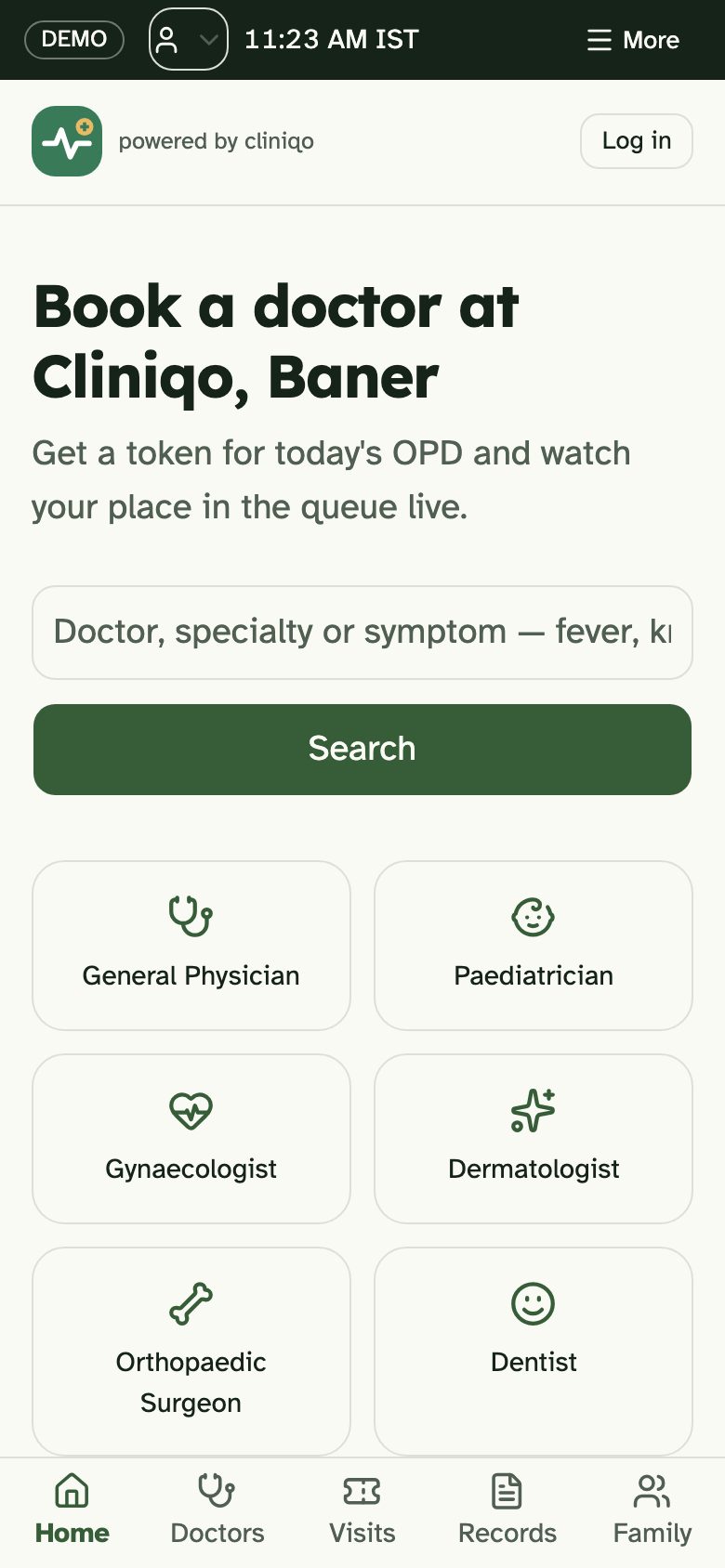
Cliniqo is a concept build by The Saral for a multispeciality OPD: patient booking by specialty, a reception day board for walk-ins and emergencies, a doctor desk with digital prescriptions and a waiting-room screen for token calls. It shows how those four sides can fit together. It is a design and front-end concept, not a certified EMR; it does not provide ABDM integration, lab connectivity, insurance claims or any clinical decision support, and it is not in use by a clinic.
If your clinic is large enough that the table above describes you, send us a brief and The Saral will quote a fixed scope for the parts you need, such as a booking and queue layer on top of your existing records. A doctor appointment app page explains what that usually includes. For smaller clinics, start with the cheapest tool above, and return to the clinic playbook for registrations, costs and the launch plan.
In the clinic library
More on starting a clinic
- Start hereThe full playbook →Models, licences, startup costs and the steps to your first customer.
- Go deeperWhat to buy →Consult room kit, diagnostics, sterilisation and power backup, costed, with what to rent or defer.
- Go deeperWho to hire →Front desk, nurse, visiting doctors and contracts in hiring order, with pay by city tier.
- Go deeperGetting customers →Compliant ways a new clinic builds a patient list: listings, referrals, tie-ups, reminders and retention.
- Go deeperFinding suppliers →Medicine and consumable dealers, equipment vendors, lab and waste partners: where to find and vet them.
Questions people ask
What software does a small clinic in India need?
A small clinic needs an appointment calendar, a patient record with prescriptions, billing with receipts and a way to send reminders. In the first months a calendar, WhatsApp Business and a protected sheet can do this. Once patient numbers grow, move to a clinic management or EMR product with role-based logins and data export.
Is Google Sheets safe for patient records?
It is workable for the first few months but weak for health information. Links can be shared by mistake, rows can be changed without a trail and access control is basic. Restrict access to named accounts, back up, and move to an EMR with an audit trail before your active patient list grows. The DPDP Act expects reasonable safeguards.
Do I need to register my clinic on ABDM?
Joining is generally optional, though the registries and Scan and Share are increasingly offered by clinics. The steps involve a professional ID for the doctor, a facility ID for the clinic and ABDM-enabled software. We have not verified the current process from the official source, so read the ABDM site and ask your software vendor which features they support.
How much does clinic software cost in India?
Subscriptions for small clinics commonly range from a few hundred to a few thousand rupees a month, depending on doctors, modules and storage, with annual budgets of ₹20,000–1 lakh for a small clinic as a rough estimate. Plans change often, so check each vendor's site and ask about setup, data export and support fees before signing.
When should a clinic build custom software?
When you have used an off-the-shelf product for several months and can name specific workflows it cannot handle, such as multi-branch records, revenue splits across many consultants or a custom reception queue. For a single clinic the subscription is almost always cheaper. Get a fixed-scope quote and a data export commitment before committing.