A deep cleaning firm needs five things from software: a quote built from area and soil level, a calendar that books a crew and its machines together, a checklist with before-and-after photos, a damage log, and GST invoices with advances. A spreadsheet plus WhatsApp and a shared drive handles this for the first crew. Move to a field-service tool when you run three or more crews.
Custom software pays only when you have a repeatable process that off-the-shelf tools cannot model, such as per-sq-ft quotes with machine hours or builder contracts with multiple sites. Below is what to use at each size, what to build and what our concept covers, with costs as estimates.
What the software actually has to do on a job
| Moment | Data to capture | Why it matters |
|---|---|---|
| Enquiry | Area, BHK, floor, lift, type of work, photos or video, pin code | Decides the quote and whether you can reach the site in time |
| Site survey | Measurements, surface types, soil level, power and water points, exclusions | Prevents surprises and writes the scope |
| Quote | Per-sq-ft or package price, surcharges, advance, validity | A clear number closes more bookings |
| Booking | Date, crew, vehicle, machines, key-holder contact, society permission | Stops double-booking a machine |
| Job day | Check-in time, checklist by room, before and after photos, customer sign-off | Evidence if there is a dispute |
| Damage or complaint | Photo, room, time, who was present, resolution | Handled fast, it keeps the customer and the insurance claim |
| Invoice | GST invoice, advance adjusted, UPI or bank transfer | Builders and offices need proper bills |
A sheet and WhatsApp setup that holds for one crew
Until you have regular bookings, use a Google Sheet or Excel workbook with a few tabs and a WhatsApp Business account. It is free and fast, and it teaches you what you really need.
- Tab 1, enquiries: date, name, phone, area, work type, source, status, quoted price.
- Tab 2, quote calculator: area × rate per sq ft, plus soil factor, floor surcharge, add-ons and travel. Lock the formula cells.
- Tab 3, bookings calendar: one row per crew per day, with vehicle and machine columns.
- Tab 4, machine log: machine, date out, job, return condition, service due.
- Tab 5, claims: job, issue, photo link, cost, who paid.
- A shared drive folder per job named with date and customer, holding before-and-after photos. Use consistent names, such as kitchen-before-1.
- WhatsApp Business: labels for lead, quoted, booked, done; quick replies for the quote, the advance request and the review link. Our WhatsApp guide covers the setup.
Limits of this setup: no automatic reminders, a clash between two crews and one machine is easy to miss, and customer photos live in personal phones. Plan to move on when these start costing jobs.
Off-the-shelf tools by category
Look for a field-service management (FSM) or job-management tool with quoting, scheduling, mobile checklists and invoicing, then check whether it supports Indian GST invoices, UPI and a local-language crew app. We have not verified current pricing or features of any product; trial before paying.
| Category | What it covers | Where it falls short for this trade |
|---|---|---|
| Field-service or job-scheduling software | Quotes, dispatch, checklists, photos, customer sign-off | May not price per sq ft with soil factors or track machines as resources |
| Accounting and GST billing | Invoices, advances, credit notes, GST returns support; see our GST billing guide | No scheduling or site photos |
| CRM and WhatsApp tools | Lead tracking, reminders, broadcast to past customers | No crew calendar |
| Photo and checklist apps (inspection tools) | Room-by-room forms with photos and signatures | Not linked to billing or the calendar |
| Asset or equipment trackers | Machine service dates, check-out and return | Often overkill for under 15 machines |
| Home-service marketplaces | Leads, bookings, payments | You rent their customers; export data if you can |
Whatever you choose, test it with one real job, with a crew leader using it on a phone with mixed network, before rolling out. If crews won't use it on the first day, it will fail.
Features that decide whether a tool fits
- Quoting by area and soil level, with minimums and add-ons, producing a PDF or WhatsApp-ready quote.
- Resource scheduling: crew, vehicle and machine booked together, with travel time between jobs.
- Offline-friendly crew app with checklists, timers and photo upload when the network returns; builders' sites often have weak signal.
- Customer sign-off by OTP or signature, with photos attached to the job.
- Damage log tied to a job and a worker, with claim status.
- Multi-site contracts for builders: one account, many flats, one invoice with line items.
- Advance and balance payments by UPI link; see our UPI guide.
- Reminders to past customers before festival season.
- Data export, so a switch is not a hostage situation.
When custom software starts to pay
Custom is rarely right under three crews. It becomes worth it when you have a repeatable rule set that no off-the-shelf tool handles without workarounds, and when you lose measurable money to that gap.
| Signal | What custom would cover |
|---|---|
| Quotes take 20–30 minutes each and vary by who writes them | A quote builder using area, floor type, soil level and add-ons, with approved rate cards |
| Machines clash or sit idle | A calendar that treats machines as resources with maintenance dates |
| Builder contracts with dozens of flats | Per-unit job tracking, daily progress, consolidated invoice and approvals |
| Damage disputes drag on | Photo-stamped checklists, claim workflow and links to insurance documents |
| You sell annual plans | Subscriptions, reminders and a customer portal |
A first custom version for this trade usually means a quote builder, booking and crew app, and an admin dashboard. Plan it as a small build, ship it to one crew, then expand. Our home services app guide walks through the stages.
Data, privacy and records
You hold customer addresses, key arrangements, floor plans, photos of the inside of homes and your workers' ID documents. Treat that as sensitive. Limit who can see photos, delete them after a retention period you decide, get customer consent for marketing use, and store worker ID securely. Our DPDP checklist lists the practical steps. This is general information, not legal advice.
Our concept build, and what it does not cover
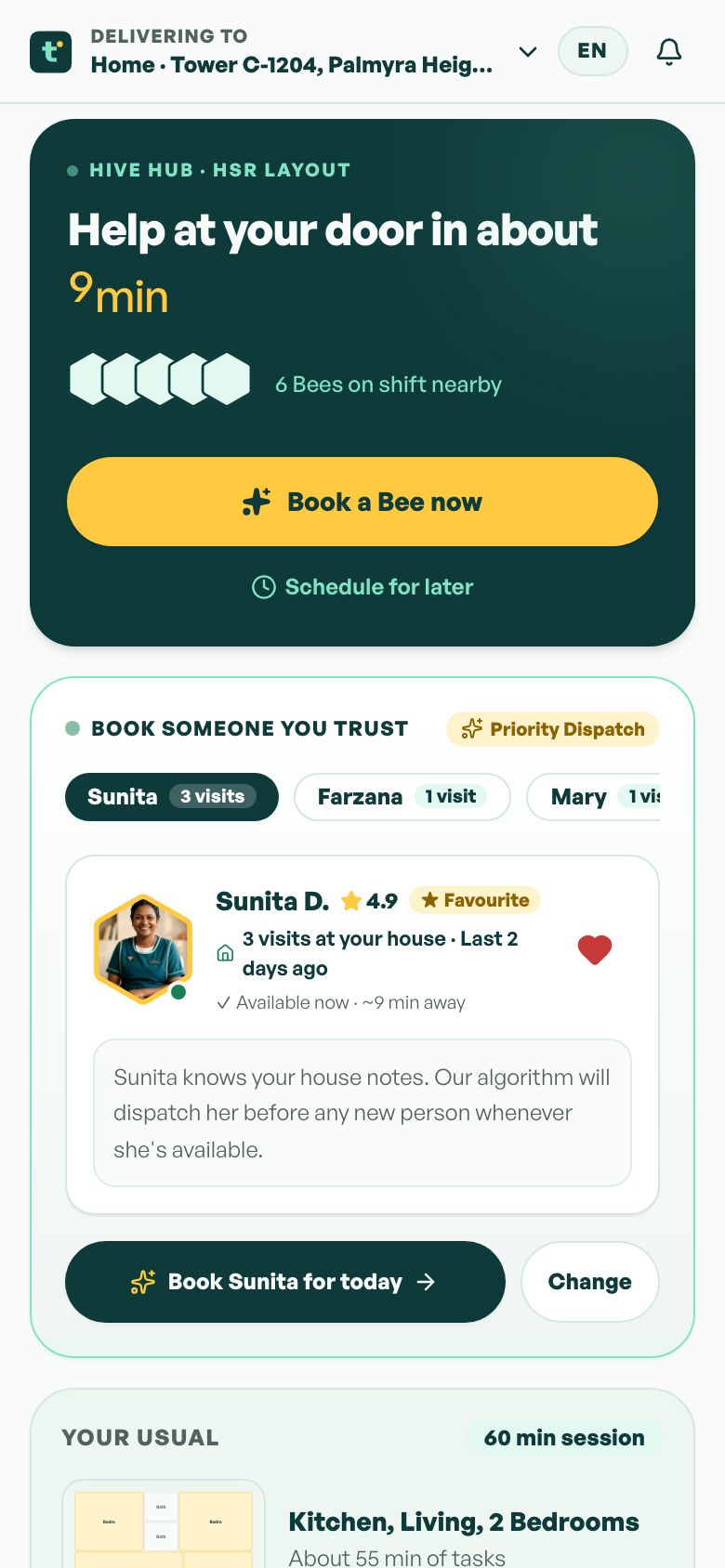
TidyBee is our concept for on-demand home help billed by the half-hour, with verified helper profiles, slot booking and a calm customer flow. It is a concept, not a product for sale. For deep cleaning, the verification, booking and profile parts carry over. It does not include per-sq-ft quoting, machine scheduling, site surveys, damage logs or builder contracts; those would be new work.
If you want something built for your process, The Saral builds web and mobile software for Indian small businesses. Start with the one step that costs you most, for example the quote builder, and expand from there. A home services app is the nearest template.
More on starting a deep cleaning business
- Start hereThe full playbook →Models, licences, startup costs and the steps to your first customer.
- Go deeperWhat to buy →Scrubber dryers, vacuums, steam, chemicals and height gear, costed, with what to rent and skip.
- Go deeperWho to hire →Crew leads, machine operators and helpers: pay, vetting, contracts and damage accountability.
- Go deeperGetting customers →Builders, brokers, societies and festival timing, plus launch pricing per sq ft and repeat bookings.
Questions people ask
What software does a deep cleaning company need?
At a minimum: a quote tool or sheet that prices by area, a calendar that books crews and machines together, a checklist with before-and-after photos, and GST invoicing. A single crew can run on Google Sheets and WhatsApp Business. From about three crews, a field-service app with a mobile checklist saves more time than it costs.
Can I quote per sq ft in a spreadsheet?
Yes. Make a calculator tab with area, rate per sq ft, a soil-level factor, floor surcharges and add-ons, then lock the formulas so crew leaders cannot change them. Add a minimum job value. It is enough for the first year, and it gives you the rate card you will later need for any app.
How do I record damage claims properly?
Take timestamped before photos at the start with the customer present, list existing marks on a sign-off sheet, and photograph the issue the moment it happens. Log the room, time, crew and resolution in a claims tab or app. This evidence supports both a fair customer settlement and an insurance claim.
Do I need a custom app for my cleaning business?
Not in the first year. Spreadsheets and ready tools cover most needs. Consider custom software when quoting is slow and inconsistent, machines and crews clash, you run builder contracts with many units, or you sell annual plans. Build one piece first, such as the quote and booking flow, and test with a single crew.
Will crews actually use an app on site?
They will if it is simple, works with weak signal and saves them effort, such as showing today's addresses and checklist in their language. Test with one crew leader for a week, keep taps few, and make photo upload automatic. If they go back to WhatsApp, simplify the app rather than forcing it.