Start with a shared calendar per car, a learner register in a spreadsheet and UPI collection. They handle a two-car school. Add an off-the-shelf booking tool when double bookings and WhatsApp confusion start. A custom build only pays when you run many cars, instructors and branches with rules no ready tool matches.
What a driving school needs is unusual: it schedules a person, a car and a learner at the same time, tracks hours against a course, keeps records the RTO may ask to see, and watches the odometer, insurance and service dates of each car. This page lists those jobs, then the cheapest tool for each.
The jobs your software has to do
| Job | What goes wrong without it | Minimum record |
|---|---|---|
| Slot grid: car, instructor, learner, time and pickup point | Two learners booked in one car; an instructor idle while another is overbooked | Date, time, car number, instructor, learner, pickup |
| Learner register | Nobody remembers who has done how many hours or which manoeuvres | Name, phone, learner's licence number and expiry, course, hours done, notes |
| Test and licence dates | A learner's licence lapses or a test slot is missed | Test slot, test location, reminder dates |
| Fees and receipts | Part-payments forgotten; no GST invoice for a corporate client | Amount, mode, balance, receipt number |
| Fleet log | A brake or clutch fails mid-lesson; insurance lapses unnoticed | Odometer, service dates, parts changed, insurance and fitness expiry |
| Instructor sessions and pay | Disputes about hours and cancellations | Sessions taught, hours, cancellations, per-lesson pay due |
| Compliance file | Hunting for papers at renewal or inspection | Licence, instructor certificates, vehicle papers, insurance |
Stage one: sheets, calendars and WhatsApp
For one to three cars, a free calendar and a spreadsheet beat any app, because you will change your process weekly for the first six months.
- One shared calendar per car, colour-coded, with the instructor and learner name in the title and the pickup point in the notes. Instructors see only their car.
- A learner register sheet with one row per learner and a column for each session's date, hours and a one-line note. A second tab tracks fees due.
- A fleet sheet with one row per car: odometer at each service, next service, insurance and fitness expiry. Conditional formatting turns a date red thirty days out.
- WhatsApp Business with a quick-reply set for fees, timings and documents, a labelled chat for each course stage, and a broadcast list for refresher offers, sent only to people who agreed. See the WhatsApp guide.
- UPI QR and a receipt book, with a monthly check that every payment appears in a sheet.
This costs almost nothing. It breaks when the same person updates the calendar from two phones, when an instructor forgets to log a session, or when you cannot see all cars on one screen.
Stage two: off-the-shelf booking and billing
When double bookings keep happening, borrow tools built for neighbouring trades instead of building your own. Look for these categories and test each on a free plan for a month before paying.
| Category | What to check | What it will not do |
|---|---|---|
| Appointment and resource booking tools, such as those used by salons and clinics | Can you book by car as the resource and by instructor, and send a WhatsApp or SMS reminder? | Track learner hours against a course or fleet service dates |
| Coaching and school management apps used by tuition centres | Student profiles, attendance, fee reminders, batch scheduling | Cars, odometers and dual-instructor pairing |
| Billing and GST software | GST invoice for corporate clients, part-payment tracking, receipts. See the GST billing guide | Scheduling |
| Fleet or vehicle maintenance logs | Service reminders, expiry alerts, fuel logs | Learner scheduling |
| GPS trackers for cars, with a phone app | Where a car is, how long a lesson ran, route history | Booking; check data privacy with learners told |
Most schools end up with three tools stitched together: a booking tool for slots, billing software for invoices and a sheet for the learner and fleet records. That is fine until staff spend an hour a day copying between them.
Stage three: when a custom build pays
A custom system earns its cost only when time lost to the stitching and the double work exceeds the build and upkeep cost, and when your own rules differ from what tools allow. Typical signals:
- Eight or more cars and several instructors, with pairing rules such as a woman instructor for a woman learner, or a specific instructor for a learner's final sessions.
- Multiple branches or yards with different instructors and cars.
- Learner progress by skill, such as clutch control, gradient, reverse parking, with a readiness check before booking the test.
- Instructor payouts calculated per session, with cancellation rules.
- Learner-facing booking and progress on a phone, so the front desk stops fielding rescheduling calls.
- An accredited centre that needs biometric attendance, simulator logs and records for an accreditation body, where standard tools do not fit the rules.
A custom build might cover slot booking by car and instructor, a learner app showing hours and next lesson, an instructor app to log sessions, fleet reminders, fee tracking, and exports for your compliance file. It does not replace the need to meet the RTO's requirements, and any biometric or e-payment system for an accredited centre must satisfy the accreditation body. See the app cost guide and the app versus website guide before you commit.
Data, privacy and records
- Learner data: phone numbers, ID numbers and photographs are personal data. Collect only what you need and tell learners why. The DPDP checklist summarises obligations for apps.
- GPS and dashcam: tell learners the car records location and video, and decide how long you keep footage.
- Backups: keep your register and fleet sheet on a cloud drive with a second person who has access.
- Access: an instructor sees their own sessions, not every learner's phone number or fee details.
- Retention: keep records long enough for licence renewal and any disputes. Confirm with your accountant and RTO.
Where a concept build and The Saral fit
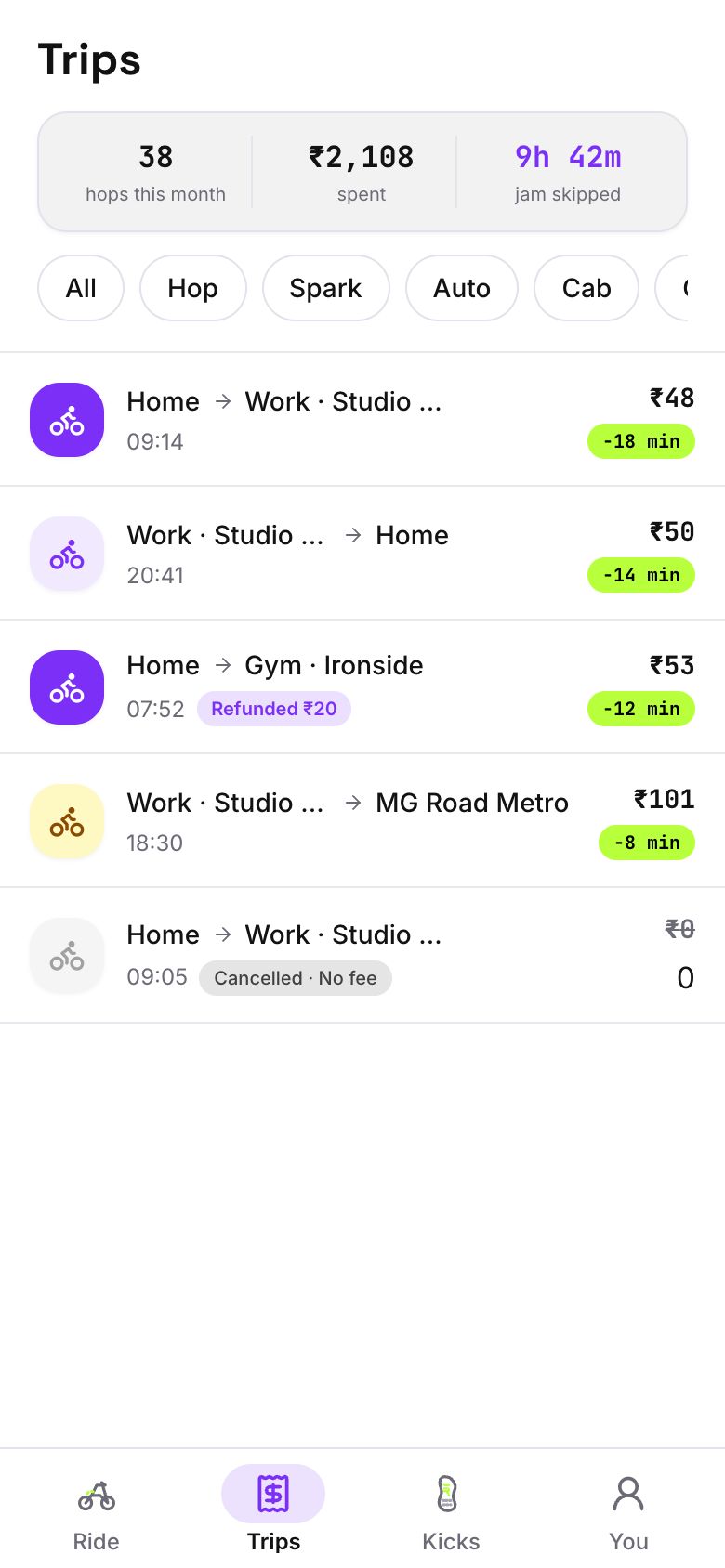
Our concept build Hoppr is a bike-taxi app, not a driving school product. It shows a partner app for the person at the wheel, live location for pickups and scheduling of riders and vehicles, which map onto instructors, cars and pickup points. It does not include learner records, course hours, test dates, fleet service reminders or RTO paperwork, so a driving school would need those built.
If you reach the stage above, The Saral builds web and mobile products for Indian businesses at fixed prices, and can scope what you need from a short brief. Until then a sheet, a calendar and a good website do the job. See business website for what a service website covers, or send us a brief.
More on starting a driving school
- Start hereThe full playbook →Models, licences, startup costs and the steps to your first customer.
- Go deeperWhat to buy →Cars, dual controls, scooters, the teaching apparatus an RTO inspects, and what to leave for later.
- Go deeperWho to hire →Instructors who satisfy the RTO, pay by city tier, ride-along vetting, contracts and hiring order.
- Go deeperGetting customers →Channels, season timing, first 10 learners, package pricing and what to avoid promising.
Questions people ask
What software does a driving school need?
At minimum a shared calendar per car, a learner register that tracks hours and test dates, a fleet log with service and insurance dates, and UPI collection with receipts. Add WhatsApp Business for enquiries. A two-car school can run all of this on free tools, then add a booking tool when double bookings start.
Is there ready-made driving school management software in India?
Some products exist, but we have not compared them. Many schools instead combine an appointment tool for booking, a billing app for GST invoices and a sheet for learner and fleet records. Test any tool on a free plan for a month and check whether it handles cars as bookable resources and learner hours.
When should I build custom software for a driving school?
Consider it when you run roughly eight or more cars, several branches or instructors with pairing rules, or learner-facing booking and progress tracking that ready tools do not offer. Under that, stitching tools together is cheaper. Estimate staff hours lost to double work against build and upkeep cost before you decide.
How do I keep track of my cars' servicing and insurance?
Use one row per car in a sheet with odometer at each service, next service date and insurance and fitness expiry, and turn dates red thirty days before they lapse. Log parts changed so a failing clutch or brake pattern shows early. Move to a fleet maintenance tool when you run several cars.
Do I need an app for learners to book lessons?
Not at first. WhatsApp and a calendar handle bookings for a small school. A learner app pays off when the front desk spends hours rescheduling or when learners want to see their hours and next lesson. Start with a mobile-friendly website with a booking form, which is cheaper and covers most families.