Start with a shared run-of-show sheet, a budget workbook, a form for registrations and a bank or UPI link for advances. Move to a ticketing platform when you sell tickets, a registration tool when delegates exceed a few hundred, and accounting software with GST invoicing from the first corporate client. Build custom only when your own product, such as a venue or ticketed-show app, is the business.
Most event companies do not need to build anything. The tools are mostly category tools: project management, ticketing, registration, vendor and budget tracking, and accounting.
Run-of-show, budgets and vendor sheets
The run-of-show is the core document of a live event: a time-stamped list of cues with owners. A spreadsheet works well because everyone can read it and the print copy is simple.
| Sheet | Columns to include | Used by |
|---|---|---|
| Run-of-show | Time, duration, cue, who calls it, AV note, lighting note, talent, status | Show caller, AV, stage manager |
| Budget and actuals | Line item, vendor, quote, advance paid, balance, invoice number, GST, final | Producer, accounts |
| Vendor panel | Category, vendor, contact, rating, last event, payment terms, disputes | Producer |
| Crew call sheet | Name, role, call time, venue, rate, payment status | Producer, crew |
| Permissions tracker | Permission, authority, applied on, received, copy stored, expiry | Operations |
| Guest and speaker list | Name, company, category, dietary, travel, badge colour, check-in status | Registration lead |
Use project-management or task tools when you run several events at once: Trello, Notion, Asana, ClickUp or Zoho Projects work. Compare current pricing and India billing yourself; I have not verified plans. Keep the run-of-show in a sheet or doc so it can be printed.
Registration, ticketing and gate scanning
Whether you need paid ticketing or free registration changes the tool. A conference with an invited list needs registration and badges. A concert needs ticketing, payment, fraud control and a gate that can clear a queue.
| Need | Cheapest thing that works | When you outgrow it |
|---|---|---|
| Free or invite-only registration | A web form feeding a sheet; a confirmation email and QR sent by a tool | Above a few hundred delegates, walk-ins or multiple sessions |
| Paid tickets, a small event | An event-ticketing platform or a payment link with a form | When you need seat maps, tiers, group booking or resale control |
| Large public ticketed shows | A ticketing platform that handles payments, QR tickets and reports | When you want your own brand, data and fee structure |
| Gate entry | A phone app that scans a QR and shows a green or red result | When you have multiple gates, zones or offline needs |
| Badges and name tags | Spreadsheet merge printed on a badge printer | When you print on site for hundreds of walk-ins |
- Offline mode matters. Venue networks fail. Test whether the scanner works with a downloaded list.
- Duplicate scans should show clearly, so a screenshot shared among friends fails the second time.
- Gate and zone rules: VIP, backstage and general entry need different results.
- Payment and refund flow: confirm settlement timelines, fees, and refund rules with the platform; I have not verified any platform's pricing.
- GST on tickets: rates for entertainment and event admission have changed over the years and differ by type of event and ticket price. Several sources say live concerts attract 18 percent, but sources conflict on thresholds; confirm the current rate with your CA or the GST portal.
Quoting, invoicing and corporate paperwork
Corporate clients reject invoices with the wrong GSTIN, a missing PO number or the wrong SAC. Use accounting software that does GST invoices from your first corporate client, not later.
- Accounting with GST: Zoho Books, Tally, Vyapar, QuickBooks or similar. Compare India GST features and pricing yourself. See our GST billing software guide.
- Quotes and proposals: a template in Google Docs or Canva with a line-item budget, then a PDF; some CRM tools can generate proposals.
- Purchase orders to vendors: one standard template, numbered, matched against vendor invoices.
- Payment tracking: one sheet or software view of client invoices by due date and ageing; chase at 7 days before due and on the day.
- Expense capture: crew and runner petty cash with receipts photographed on the same day.
- TDS and GST returns: your CA's responsibility, but your records make it quick.
GST, TDS and input-credit treatment of event services depends on your registration, the client and the type of supply. Ask your CA. This is not tax advice.
CRM, enquiries and past-client memory
Corporate event sales is a long game. A CRM keeps who you pitched, who changed jobs, which department booked last time and when their annual event happens.
- Start with a sheet: company, contact, event type, last event date, next likely date, status.
- Move to a CRM when you track more than 30 live conversations or have more than one salesperson.
- Sync enquiries from your website form into the CRM. See our business inbox and CRM page.
- Record each client's annual calendar, such as dealer meet in August or town hall in January, and call 90 days before.
- Store proposals, run-of-show and post-event reports in one folder per client.
When custom software is worth it
Most event companies should never build software. The cases where it pays are specific.
| Situation | Why off-the-shelf struggles | What custom would cover |
|---|---|---|
| You run your own recurring ticketed events or festival | Platform fees and lack of control of data and fan relationship | Your own ticketing site, tiers, promo codes and a gate scanner |
| You operate or manage a venue | Booking, table or hall management and walk-in handling spread across tools | A host view with floor plan, reservations, waitlist and billing |
| You serve a client with a recurring event series | Per-event registration tools create separate data each time | One portal for registration, agenda, badges and check-in across the series |
| You aggregate many organisers | A marketplace needs listings, payments and payouts | Organiser dashboards, settlement and fraud rules |
If your only need is to run corporate events, your time is better spent on vendor relationships than on code. Revisit custom once you are paying meaningful ticketing fees or turning down work because your tools cannot handle it.
Related reading: what to buy, getting clients and the event booking app page.
The Outpass concept, and what we can build
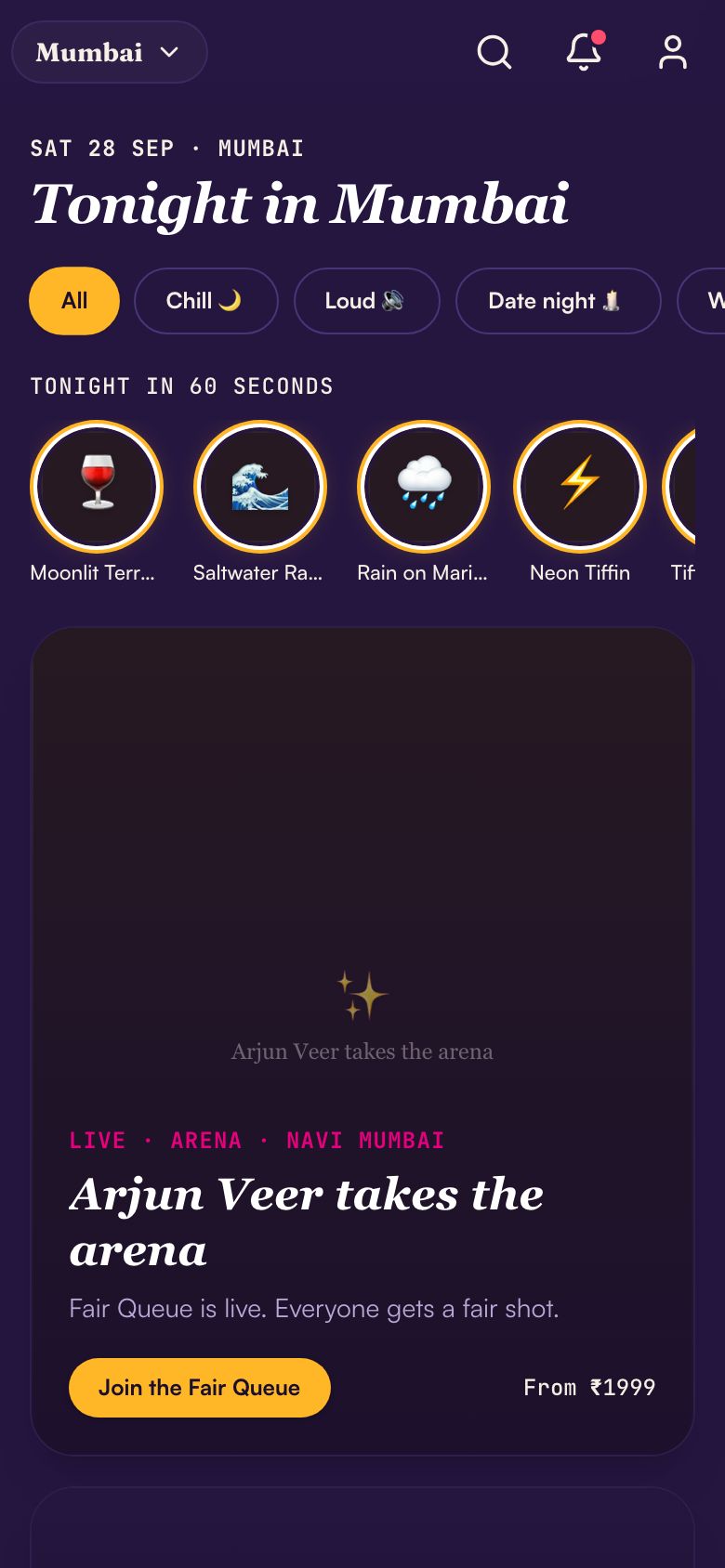
Outpass is a concept build we made to explore going out in a city. It has a customer app (events with ticket tiers and seat maps, dining and group plans), a venue host tablet view and a gate scanner that fills the screen with a one-word result. Its pass uses a QR that changes every 20 seconds, so a screenshot goes stale.
It is a concept, not a live ticketing product, and it does not cover corporate run-of-show, vendor budgets, GST invoicing, payment settlement or permissions. It shows what a ticketing, venue and gate stack could look like when built together.
The Saral builds web and mobile software for businesses in India. If your event company has a specific product in mind, send us a brief and we will say honestly whether it needs custom work or an off-the-shelf tool.
More on starting a event management company
- Start hereThe full playbook →Models, licences, startup costs and the steps to your first customer.
- Go deeperWhat to buy →Show-control kit, comms and branding stock to own; staging, LED and sound to rent.
- Go deeperWho to hire →Producers, show callers and crews: roles in order, pay by city tier and how to vet them.
- Go deeperGetting customers →Win corporate buyers: empanelment, RFPs, agency partners, first 10 clients and pricing.
- Go deeperFinding suppliers →Build a vendor panel: AV, venues, fabricators, caterers, talent; quotes, terms and backups.
Questions people ask
What software does an event management company need?
A shared sheet or document for run-of-show and budgets, accounting software that issues GST invoices, a registration form or ticketing platform, and a CRM or sheet for client follow-up. Add project-management tools when you run several events together. Only build custom if ticketing, venue booking or an event series is your product.
How do I handle ticketing for my first concert?
Use an established ticketing platform or a payment link with a form, depending on size. Check fees, settlement timelines, refund rules and gate scanning, and test the scanner on a bad network. I have not verified any platform's current pricing, so compare quotes and ask for references from comparable shows.
Is Excel or Google Sheets enough for event planning?
For budgets, run-of-show, vendor lists and crew sheets, yes, up to many events a year. Sheets break down when several people edit at once, when you need approvals, or when you sell tickets. Use templates, lock formulas and keep a printed copy of the run-of-show at the venue.
Which accounting software suits an event company in India?
Any that issues GST-compliant invoices, tracks purchase orders and vendor bills, and works with your CA. Tally, Zoho Books, Vyapar and QuickBooks are common options; compare current features and pricing yourself. Corporate clients reject invoices with wrong GSTIN or missing PO numbers, so set that up first.
When should an event company build its own app?
When ticketing, venue booking or an event series is your own product and platform fees or lack of control hurt. For corporate work alone, off-the-shelf tools are enough. A custom build should cover a clear flow, such as tickets, gate scanning and reports, and a budget set from the app cost guide.