Start with a UPI QR and a simple billing app on a phone, plus a digital khata for credit customers. Only add barcode scanning, stock tracking and GST invoicing when you have enough daily bills and enough SKUs to justify them. Custom software rarely pays for a single shop.
The software goal for a kirana is narrow: a correct bill in under a minute, an accurate credit ledger, a record of what sold, and a clear daily tally. Everything else is optional until the shop grows.
What the software has to do in a kirana
A kirana is unlike a restaurant or a clothing shop. It has hundreds of low-priced items, many sold by weight, a large share of repeat customers on credit, and long hours with one person at the counter. That decides what to look for.
| Job | Why it is harder here | What to look for |
|---|---|---|
| Billing loose items by weight | Prices per kg, quantities like 250 g or 1.5 kg, small amounts | Decimal quantities, units (kg, g, litre, piece), quick price edit |
| Fast billing at peak | Morning milk-and-bread queue, evening rush | Search by name in local script, barcode scan, repeat-last-bill, hold-and-resume |
| Khata (credit ledger) | Dozens of households owing small amounts across weeks | Per-customer balance, reminders by message, simple payment-in entry |
| Stock and expiry | Thousands of units, short-dated dairy and bakery | Low-stock alerts, batch and expiry tracking for dated lines |
| GST and bills | Many items at 0%, 5%, 12% or 18% rates; some customers want B2B invoices | Item-level tax rates, GST invoice and bill of supply, reports your CA can use |
| Daily tally | Cash, UPI and credit mixing through the day | End-of-day summary: cash, UPI, credit given, credit collected |
| Offline use | Weak data or power cuts | Works offline and syncs later; battery backup for the device |
Day one: UPI, a notebook and a soundbox
For the first two weeks you can run a kirana with very little. Take payments on UPI, record credit in a notebook or a free khata app, and note your daily total on a sheet.
- A UPI QR and soundbox. Customers expect to pay by UPI, and the audio confirmation settles the 'I already paid' argument at a busy counter. Banks and payment apps offer soundboxes on different terms, some free and some on rent; compare the monthly cost and the settlement time. UPI payments made to merchants have generally carried no customer-side charge, but check the current rules with your provider.
- A free digital khata. Several free ledger apps let you add customers, record credit and payment, and send a message reminder. Use one, not two, so the ledger stays in one place.
- A one-page daily sheet: opening cash, UPI total, credit given, credit collected, expenses, closing cash. A paper tally is fine.
- A purchase notebook of distributor bills, so you know what you owe and when.
This costs close to nothing and teaches you what you actually need. After a month, you will know whether queues, stock-outs or credit is hurting you most.
Billing app, barcode and stock: the usual next step
Move to a billing app when you write more than about 80–100 bills a day, when you add a second person at the counter, or when you need GST invoices for B2B customers such as small eateries.
- Item master. Enter your top 200 items first with price, unit and tax rate, then add the rest as they sell. Do not try to enter 1,500 items in a weekend.
- Barcode scanning for packaged goods, with your own labels for loose and repacked lines.
- Low-stock alerts and a reorder list you can send to your distributor on WhatsApp.
- Expiry on dated lines (bread, curd, biscuits with a short life, packaged snacks) with a weekly near-expiry report.
- Credit ledger tied to billing, so a 'credit' sale updates the customer's khata automatically.
- GST reports and export your CA can use for returns. If you use the composition scheme, you will issue a bill of supply rather than a tax invoice; confirm your category with your CA.
- Backups and device change. Your sales data is on a phone; make sure it syncs to the cloud or exports regularly.
Our billing app solution page lists what to ask for, and the GST billing software guide explains invoices, bills of supply and returns in plain terms. Popular tools in this space include Vyapar, Khatabook, OkCredit, Marg, Busy, Tally and GoFrugal; they are examples to evaluate, not recommendations, and we have not verified their current pricing.
Delivery, ordering and WhatsApp
If you take home orders, avoid a separate app for as long as you can. WhatsApp Business with a catalogue and quick replies handles dozens of orders a day.
- Order log: a shared sheet or a note that records customer, address, items, bill total, paid or credit, delivery slot and who delivered.
- Template replies for hours, delivery charge, minimum order, and an order confirmation with the bill total.
- Delivery slots posted as two or three fixed times; the helper batches by building or lane.
- Catalogue on WhatsApp with your 30–50 fastest items and prices.
- A simple route list printed or sent to the delivery person in the order of stops.
If volume grows past what a phone can handle, you will need a proper ordering site or app; see the grocery delivery app page and the hyperlocal delivery guide. For the WhatsApp tools themselves, read WhatsApp for business apps.
When custom software starts to pay for a kirana
For one shop, almost never. Off-the-shelf billing and khata apps are cheap, regularly updated and used by thousands of shops. Custom becomes interesting in a few narrow cases.
| Situation | Why off-the-shelf stops being enough | What custom would cover |
|---|---|---|
| Three or more outlets under one owner | You need central stock, transfers between shops and one view of cash | Multi-store inventory, owner dashboard, role-based access |
| Own delivery with 50+ orders a day | WhatsApp breaks down; you need slot management and routes | Ordering app or site, order status, rider app, route batching |
| Distributor or wholesale arm | You issue credit to many retailers and need statements, limits and reminders | Retailer ledger, order taking, e-statements, collections |
| Regional-language voice and khata needs | Staff and customers prefer voice prompts in their language | Voice soundbox, vernacular UI, voice-entry of credit |
| Integration with your own systems | Unusual accounting, ERP or weighing integrations | Custom connectors and exports |
If one of these applies, the guides on app development cost in India and on adding UPI payments to your app help you scope and budget.
A concept build, and where The Saral fits
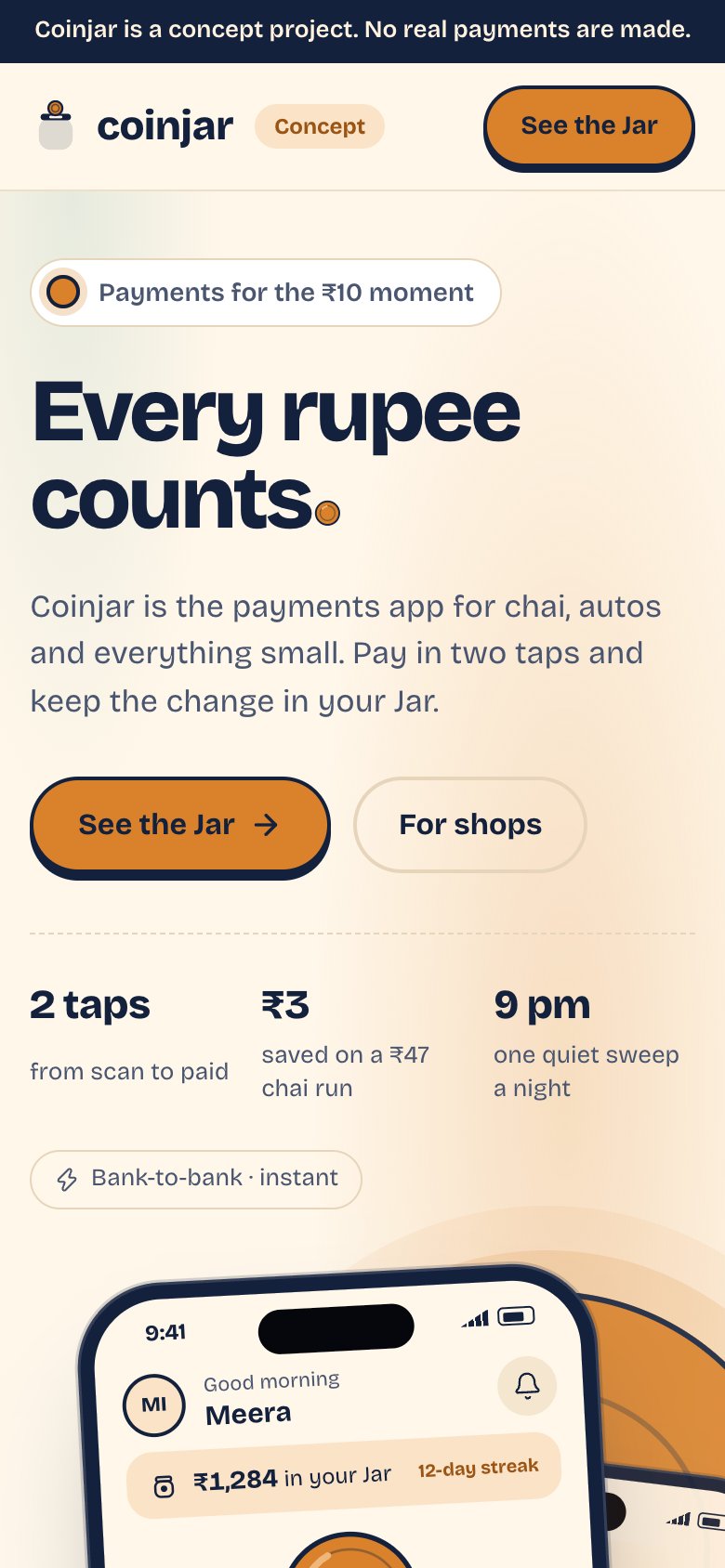
We built Coinjar as a concept for neighbourhood merchants: a merchant app with a UPI QR, a daily settlement summary, a voice soundbox in regional languages and a khata credit book. It is a concept, not a production product you can sign up for, and it does not replace full GST filing, barcode inventory or multi-outlet stock; those need a billing or accounting tool alongside it.
The Saral builds custom apps and websites for Indian small businesses. If you reach one of the situations in the table above, or want a billing, khata or ordering app shaped around your own shop, you can talk to us. If you only need a billing app today, use an off-the-shelf one and keep your money.
In the kirana store library
More on starting a kirana store
- Start hereThe full playbook →Models, licences, startup costs and the steps to your first customer.
- Go deeperWhat to buy →Racks, scale, cooler, bins and opening stock by category, costed, plus what to leave out.
- Go deeperGetting customers →The monthly ration list, society tie-ups, WhatsApp orders, launch pricing and keeping regulars.
- Go deeperFinding suppliers →Distributors, staples wholesalers, dairy routes and B2B apps: how to find, vet and negotiate.
Questions people ask
What software does a kirana store need?
At the start, a UPI QR with soundbox and a free digital khata is enough. Add a billing app with GST invoices and barcode scanning once you do roughly 80–100 bills a day or add a second counter person. Stock tracking and expiry alerts matter once your SKU count passes a few hundred.
Is a free khata app good enough for a kirana?
For a single shop, usually yes. Free khata apps handle customer balances, payment entries and message reminders. They are weaker on stock, GST reports and barcode billing, so pair one with a billing app later. Pick one ledger and stick to it; two ledgers will drift apart.
Do I need GST billing software for a small kirana?
It depends on your GST status. If you are registered and issue tax invoices, you need software that handles item-wise rates and reports for your CA. If you are under the composition scheme, you issue a bill of supply instead. Thresholds and rules change, so confirm your category with a CA.
Should I build a custom app for my kirana?
Not for a single shop. Existing billing and khata apps are cheaper and well tested. Custom starts to make sense with several outlets, high-volume own delivery, a wholesale credit arm or special language and voice needs. Check what off-the-shelf tools cover first, then scope only the real gap.
Can I run a kirana's billing on just a phone?
Yes, many do. A budget Android phone with a billing app and a Bluetooth printer handles most counters. Keep a battery backup, back up data to the cloud regularly, and move to a tablet or PC with a barcode scanner only when queues at peak hours start to cost you sales.