For a retail chemist the software that matters is a pharmacy billing system with batch-wise stock, expiry alerts, purchase entry from distributor invoices, GST bills and a record of scheduled-drug sales. A general retail billing app is cheaper but misses exactly the things inspectors, recalls and expiry losses depend on.
Buy the cheapest pharmacy-specific package that does those jobs, and do not build custom software until you have a workflow no off-the-shelf product handles, like an in-house refill and delivery desk for hundreds of families.
What the software has to do that ordinary billing does not
| Job | Why a chemist needs it | What to test in a demo |
|---|---|---|
| Batch-wise stock | The same medicine arrives in different batches with different expiries and MRPs | Does the bill ask which batch is sold, or pick the earliest expiry automatically? |
| Expiry alerts | Expired stock sitting on the shelf is the commonest silent loss | A report of everything expiring in the next 30, 60 and 90 days, by distributor for return |
| Purchase entry | Each distributor invoice must be entered with batch, expiry, MRP, rate and scheme | How fast can you enter a 40-line invoice? Can it import or scan? |
| Schedule drug register | Sales of some schedules must be recorded with patient and prescriber details | Does the system flag restricted items and prompt for a register entry? Rules are the pharmacist's to follow; software only assists |
| GST invoices and returns | Tax rates differ by product; GSTR data must tie to purchases and sales | Per-item tax rates, HSN, and a clean sales and purchase export for your accountant |
| Substitute and salt search | Customers ask for a medicine you do not have; the pharmacist needs to see alternatives with the same composition | A salt-name search; the pharmacist, not the software, decides what is appropriate |
| Supplier ledger and returns | Credit periods and expiry returns need tracking | Credit notes against the right distributor and invoice |
| Customer and refill records | Regulars come back monthly with the same prescriptions | Customer history, reminder dates and a way to send them (check consent) |
Starting with sheets, or not
A spreadsheet works for roughly the first few weeks of preparing a licence and ordering stock. It fails the moment you sell, because batch, expiry and MRP change on each purchase.
- Use a sheet for: the opening stock list, distributor rate comparison, a temperature log and your monthly expiry review, until software is in place.
- Do not use a sheet for: daily billing, schedule drug entries or stock reconciliation. One missed batch update and your shelf and your records disagree.
- Backup: whatever you use, back up daily to a second device or the cloud. A lost billing database is a lost year of batch history.
Off-the-shelf pharmacy packages: what you will see
India has a long-running market of desktop pharmacy billing packages (many from small local software houses with a local reseller who installs and trains), plus newer cloud products that run in a browser and on a phone. Prices are quoted per licence, per year or as a one-time fee, and they change often. We do not list prices because we have not verified current ones.
| Type | Strengths | Watch out for |
|---|---|---|
| Desktop pharmacy billing with a local reseller | Fast on a cheap PC, works during internet cuts, familiar to experienced counter staff | Data lives on one machine; backups and upgrades depend on you and the reseller |
| Cloud pharmacy software | Access from a phone, multiple branches, automatic backup, reminders | Needs reliable internet; check data export so you can leave |
| Generic retail or GST billing apps | Low cost, simple to learn | Weak or no batch and expiry, no schedule register; fine for a stationery shop, not for a chemist |
| Software from a pharmacy chain or franchisor | Included in the franchise fee, built around their workflow | You may not own the customer or sales data; read the agreement |
Before you pay, ask five questions: Can I export all my data in a standard format? Who has access to prescriptions and patient data? How is it backed up? What happens when the vendor stops supporting it? How are GST rate changes pushed to me? See our GST billing software guide for a general comparison method.
Getting your first week of data in
- Enter opening stock batch by batch from distributor invoices; do not summarise by brand.
- Set reorder levels for the top 100 fast-moving items from the third week onwards, when you have real sales.
- Print and shelve a near-expiry list on the first of every month, with distributor names against each item.
- Train every counter person on the same flow: search, batch, quantity, discount, payment mode. Different habits create stock mismatches.
- Reconcile daily: a quick count of ten random items against the system finds errors early.
Privacy, backups and who sees prescriptions
A pharmacy holds names, phone numbers, ailments and medicine histories. That is sensitive personal data under the Digital Personal Data Protection Act regime; read our DPDP checklist for the practical steps.
- Role-based logins: counter staff do not need to export the whole customer list.
- No shared WhatsApp groups with prescription photos from many customers.
- Retention: keep prescriptions and registers as long as the rules require and no longer; confirm the period locally.
- Consent for reminders: note that the customer agreed to receive refill messages.
When custom software starts to pay
Custom is rarely right for one store. It starts to pay when you have a repeatable process that your pharmacy package cannot handle, and the volume to justify it.
| Situation | Why packages struggle | What a custom build might cover |
|---|---|---|
| A refill and delivery desk for hundreds of families | Generic billing has no delivery routes, rider app or family profile | Family profiles, refill calendar, rider assignment, delivery proof, WhatsApp updates |
| Pharmacist verification of prescription photos before an order is confirmed | Chat apps lose the audit trail | A queue where the pharmacist approves or rejects with reasons, linked to stock |
| Multi-branch with central purchasing | Branch-level stock is invisible to purchasing | Shared stock, inter-branch transfer, distributor scorecards |
| A clinic-linked chemist with appointment follow-ups | No link between visit and medicines | Appointment and e-prescription hand-off; see clinic appointment software |
A custom layer usually sits beside a licensed billing package, not instead of it: the package keeps the batch and register records, and the custom app handles ordering and reminders. Integration costs money, so ask for a quote that includes it.
The Careloop concept, and The Saral
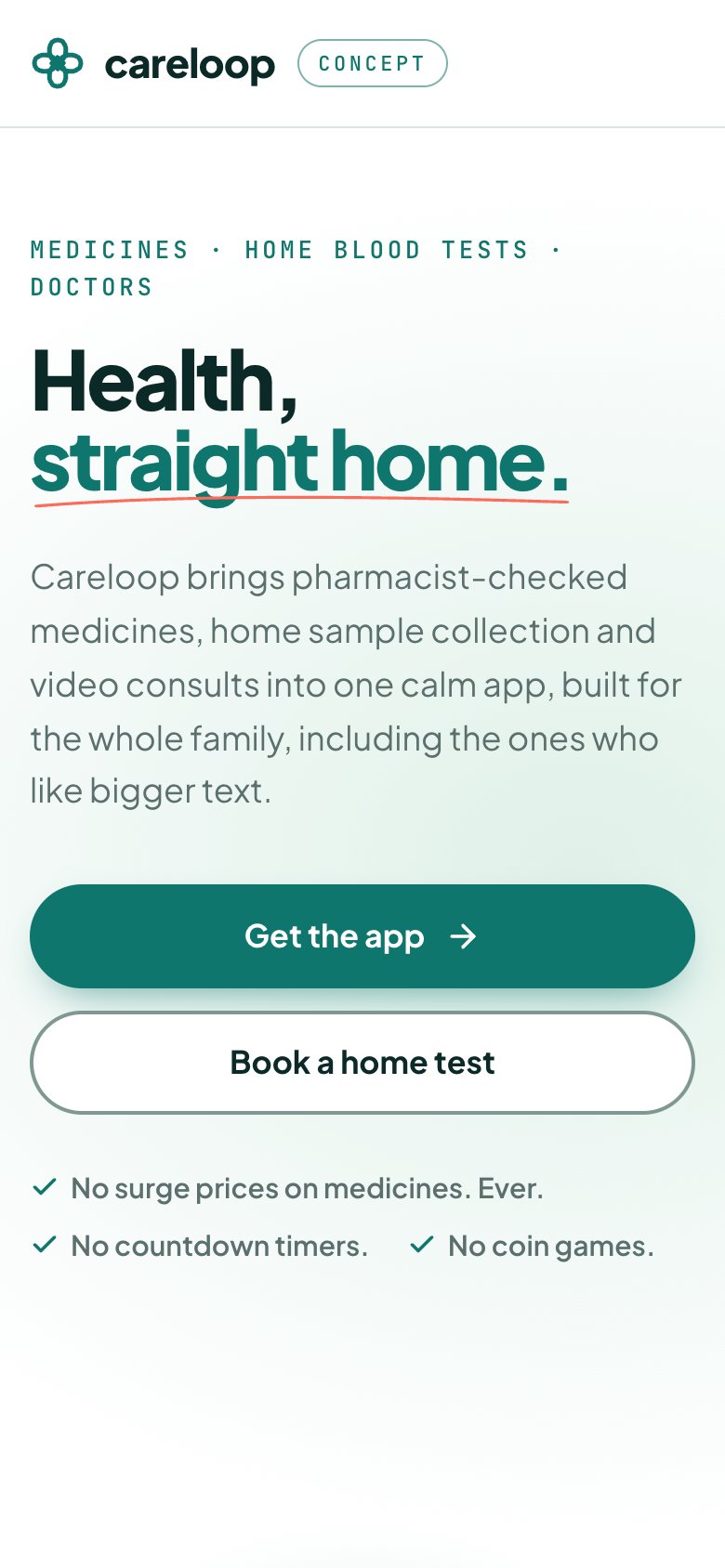
We built Careloop as a concept patient app: medicine orders checked by a pharmacist, home lab collection, doctor consults and a family profile with reminders. You can try it at careloop.thesaral.com. It is not a pharmacy billing or inventory system, it does not hold a drug licence, and it does not replace the batch, expiry and schedule records above.
If you want a custom order and refill layer for your own store, The Saral can scope it with you. Start from the doctor appointment app solution to see what that scope looks like. We would start with a short brief, not a software pitch.
More on starting a pharmacy
- Start hereThe full playbook →Models, licences, startup costs and the steps to your first customer.
- Go deeperWhat to buy →Fridge, shelving, locked cabinet and opening stock by therapy area, costed, plus what to skip.
- Go deeperGetting customers →Clinic proximity, refill lists, home delivery and WhatsApp orders, and what a chemist must not do.
- Go deeperFinding suppliers →Stockists, CFAs and wholesalers: credit, expiry returns, invoice checks and red flags.
Questions people ask
Can I use a general billing app for a medical store?
You can for the earliest weeks, but it is a poor fit. Pharmacies need batch-wise stock, expiry tracking, purchase entry with MRP, and support for scheduled-drug records. Generic billing apps usually lack these, so stock and records drift. Choose pharmacy-specific software and check with your pharmacist that it supports the registers you must keep.
What features should pharmacy software have?
Batch-wise stock, expiry alerts, fast purchase entry from distributor invoices, GST invoices with per-item rates, a flag and register for scheduled drugs, supplier ledgers and returns, salt-name search and customer history with refill reminders. Add daily backup and role-based logins for staff. Test each in a demo using your own invoices.
Is cloud or desktop pharmacy software better?
Desktop works well on a single counter and during internet cuts, while cloud suits owners who want phone access, multiple branches and automatic backup. Choose by how reliable your internet is and how many outlets you expect. Whichever you pick, confirm data export and backup so you are not locked in.
Do I need an app for my pharmacy?
Not at first. A WhatsApp Business number, a Google Business Profile and a billing package with refill reminders cover most needs. An app starts to make sense when you run a large home-delivery base, several branches or a pharmacist-verified order queue. Online sale to the public involves legal questions, so take advice first.
How should a pharmacy back up its data?
Daily, automatically, to somewhere other than the billing computer, such as a second drive or a cloud copy, and test a restore now and then. Billing, batch and register data are your legal and financial record. Keep access limited to a few staff because the database also holds personal and health-related customer information.