Start with a GST-capable billing app and a barcode scanner, and keep everything else in a spreadsheet and WhatsApp. A stationery shop does not need a custom system until it has several branches, a real online kit pre-order business or a school-supply operation that billing software cannot model.
The hard part of stationery software is not billing; it is hundreds of cheap items, ruling and size variants, loose pens, credit accounts for schools and offices, and a once-a-year rush. This page goes through what to use at each stage and what to check, with pricing left to the vendors since we have not verified current plans.
What is different about stationery software
Most billing tools assume a few dozen products. A neighbourhood stationery shop carries 800 to 2,000 items, most costing ₹5 to ₹200. That changes what matters.
- Variants: the same notebook comes in single line, double line, squared and unruled; 172, 200 and 300 pages; long and short size. If every variant is a separate item with its own stock, reordering becomes accurate. If they are mashed into one item, you will not know what ran out.
- Loose and repacked items: pens, refills, erasers and craft bits are often sold singly from a pack of 10 or 100. The tool should support selling in pieces and buying in cartons.
- MRP versus selling price: packaged goods carry an MRP you cannot exceed. Keep the MRP in the item record and check that your selling price never exceeds it.
- Credit accounts: schools, offices and tuition teachers pay monthly. You need a party ledger with a due date and a reminder, not an informal notebook.
- GST: different items may fall under different GST rates, and some stationery changed rate in late September 2025 (exercise books, notebooks and pencils were reported to be nil-rated). The tool should hold rates per item and produce valid tax invoices. Confirm rates and HSN codes with your CA.
- The rush: in June the software must work at a queue's speed. Test it with a dummy busy day before term starts.
The GST billing software guide lists general checks for any billing tool; the points above are the stationery-specific ones.
Stage 0: before you open, a spreadsheet
Before you pick software, build one sheet. It forces you to define items, and it will be your import file later.
| Sheet | Columns | Why |
|---|---|---|
| Items | Item code, name, variant (ruling, pages, size), unit, pack size, MRP, purchase price, selling price, GST rate, supplier, minimum stock | Most billing apps import from a spreadsheet; clean data now saves hours later |
| Suppliers | Name, contact, items, credit days, delivery day, last problem | Keeps the sourcing plan out of your head |
| School kits | School, class, kit contents with quantities, kit price, pre-orders, pickup date | The record you will need in March, and the basis for pre-order forms |
| Credit parties | Name, contact, limit, terms, outstanding, last follow-up | Prevents small dues from becoming bad debt |
| Copier log | Date, opening and closing counter reading, pages billed, paper and toner used | Reveals leakage between pages copied and pages billed |
This is enough for a few weeks of tinkering but not to run a counter. Move to billing software before you open.
Stage 1: off-the-shelf billing, barcode and UPI
For almost every first shop, a ready-made billing app is the cheapest and fastest thing that works. India has many: Vyapar, Zoho Books, Tally, Busy and Marg are among the names retailers commonly use, and some banks and payment apps provide simple billing alongside a UPI QR. We have not verified current plans or prices, and we are not recommending one; pick by testing.
| Need | What to check in the tool | Typical hardware |
|---|---|---|
| Fast counter billing | Barcode scan, quick keys for loose items, keyboard-friendly, offline mode if your internet drops | Laptop or PC, 1D scanner, 3 inch thermal printer |
| Item variants and stock | Variant handling, reorder levels, stock by item, import from CSV | None extra |
| GST invoices | Per-item GST rates and HSN, GSTIN on invoice, return-ready reports | None extra |
| Credit parties | Party ledger, due dates, payment reminders by WhatsApp or SMS | None extra |
| UPI collection | Dynamic QR on each bill or a static QR with a soundbox | UPI soundbox from your bank or a payment app |
| Loose-item labels | Barcode label printing from item master | Label printer, roll stickers |
- Barcodes: many branded notebooks and pens already carry manufacturer barcodes; scan them into the item master the first time and the app remembers. Print your own for loose items.
- Soundbox: a UPI soundbox announces each payment aloud, which stops fake "payment sent" screenshots at a busy counter. It is offered by banks and payment companies; compare monthly fees.
- Accounting: hand the sales and purchase reports to your CA monthly. Do not run two sets of books.
- Backup: use a cloud-based app, or schedule a daily backup of a desktop one to a drive and to cloud storage.
For a UPI-heavy counter, see our concept build Coinjar and its case study, covered below.
Stage 2: tools around the counter
Once billing works, add small tools to fix the pain you actually feel. Do not add them all at once.
| Pain | Cheapest fix | When to move on |
|---|---|---|
| Print orders arrive in dozens of WhatsApp chats | WhatsApp Business with labels (new, printing, ready, paid) and quick replies | More than about 50 print jobs a day, or two people printing |
| Copier counter doesn't match billed pages | Daily log on a sheet or a small counter app; compare to billed print services weekly | Repeated gaps despite the log |
| Parents ask for kit prices and lists | A PDF or WhatsApp catalogue per school, updated yearly | More than 100 pre-orders a season to track by hand |
| Office customers forget to reorder | Monthly order sheet sent on WhatsApp, saved in your billing app as a repeat invoice | Ten or more recurring accounts |
| Reordering by memory | Minimum stock levels in the billing app and a weekly low-stock report | More than 1,500 items or two storerooms |
| Dues from schools and offices | Party ledger with a weekly follow-up, a reminder message template | Dues you routinely fail to chase |
A simple business website or a catalogue page with a Google Business Profile link is often the next step, mainly to take kit pre-orders and display print services. The local SEO guide explains how to get found.
Stage 3: when custom software is worth it
For most single shops, custom software is not worth it. The test is whether a recurring problem costs more per year than the build and upkeep, and whether off-the-shelf tools really fail on it.
| Signal | Off-the-shelf may cope | Custom becomes sensible |
|---|---|---|
| Branches | One to two shops | Three or more, needing shared stock, transfers and central buying |
| School kit business | A PDF and WhatsApp pre-orders | Hundreds of kit orders a season with school-wise payment, pickup slots and bulk invoices |
| Print services | Counter billing plus a log | Online upload, page-count pricing, queueing and pay-then-print across shops |
| Wholesale and office supply | Repeat invoices | A buyer portal with contract rates, approvals and statements |
| Integrations | CSV exports | You need billing, stock, a website and payments to share one record |
If you are at this stage, read what an app costs in India and choosing a development company first, and consider a small pilot instead of a full build. The billing app page outlines what a custom billing system includes.
A concept build to look at, and what carries over
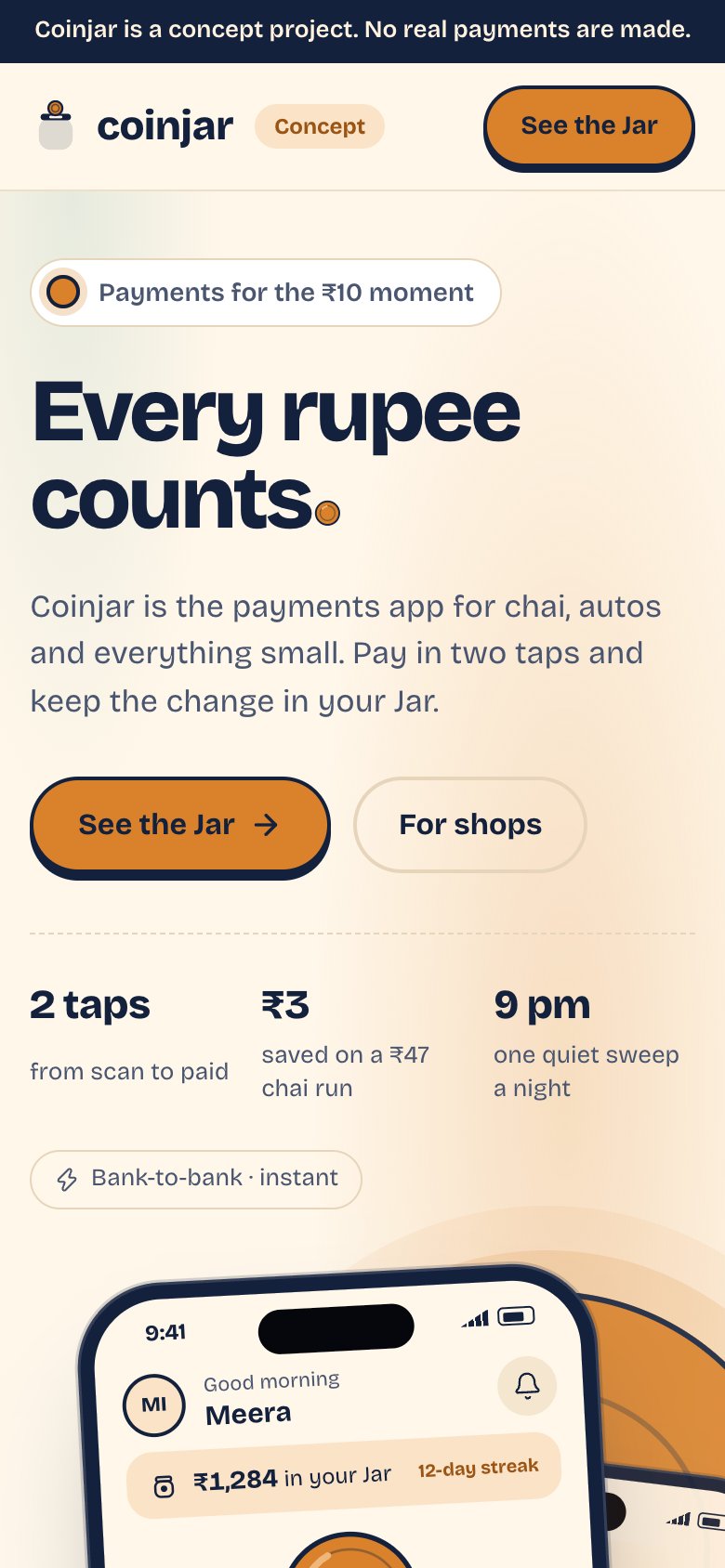
Our concept build Coinjar is a UPI payments app with sound alerts and a shopkeeper toolkit. It is a demonstration we built to show an idea, not a live product with real clients, and the case study explains what it covers.
- Carries over directly: UPI collection on each bill, the sound alert at the counter and the daily settlement view for the shopkeeper.
- Needs adding for a stationery shop: item variants, stock with minimum levels, GST invoices, school and office credit ledgers and the pre-order flow for kits. That is the billing and stock layer described in the billing app page, and our Tillbook concept covers small-business billing in more detail.
The Saral builds this kind of software to a fixed price; you can send a brief if you reach the signals above. If you have not, a billing app plus the tools in Stage 2 will take you a long way. Software cost and capability change quickly, so verify any price or feature with the vendor.
Tax, invoicing and data-protection rules change; confirm with a CA and check official sources. This is not legal advice. Our concept builds are demonstrations, not endorsements of any particular product category.
More on starting a stationery shop
- Start hereThe full playbook →Models, licences, startup costs and the steps to your first customer.
- Go deeperWhat to buy →Copier, print corner, shelving and opening stock by category, costed, plus what to skip.
- Go deeperGetting customers →School kits, office accounts, a WhatsApp print counter, the calendar and launch pricing.
- Go deeperFinding suppliers →Distributors, wholesale lanes and B2B portals, with terms, margins and a vetting checklist.
Questions people ask
What billing software is best for a stationery shop in India?
No single tool is best; test two or three with 50 of your real items. Look for barcode billing, variant handling for notebooks, per-item GST rates, a credit ledger for schools and offices, and reorder levels. Vyapar, Zoho Books, Tally, Busy and Marg are commonly used names. We have not verified their current plans or prices.
Do I need a barcode scanner for stationery billing?
Yes, in a shop with hundreds of items it speeds billing at the counter and keeps stock accurate. Branded products usually carry a manufacturer barcode you can scan into your item list once, and a small label printer covers loose items like refills and craft supplies. A basic scanner costs only a few thousand rupees.
How do I track photocopy income and paper use?
Log the copier's counter reading at opening and closing each day, and compare the difference with the print and copy pages you billed. A persistent gap points to free copies or unbilled jobs. Track paper and toner use against pages in the same sheet; many shops catch leakage within a week.
Should a stationery shop build its own app?
Usually not. A ready-made billing app and WhatsApp handle one or two shops well. Custom software starts to make sense with three or more branches, hundreds of online kit orders or a pay-then-print service, where off-the-shelf tools stop fitting. Ask for a fixed quote and compare it with the time and errors you want to remove.
Can I take school kit pre-orders online without a custom app?
Yes. A PDF price list per school, a WhatsApp Business catalogue and a simple order form from a form builder are enough for a few hundred orders. Record each order in a sheet with class, kit, amount paid and pickup date. Consider a purpose-built flow only when manual tracking starts costing you mistakes.