Buy first. Run your own company on off-the-shelf tools for email, docs, tracking, CRM, support, billing and accounting, and write custom software only for the thing customers pay you for. A tool that costs ₹2,000 a month is cheaper than an engineer building a worse version of it.
This page is about the software that runs your startup, plus the build-or-buy question for the product itself. It is written neutrally; we are a software studio, so read our view with that in mind. The sections below go by the job to be done, and the last one covers when custom code is justified.
Before the product exists: validate with the cheapest thing
To test demand, a landing page builder, a form, a spreadsheet and WhatsApp can run a surprising number of products by hand. A concierge version, where founders do the service manually while customers see a simple front end, teaches you what the real workflow is. Do this before you write a line of backend code.
| Question to test | Cheapest tool | Signal you are done |
|---|---|---|
| Do people want it? | Landing page with a waitlist form and a small paid-ad or community test | Sign-ups from strangers, not friends, plus a few who pay or commit |
| Will they pay? | Payment link from your gateway or a UPI QR, with manual fulfilment | Repeat purchases without chasing |
| Does the workflow hold? | A sheet, a form and WhatsApp doing the job by hand | You know the steps and the exceptions |
| Can we scale a bit? | No-code database plus automation connectors | Manual steps start eating a founder's whole day |
Running the company: a stack by job
| Job | Bought tool category | Typical move |
|---|---|---|
| Email, calendar, docs | A business productivity suite on your own domain | Day one; per-user monthly plan |
| Code and releases | Git hosting with pull requests and CI | Free tier until builds or team size demand more |
| Planning and specs | A board and a shared document space | One board, one doc per feature; avoid heavy process |
| Customer relationships | A simple CRM or a pipeline sheet | A sheet works to about 30 active leads; a CRM when follow-ups slip |
| Support | Shared inbox with a chat widget and a help page | Move to ticketing when volume passes what two people can track |
| Billing and invoices | A GST-ready invoicing tool, plus a subscription billing add-on if you charge monthly | Match your CA's tool; check GST invoice format and e-invoicing needs with them |
| Accounting and payroll | Cloud accounting and payroll service your CA supports | Day one; payroll once you have salaried staff |
| Product analytics | Event analytics with a short tracking plan | Track five events first: sign-up, activation, repeat, payment, cancel |
| Errors, uptime and logs | Error tracker, uptime check and basic cloud logs | Alerts to a phone before customers email you |
| Contracts and e-sign | E-signature service for NDAs and pilot agreements | Check that signing is valid for your document type with your lawyer |
Resist connecting everything. Each tool added creates an integration to maintain and a seat to cancel. Review the list every quarter and remove what nobody opened.
The product itself: no-code, low-code or custom
Match the build to the risk you are testing. If the risk is demand, no-code is usually enough. If the risk is that a workflow or experience must be unusually fast, reliable or integrated, custom code starts to make sense.
| Approach | Good for | Limits to expect |
|---|---|---|
| No-code front end and database | Internal tools, directories, simple booking, early pilots | Performance and permissions limits, platform pricing as users grow, harder migration |
| Low-code or a hosted backend with a custom front end | A mobile app with standard login, data and push | Vendor lock-in on the backend; check data export |
| Custom code on standard frameworks | Unusual workflows, real-time features, marketplace logic, regulated flows, performance | Needs engineers, maintenance and a security habit |
| Off-the-shelf product, lightly customised | Commodity needs: store, booking, CRM, helpdesk | You inherit the vendor's roadmap |
If you are choosing between web, native and cross-platform, the guide on native, cross-platform and PWA and the comparison of an app versus a website will help.
When custom software is worth it, and when it is not
- Worth it: the software is what customers buy, so quality and speed are your edge; or your core workflow cannot be configured in any off-the-shelf tool; or the usage cost on a bought tool exceeds the cost of owning it.
- Worth it: you must control data, permissions or compliance closely, for example payments, identity or health information.
- Not worth it: invoicing, standard CRM, helpdesk, HR, email marketing, analytics, internal wikis. Buy these.
- Not worth it yet: a custom admin panel before you have ten users. A sheet and a script do the same job.
- Warning sign: a founder asking what they can build instead of who they can call. Custom builds can feel productive while avoiding the harder work of selling.
Before you commission anything, write the user journey in one page, list what is manual today, and ask how many hours a week the build would save or how much revenue it unlocks. If the answer is vague, wait a month and collect evidence.
Data, security and the Indian rules to plan for
Even a small product holds personal data, so decide early what you collect, why, where it sits and how long you keep it. The Digital Personal Data Protection Act and its rules set duties around consent, notices, security and deletion; our DPDP checklist turns that into build tasks, and I have not verified the latest rule details here, so check the official text with a lawyer.
- Access control: use single sign-on or a password manager, two-factor authentication on email, code hosting and cloud, and offboarding steps for every leaver.
- Backups you have restored once: a backup you have never tested is a hope, not a plan.
- Secrets: keep keys out of code repositories; rotate them when a contractor leaves.
- Least data: do not store identity documents or card data unless you must; let licensed providers hold them.
- Logs and audit: record who changed what in the admin panel, especially refunds and payouts.
Where the concept build and The Saral fit, briefly
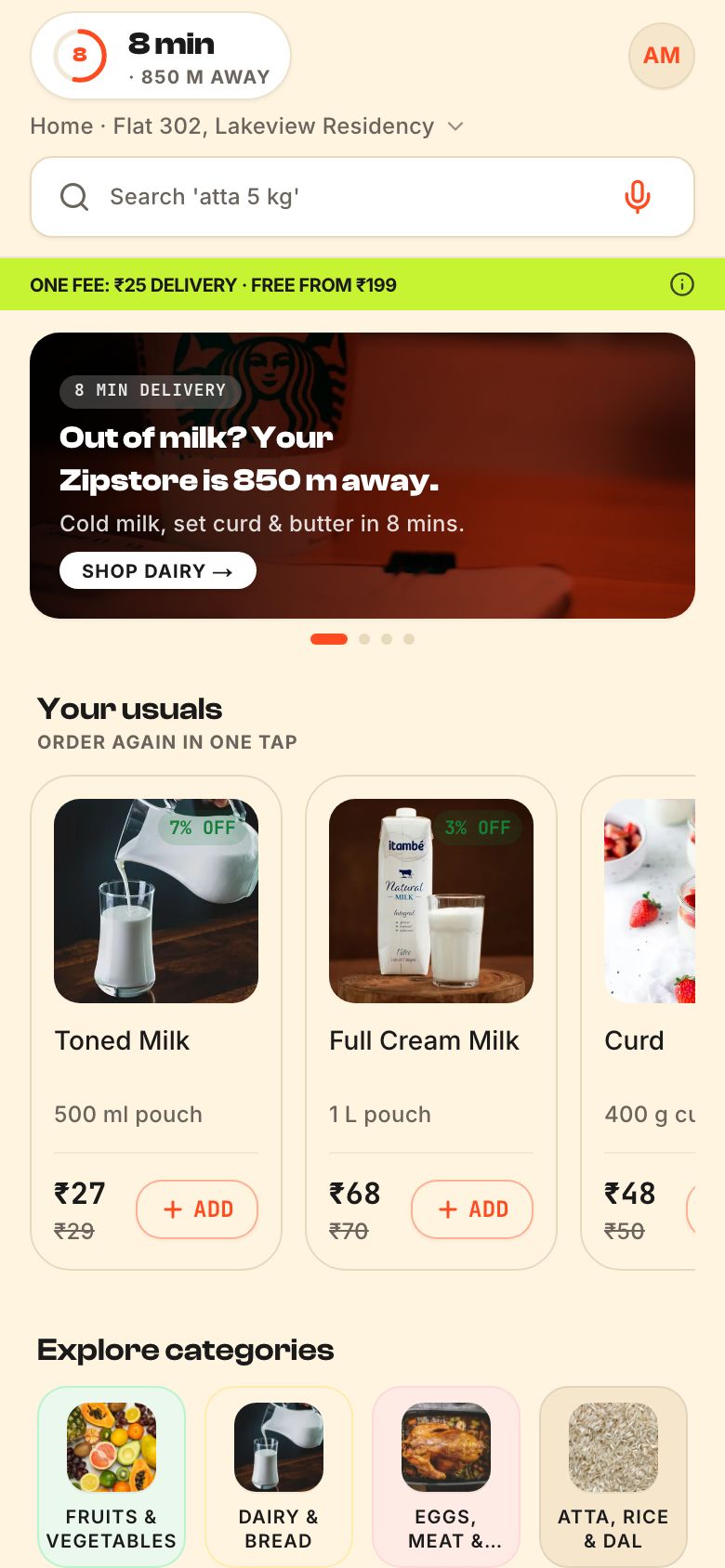
Our concept build Zippit is a neighbourhood quick-commerce marketplace where many local shops share one cart and one runner. It is a concept we built to show how a marketplace could be scoped, not a customer's live product, and it does not cover payment-provider onboarding, licences or the operations around real shops. If you want to see what a first version of an app like that involves, read what a marketplace app is.
The Saral builds custom web and mobile software. If you have decided custom is justified, you can send us a brief, and we will say plainly if something can be bought instead. See also our notes on the MVP.
More on starting a tech startup
- Start hereThe full playbook →Models, licences, startup costs and the steps to your first customer.
- Go deeperWhat to buy →Laptops, test phones, cloud and tool seats for a software startup, and what to leave for later.
- Go deeperWho to hire →First engineers, designer and product roles, India pay by city, ESOP basics and freelancer versus hire.
- Go deeperGetting customers →B2B and consumer routes to first users, launch channels, pilots, pricing and retention.
- Go deeperFinding suppliers →How to choose dev shops, cloud, payments, KYC, messaging APIs, CA and lawyer, and what to ask each.
Questions people ask
Should a startup build its own CRM or use an existing one?
Use an existing one, or a spreadsheet at the very start. CRMs, support desks and invoicing are commodity needs, and a custom version costs engineering time that is better spent on your product. Build custom only if your sales process is unusual enough that no configurable tool fits, and you have measured the cost of the workaround.
Is no-code good enough for a startup MVP?
Often yes for testing demand, directories, booking and internal tools. It starts to struggle with performance, fine-grained permissions, real-time features and complex marketplace logic, and platform pricing can climb with users. Use no-code to learn, check data export from day one, and plan a move to custom code only when you hit a real limit.
What software does a startup need on day one?
Business email on your domain, a shared document space, a code repository, a simple task board, a password manager, a GST-ready invoicing and accounting setup your CA can access, and one analytics tool. Add CRM, support and billing tools when a real need appears. A landing page and a payment link cover early demand testing.
When should I hire engineers instead of using no-code?
Hire when the product's speed, reliability or logic is the reason customers buy, when a no-code limit blocks growth, or when platform costs exceed the cost of owning the system. Until then, no-code and bought tools let founders spend time on customers. Revisit the choice each quarter with real usage data.
How do I keep my startup's data safe on a small budget?
Turn on two-factor authentication everywhere, use a team password manager, restrict cloud and admin access to named people, keep secrets out of code, restore a backup at least once, and collect only the data you need. Follow the DPDP Act duties on consent and deletion, and have a lawyer review your privacy notice.