A yoga studio needs software to do six things: show a timetable with limited spots, sell and track class packs and monthly batches, keep a waitlist, record health forms, pay teachers per class, and handle deposits for retreats and courses. Under about 50 regular students, a shared sheet, a Google Form, UPI and WhatsApp can do all of it.
The mistake is buying a member app before the habits exist. An app does not message the student who missed two weeks. This page works through each job, names the category of tool that handles it, says what to watch for, and ends with when a custom build starts to pay.
The jobs a yoga studio's tools must cover
| Job | What goes wrong without it | What to record |
|---|---|---|
| Batch capacity and booking | Room overfills at 6 am; someone is turned away at the door | Class, teacher, capacity, booked names, waitlist order |
| Packs and plans with expiry | Disputes over unused classes; renewals chased late | Pack type, classes bought and used, start and end, pause days |
| Drop-ins and trial classes | Cash with no record; trial students never followed up | Name, phone, source, date, converted or not |
| Health form and consent | Teacher unaware of a student's injury or pregnancy | Declared conditions, consent to contact, date signed |
| Teacher payouts | Arguments over classes taught and cancelled | Class held, headcount, rate, cancellation pay |
| Retreats and courses | Deposits lost in chats; unclear who has paid what | Participant, room preference, deposit, instalments, refund terms |
| Online classes | Link sent to the wrong people; recordings shared widely | Join link, attendee list, recording consent |
Up to about 50 students: a sheet, a form and WhatsApp
At this size, a spreadsheet is enough if one person owns it. Use one tab for students with plan and end dates, one for the weekly timetable with capacity, one for teacher classes and payouts, and one for trial-class enquiries. Colour any plan ending within seven days so renewals do not slip.
- Booking: a WhatsApp group or broadcast list per batch, with a simple rule that each student replies to confirm the next class. Cancellations and waitlists run through the same thread.
- Health form: a Google Form each new student fills in before the first class, with a consent line for storing their details. Teachers read the responses before class.
- Payments: UPI QR at the desk plus a payment link; screenshot the confirmation and log it the same day. Keep a running number series for receipts.
- Reminders: a template message for renewals a week before a plan ends, and a weekly timetable image.
- Teacher pay: one row per class with date, teacher, headcount and amount, reconciled monthly.
Our guides to WhatsApp for business apps and UPI payments in your app explain what the official WhatsApp Business tools and UPI collections can and cannot do. If you collect health and contact details, read the DPDP checklist for apps and keep access to the sheet limited.
50 to 300 students: class-booking and studio-management tools
Once WhatsApp threads multiply, a ready-made studio or fitness management tool pays for itself in time saved. The category covers class scheduling with capacity limits, online booking by link, class packs and memberships with expiry, waitlists, attendance, automated reminders and basic reports. Many also offer payment links and a simple member-facing page or app.
| Feature to check | Why it matters for yoga specifically |
|---|---|
| Class capacity and waitlist that auto-promotes | Early batches fill and cancel often; manual waitlists collapse |
| Pack expiry and pause options | Students travel; rigid expiry causes refund requests |
| UPI and Indian payment-gateway support | Foreign-first tools may not support UPI collections smoothly |
| GST invoicing if you are registered | Corporate clients ask for invoices; confirm GST applicability with your CA |
| Teacher view and class-wise attendance | Needed for per-class payouts |
| Online class integration | Join links, attendee lists and optional recording |
| Custom forms stored securely | Health forms contain sensitive information |
| Data export | You should be able to leave without losing your student list |
Keep a billing tool separate if your accountant already uses one; our GST billing software guide covers what to look for. Run a two-week trial of any tool with one batch before migrating everyone, and keep the old sheet in sync until renewals have gone through once.
Teacher payouts and course money: what tools usually miss
Many studio tools track student attendance well and teacher pay poorly. If you pay per class, export attendance by class and teacher at month-end and reconcile it in a sheet before paying. Settle cancellations by rule: pay a minimum if the studio cancels, nothing if the teacher does.
Retreats and teacher-training courses behave like small projects, not classes. Each participant has a deposit, instalments, a room or diet preference, a refund date and a visa or travel detail if foreign guests join. A sheet per programme, with a status column for each participant, usually works better than forcing it into a class-booking tool. Take deposits through a payment link and write refund terms before you open booking. Confirm with a CA how GST applies to retreats and courses; we have not verified current treatment.
When custom software starts to pay
- You run several studios or a teacher network and need one student record, with different teachers and rates by location.
- Your pricing does not fit a standard tool: batches that switch teachers in rotation, corporate packages with seat counts, family plans or sliding scales.
- You want your own member app with your brand, class booking, a progress tracker and reminders that do not look like a third-party tool.
- Retreats, courses and classes need one student account, with deposits, instalments and certificates tracked alongside memberships.
- You pay monthly fees for features you barely use while missing one you need.
A custom build is worth discussing only after a ready-made tool has shown you which jobs are painful. Write a one-page list of the five things your tool cannot do, and what each costs you in time or lost students per month. Our subscription app guide and gym and fitness app guide set out what a membership app involves.
A concept to look at: Groundwork, and how we can help
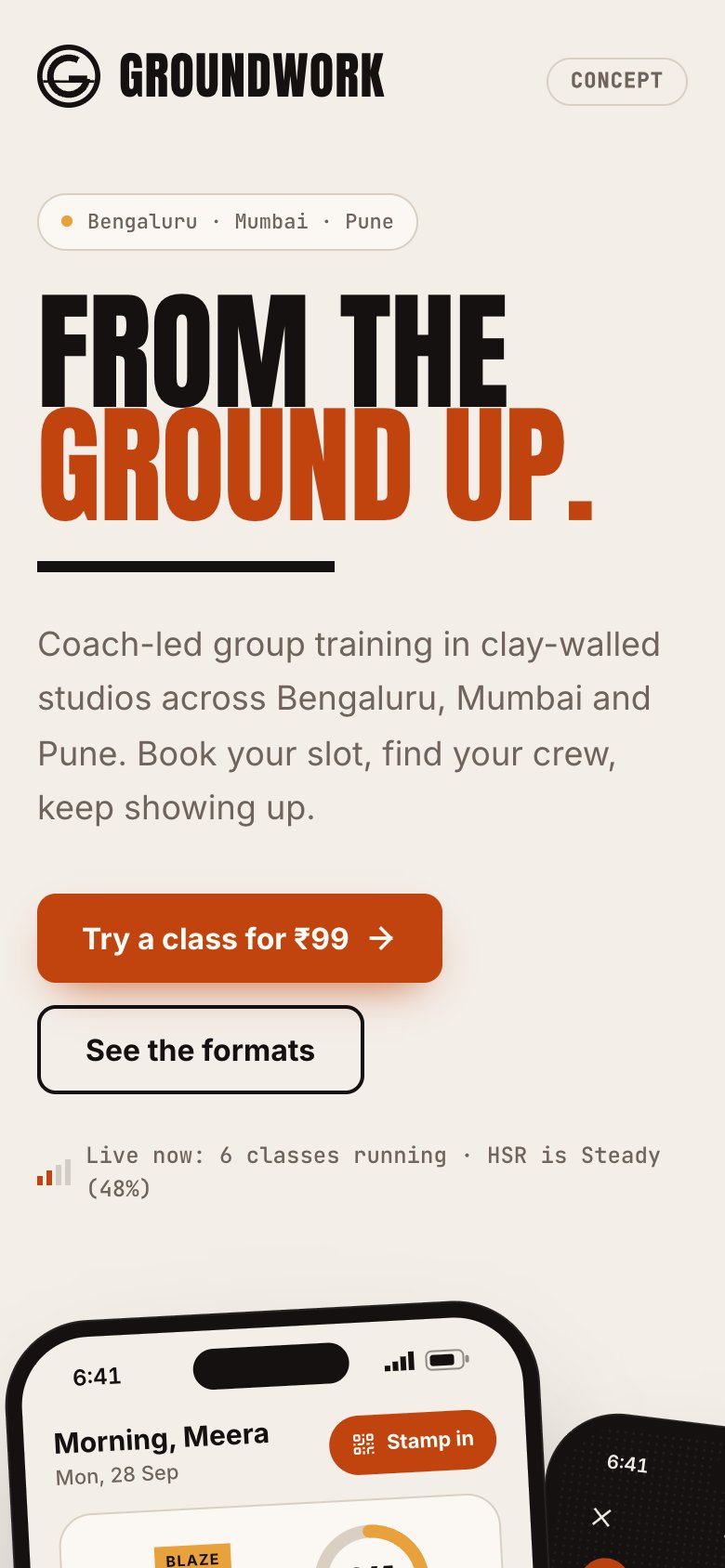
Groundwork is our concept build for fitness studios and home workouts, with a member app and a trainer app. It is a design and working prototype, not a live studio product with real customers, and it is built around gyms and workouts rather than yoga. See the Groundwork case study or the live build.
Mapped to a yoga studio, it covers class booking with capacity, memberships, attendance and teacher schedules, which are the core of the first jobs listed above. It does not include retreat or course management, health-form workflows, per-class teacher payout reports or online-class hosting; those would be scoped as part of a custom build.
The Saral builds apps and websites for small businesses. If you have outgrown sheets and a ready-made tool, read what a fitness app involves, or send us a brief. A fixed quote comes within 48 hours. If a ready-made tool fits, we will say so.
In the yoga studio library
More on starting a yoga studio
- Start hereThe full playbook →Models, licences, startup costs and the steps to your first customer.
- Go deeperWhat to buy →Mats and props per student, floor, quiet and light, costed, plus what to rent or skip at the start.
- Go deeperWho to hire →Teachers by style, front desk and cleaners, with pay per class, certification checks and contracts.
- Go deeperGetting customers →Batches versus drop-ins, society and office pitches, trial classes, pricing and renewals.
Questions people ask
What software does a small yoga studio need?
At the start, a shared spreadsheet, a Google Form for health details, UPI payments and WhatsApp reminders are enough for roughly 50 students. Move to a class-booking or studio-management tool when waitlists, pack expiry and teacher pay become hard to track by hand. Custom software comes last, when no ready-made tool fits.
How do I take class bookings for a yoga studio?
Small studios use a WhatsApp group per batch with confirmed replies. Once you pass about 50 students, a booking tool with capacity limits and an auto-promoting waitlist saves time. Whichever you use, set a clear cancellation rule, such as a few hours before class, so spots do not go unused.
How do I store student health forms safely?
Collect only what teachers need, such as injuries and pregnancy, with a consent line. Keep responses in one access-controlled place instead of WhatsApp chats, share them only with the teacher taking the class and delete old forms when students leave. Read the DPDP checklist and ask a lawyer to review the wording.
How should I run online yoga classes?
Use a fixed weekly slot, a join link sent only to booked students and a clear note on whether the session is recorded. Get consent from anyone who appears on screen before recording. Many studios use a video-meeting tool with a booking page; check current pricing and terms before you commit.
When should a yoga studio build its own app?
Consider it when you run several locations, your pricing does not fit ready-made tools, or you want classes, retreats and courses on one student account in your own brand. Until then, ready-made tools are cheaper. Write down what your current tool cannot do and what that costs per month.