The cheapest thing that works is a spreadsheet for titles and a retail billing app that reads ISBN barcodes. Add stock reports, a returns log and a simple catalogue when your title count passes about 1,000, and consider custom software only when you run schools, multiple branches or your own online store at real volume.
A bookstore's software problem is not the till, it is the titles: tens of thousands of possible ISBNs, slow sellers, returns to distributors, seasonal school lists and used books that do not have a barcode. Choose tools by those problems.
What makes bookstore software different
Most retail tools assume a few hundred fast-moving items. A bookstore has thousands of titles, of which most sell once or twice a year. The data you need is therefore different:
- ISBN as the item code. New books arrive with an ISBN-13 barcode; the system should scan, find the title or create it on first sight, with author, publisher and MRP.
- MRP-based pricing and discounts by supplier. Your cost is MRP minus the supplier discount, which differs by publisher.
- Returns to suppliers with dates, quantities and credit notes expected.
- Stock turn and ageing, that is, which titles have not sold in 90, 180, 365 days.
- Special orders and reservations linked to a customer, an advance and a status.
- School lists: a set of titles per class, with quantities and a bill per child.
- Used books with no ISBN price, bought from a seller at a rate and sold at your own price.
- GST invoicing that handles the tax treatment of books, stationery and any café or gift items. Confirm treatment with a CA; our GST billing software guide covers features to check.
Before opening: a title sheet you can reuse
A single spreadsheet is enough while you are choosing your first stock and meeting distributors. Keep one row per title and use the sheet to compare suppliers.
| Column | Why it is there |
|---|---|
| ISBN-13, title, author, publisher, language | Becomes the import file for your billing software later |
| MRP | Pricing base |
| Supplier, discount %, credit days | Shows which supplier gives you the best margin on each title |
| Copies ordered, received, sold | A manual stock count before you have software |
| Date first received, last sold | Shows which titles are ageing |
| Returnable? (yes/no, by when) | The cash-protection column |
| Section / shelf code | Helps shelving and stocktakes |
Export it to a CSV when you choose billing software; most retail tools import items from CSV, so the time you spend on clean ISBNs now is saved later.
Billing, stock and barcode: the first purchase
Look for an off-the-shelf retail or GST billing tool with barcode scanning, item import from CSV, MRP-based discounts, supplier purchase entry, returns, and a clear stock report. Tool categories include retail POS apps, GST billing and inventory software, and general accounting packages with inventory add-ons. Check current pricing, offline mode and data export with each vendor; we have not verified any vendor's price or features.
| Feature to test | How to test it |
|---|---|
| Scan an ISBN you have never entered | Does it offer to create the item, or fail? Time how long it takes at the counter |
| Bill ten items with different discount rates | Does it handle MRP and GST rounding on the invoice correctly? |
| Enter a purchase from a distributor invoice | Can you enter the discount per line and have cost price calculated? |
| Return five titles to a supplier | Does it reduce stock and track the credit note you are owed? |
| Run a slow-moving titles report | Can you list titles unsold for 180 days? |
| Work without internet for an hour | Does billing continue offline and sync later? |
| Export all items and sales to Excel | Can you leave the software with your data if you change your mind? |
Keep UPI and card payments separate from the software at first; the QR and soundbox from your bank or payment app will do, and you can reconcile at the end of the day.
Special orders, school lists and used books
These three flows are where generic retail software usually falls short, and where a simple, disciplined workaround often beats a custom build.
| Flow | Cheapest workable setup | When it breaks |
|---|---|---|
| Special orders and reservations | A shared sheet or notebook with name, phone, title, advance, order date, status; WhatsApp messages on arrival | More than about 30 open orders; missed callbacks start to cost sales |
| School lists | One sheet per school with class, title, quantity, pre-orders and pickup date; items in billing grouped as a 'set' or a template bill | More than a handful of schools, or parents who change their lists after ordering |
| Used books | A buying register with seller, title, condition, purchase price and your sale price; a pencilled price in the book | A used-book section of several hundred titles with no record of what sold at what price |
| Returns to suppliers | A returns log and a monthly reminder to claim credit notes | Credit notes you cannot match to returned titles |
If a billing tool supports a bundle, kit or template bill, use it for school sets so a parent's whole list is billed in seconds. If it does not, a printed class checklist and a scanned barcode sheet reduces counter errors.
Selling online and keeping stock in sync
Online selling adds two risks: overselling a title that sold at the counter, and the hours it takes to list thousands of titles by hand. Start narrow.
- A WhatsApp catalogue and a message-based order flow for your core customers, see our WhatsApp guide.
- A simple e-commerce website listing a few hundred titles with images and prices; the e-commerce website guide covers cost and choices.
- Marketplace listings on large platforms for titles where you have depth. Read each platform's current fees, returns policy and category rules yourself; we have not verified them.
- A shared stock figure: at minimum, update online availability at the end of each day; at best, your billing and your online store share one stock number.
- Cover images and metadata: publishers often supply images; check the licence and use publishers' supplied material only as they permit.
For the broader build-versus-buy choice, our e-commerce website solution page and the marketplace app page describe what each involves.
When custom software starts to pay
Custom is rarely worth it for a single store. It starts to pay when a specific workflow costs you real money every week and no off-the-shelf tool handles it.
| Situation | What custom would cover |
|---|---|
| Several schools and thousands of pre-orders per season | Parent pre-order forms by school and class, a set builder, pickup scheduling, a bill per child, and a pack list for the stockroom |
| Two or more branches | One title master, inter-branch transfers, branch-wise stock and reorder suggestions |
| High online volume | A catalogue synced to your stock, order routing, courier labels and returns |
| A large used-book or rare-book section | ISBN-less item records with condition, photos, seller records and online listing |
| Distributor integration | Purchase entry from an electronic invoice and automatic discount by supplier |
Before you commission anything, run the pain for a season on sheets and write down the hours lost and the sales missed. If the number is small, keep the sheet. The billing app and school app pages outline what these builds involve.
Our concept build, and The Saral
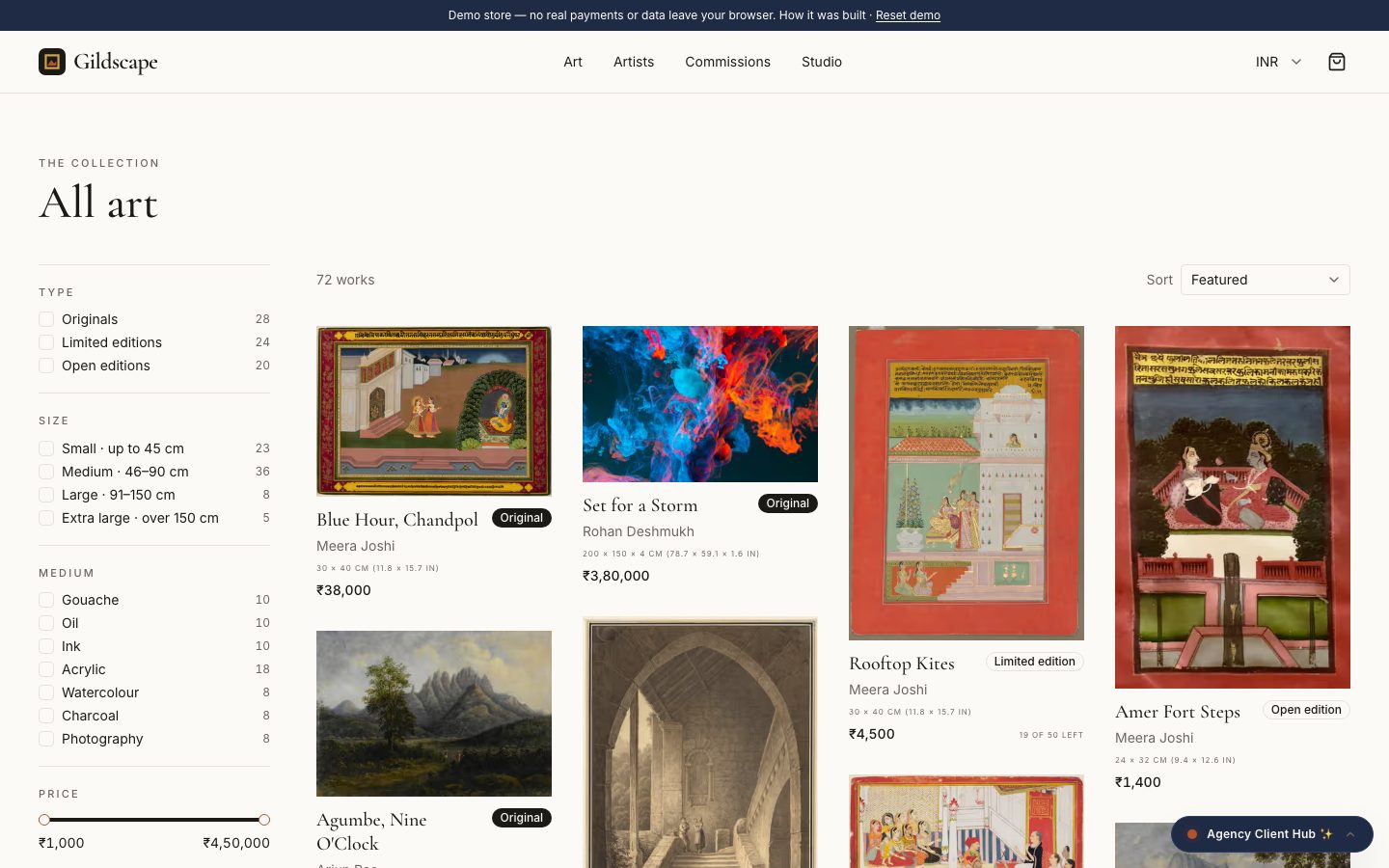
Our concept build Gildscape is an artist storefront and marketplace, not a bookstore system. It is a demonstration we built to show an idea, not a live product with real clients. It shows how a curated catalogue and a story-led product page can look online. It does not cover ISBN billing, GST invoices, supplier discounts, returns, school lists or stock turns.
If you reach the point where a custom catalogue, school pre-order flow or stock sync would pay for itself, The Saral builds this kind of software. Contact us with your title count, schools and channels and we will say honestly whether a custom build is worth it or whether an off-the-shelf tool will do.
More on starting a bookstore
- Start hereThe full playbook →Models, licences, startup costs and the steps to your first customer.
- Go deeperWhat to buy →Shelving, ISBN billing and opening stock by section, costed, with the school-list buy and what to skip.
- Go deeperGetting customers →School lists, book clubs, events and buy-backs: how a bookstore wins readers against online discounts.
- Go deeperFinding suppliers →Publishers, distributors and wholesale markets: discounts, credit, returns and how to vet them.
Questions people ask
What software does a new bookstore need first?
A retail or GST billing app that reads ISBN barcodes, plus a spreadsheet of titles with supplier discounts. That covers billing, stock and margin for a store under about 1,000 titles. Add a returns log and a slow-movers report next, and test a free trial before paying for a year.
Does billing software work with book ISBN barcodes?
Most retail billing tools read standard barcodes, including ISBN-13, but the difference is what happens on the first scan of a new title. Test whether it creates an item with author, publisher and MRP, how fast it is at the counter, and whether it lets you import items from a CSV file.
How do I track books returned to publishers?
Keep a returns log with title, quantity, date sent, supplier and credit note expected, and check it monthly. Some billing software has a purchase-return entry that reduces stock and tracks credits; test it in a trial. Without a log, credit notes are often forgotten and cash stays stuck.
Should a bookstore build its own website?
Not at first. Start with a WhatsApp catalogue or a simple e-commerce site for a few hundred titles, and keep stock in sync at least daily. Build custom only when you have the volume, a clear gap such as school pre-orders, and the hours saved justify the cost.
How do I handle used books in software?
Use a buying register with seller, title, condition, purchase price and sale price, because used books have no ISBN price to scan. Many billing tools let you create items manually with a price. If your used section grows to hundreds of titles, it may justify a dedicated item type or a custom build.