A clothing brand needs software for one hard problem that most shops do not have: every product is really a grid of style, colour and size, and every return puts a single size back on a shelf. Start with a spreadsheet keyed to a barcode-able SKU, a hosted store, and a courier aggregator; add an order-management or inventory tool once orders cross a few hundred a month, and custom software only where a specific loop keeps costing you money.
Prices for these tools change often and we have not verified current plans, so treat any rupee figure here as an estimate and check each vendor's own pricing page.
What the software actually has to track
Before choosing a tool, list the things that go wrong in a clothing brand. The software has to make each one visible.
- SKU per style, colour and size. A tee in four colours and five sizes is twenty SKUs; a stock count of 'tee, 60 pieces' is useless when everyone wants M.
- Batch and cost. The cost of goods for one batch (fabric, CMT, trims, print) should sit against the style so you can see true margin after a reorder at a different price.
- Work in progress. Fabric sent to a unit, pieces at the print vendor, pieces in transit: stock that is paid for but not saleable.
- Size-wise sell-through. Which size sold out first, which is stuck.
- Returns and exchanges. The reason, the size, whether it was resaleable, and where the piece went.
- COD and settlement. Which orders were remitted by the courier, which were refused, and which are pending.
- GST. Slab per piece depends on the price, so billing needs to compute it correctly and keep invoices tidy for your CA.
The spreadsheet that gets you through the first 100 orders
A well-built sheet is enough early on and costs nothing. The key is a stable SKU code and four tabs, not a pretty dashboard.
| Tab | Columns worth having | Why |
|---|---|---|
| Styles | Style code, name, fabric, GSM, supplier, tech-pack link, landed cost, selling price, GST slab | One row per style; the cost sits beside the price so margin is never a guess |
| Stock | SKU (style-colour-size), opening, received, sold, returned-resaleable, damaged, closing | One row per SKU; closing stock is a formula, not a number someone types |
| Orders | Order ID, date, channel, SKU, quantity, payment mode, courier, AWB, status | Lets you filter COD against prepaid and see refusals by pincode |
| Returns | Order ID, SKU, reason (size, quality, changed mind), received date, condition, action (restock, repair, write off) | Your size-chart feedback loop |
Use a numbered SKU that you can print as a barcode, and print a barcode on each hang tag. When you pack, scan it and the sheet updates (Google Sheets with a scanner works for low volume). Keep a separate small sheet of the sample garments you hold so they do not get mixed with saleable stock.
Move on from sheets when two people edit the stock, when orders come from more than one channel, or when you oversell a size twice in a month. Those are the signs the sheet has become a liability.
Off-the-shelf tools by job
| Job | Category of tool | What to look for in a fashion brand |
|---|---|---|
| Storefront | Hosted store builders (Shopify, WooCommerce hosting and similar) | Variants for size and colour, a size-chart block on each product, back-in-stock alert, UPI and COD, pincode checks, fast mobile pages |
| Payments | Payment gateways with UPI (Razorpay, Cashfree, PayU and similar) | UPI first, settlement time, COD handling, refund by API |
| Shipping | Courier aggregators and shipping dashboards (Shiprocket, Delhivery, Shipway and similar) | Pincode serviceability, COD remittance schedule, reverse pickup, NDR (non-delivery) handling, rate card by weight |
| Stock and orders across channels | Order and inventory management (Unicommerce, EasyEcom, Zoho Inventory and similar) | Size-level stock, one pool shared by your site and marketplaces, barcode scanning, bundle support |
| Billing and GST | Accounting and billing (Tally, Zoho Books, Vyapar, Busy and similar) | Per-piece GST slab logic, e-invoice if it applies to you, job-work and fabric purchase entries, reconciliation with your gateway and courier |
| Customer chat and orders on WhatsApp | WhatsApp Business app, then the WhatsApp Business Platform through a provider | Catalogue, quick replies, order-confirmation templates for COD, labels for size queries |
| Returns and exchanges | Returns portals and apps, often as plugins for the storefront | Reason codes, exchange for another size, pickup booking, refund to source or store credit |
| Design and production files | Cloud drive plus a tech-pack template, or product-lifecycle tools if the range grows | Version control on measurements; the pattern master and the unit must see the same file |
A typical early stack costs somewhere around ₹3,000–15,000 a month in subscriptions plus transaction and shipping fees, as an estimate, and rises with order count. Vendors change plans often, so check before you commit.
For a deeper look at the store itself, see the ecommerce website guide, the website cost guide and how UPI payments work. For billing and GST, the GST billing software guide lists what to expect from an invoicing tool.
Tracking the drop: from production to the parcel
The riskiest period is between paying the unit and shipping the last order of a drop. Use one tool for this loop, even if it is a shared board.
- Create a production record per batch: PO number, fabric received date, cut date, delivery date, pieces per size, rejection count.
- Compare the received count with the order by size, then print barcode stickers for the correct counts.
- Open the drop for sale only after goods are in and checked, unless you are doing a clearly labelled pre-order.
- Link every order to a SKU so the stock falls automatically, and put a low-stock alert at the size level.
- When an exchange arrives, receive it into a 'returns' location first and move it to sellable stock only after inspection.
A WhatsApp-based order confirmation for COD often does more for refusals than any paid plugin. Tie it to your order tool so a 'yes' updates the status.
When custom software starts to pay
Most brands never need custom software for stock or accounting. Custom work pays when your storefront experience is part of what you sell or when a recurring manual loop costs real money every week.
| Signal | What custom could cover | Reasonable first step |
|---|---|---|
| Many returns because of size | A size and fit finder that uses your actual garment measurements and past return data | Fix the size chart and fit notes first; add a quiz only if returns stay high |
| Drops sell out in minutes and the store crashes or oversells | A drop page with a countdown, a queue, per-size stock locking and a waitlist | A well-configured hosted store with an inventory lock plugin |
| You want customers to build outfits | An outfit builder and lookbook that shop the look in one cart | Product bundles and a lookbook page on the hosted store |
| Studio work eats your week | An internal tool for tech packs, samples, batches and size-wise stock tied to the store | A shared database tool or the sheet above, with a clear owner |
| You sell through your own site, marketplaces and stalls | One stock pool across all channels with barcode scanning at the stall | An off-the-shelf order and inventory tool |
Do not let a vendor sell you an app on day one. A hosted store with a good product page is a stronger first investment than a mobile app; read website, app or both before deciding.
The concept build and The Saral
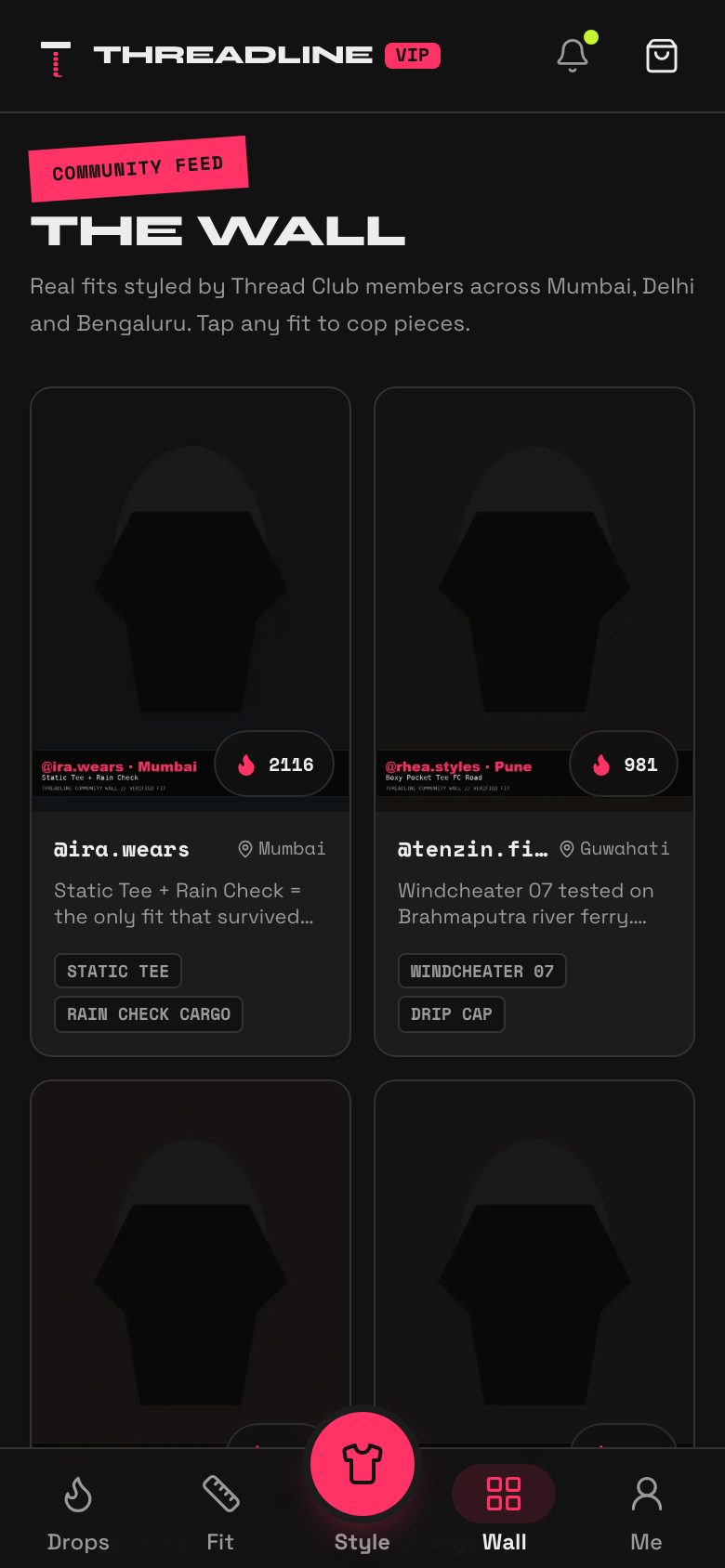
Threadline is our concept build for a clothing label: a storefront that handles streetwear-style drops, an outfit builder, a size finder and lookbooks, with studio tools behind it. It is a concept to look at, not a product you can buy off the shelf, and it does not replace accounting, courier tools or GST filing; those stay with your CA and the platforms above.
If you want something like it built around your own range, The Saral builds custom storefronts and internal tools for Indian businesses. Start from the ecommerce website solution page and the clothing brand playbook; talk to us only when the cheaper options above have clearly stopped working for you.
More on starting a clothing brand
- Start hereThe full playbook →Models, licences, startup costs and the steps to your first customer.
- Go deeperWhat to buy →Sampling, fabric, trims, labels, packaging and a shoot kit, costed, plus what not to buy yet.
- Go deeperGetting customers →Drops, content, pre-orders, launch pricing and how to keep returns and COD refusals down.
- Go deeperFinding suppliers →Clusters, cut-make-trim units, fabric and trims: how to find, vet, pay and back up suppliers.
Questions people ask
What software does a small clothing brand need first?
A spreadsheet with one row per SKU (style, colour and size), a hosted online store with UPI and COD, a courier aggregator for shipping, and a billing or accounting tool for GST. Add a WhatsApp Business account for chats and order confirmation. That is enough for the first few hundred orders.
How do I manage stock by size and colour?
Give each style-colour-size its own SKU and track stock at that level, not per style. Print the SKU as a barcode on the hang tag, scan it at dispatch and on returns, and keep a separate location for returned items waiting for inspection. A sheet works at low volume; use an inventory tool when you sell on several channels.
When should I move from a spreadsheet to an inventory tool?
Move when two people update stock, when you sell across your site and marketplaces, or when you oversell a size more than once a month. Those signs mean the sheet is costing you orders. Pick an order and inventory tool that supports size-level stock, barcodes and bundles.
Do I need a mobile app for my clothing brand?
Probably not at the start. A fast hosted website with a good product page, UPI and WhatsApp support usually brings more orders per rupee than an app. An app starts to make sense when you have a strong repeat base and want push notifications for drops, wishlist and loyalty features.
Is custom software for a clothing brand worth it?
Only for a specific problem: a size finder if size returns stay high after fixing the chart, a drop page if launches oversell, or an internal tool if studio and stock tracking eat your week. Test the cheaper version first, and compare the build and upkeep cost with the money the problem costs you.