Start with a restaurant POS that does GST billing and kitchen order tickets, the platform partner apps on a tablet, and a spreadsheet for recipe costing and payouts. Add an aggregator-integrated order screen when you handle more than one platform at peak, and consider custom software only when you run an own-delivery channel or several kitchens.
A cloud kitchen has software needs that a dine-in restaurant does not: orders arriving from four apps at once, a 60-second acceptance window, no tables or waiters, rider hand-off, and platform payouts that never match your sales exactly. Choose tools for those problems, not for a feature list.
The software jobs in a delivery-only kitchen
| Job | What goes wrong without it | Tool category |
|---|---|---|
| Receive and accept orders from every platform | Missed orders, slow acceptance, wrong items | Platform partner apps, or an aggregator-integrated POS |
| Bill and print kitchen tickets (KOT) | Verbal orders, mistakes, no GST invoices for own orders | Restaurant POS or billing software |
| Mark dishes out of stock across platforms | Cancellations that damage ratings | POS with menu sync, or manual updates in each app |
| Cost each recipe | Selling below cost without noticing | Recipe costing in a sheet or inventory module |
| Track raw material and wastage | Over-ordering, theft, spoilage | Inventory module or a stock sheet |
| Reconcile platform payouts | Commissions, ad charges and refunds deducted without checks | Payout sheet or reconciliation tool |
| Manage repeat customers | Every order dependent on a platform | WhatsApp Business, CRM or own ordering page |
| Dispatch and own riders | Late deliveries, no tracking | Rider app and route logic, if you deliver yourself |
Day one: free and near-free
Before you spend on software, run on what each platform gives you and one sheet. This is enough for the first few weeks at fewer than about 20 orders a day.
- Platform partner apps: Swiggy and Zomato provide merchant apps for accepting orders, marking items out of stock and viewing payouts. Use a dedicated tablet with the volume on.
- A UPI QR and a free billing sheet for direct orders until you have enough to justify a POS.
- WhatsApp Business with a catalogue and quick replies for regulars.
- Google Sheets with four tabs: Recipes (ingredient, quantity, unit cost, total), Daily Sales by channel, Stock (opening, bought, used, wasted, closing) and Payouts (platform, period, orders, payout received, difference).
- A weekly check: compare payout statements against your own order count per platform.
The recipe tab is the most valuable. Cost each dish from the real ingredient bill, add packaging, and see what is left after commission. Many kitchens find a bestseller is the one losing money.
When orders pile up: POS with KOT and aggregator integration
Restaurant billing and POS software is the first paid tool. India has many vendors, including Petpooja, Posist, Torqus, Zoho Books for accounting and Vyapar for simple billing. We have not verified current features, integrations or prices, and we are not recommending any; test two with your real menu.
| What to check | Why it matters for a delivery kitchen | Question to ask the vendor |
|---|---|---|
| Aggregator integration | Orders from Swiggy, Zomato and others land on one screen and print as KOTs | Which platforms are integrated in my city, and who is approved by each platform? |
| Menu and stock sync | Marking a dish out of stock updates every channel | Does one change update all platforms, and how fast? |
| KOT printing by station | Tandoor items print at the tandoor, drinks at the pass | Can I route tickets to several printers? |
| GST billing | Correct invoices and tax reports for your own channel | How are platform-collected taxes recorded? |
| Inventory and recipes | Auto-deduct raw material when a dish sells | Does it handle sub-recipes such as gravies and marinades? |
| Reports | Sales by channel, item, hour; cancellations | Can I export to CSV for my CA? |
| Offline mode and support | A dropped connection must not stop printing | What is support response at 9 pm on a Saturday? |
Check whether the vendor's integration with each platform is official and what it costs; some charge per outlet per month. The GST billing software guide covers the general checks, and the restaurant online ordering guide covers customer-facing ordering.
Inventory, recipe costing and wastage
Once volume passes roughly 50 orders a day, a sheet starts to lag. The software should let you count stock at close and show actual versus theoretical use.
- Sub-recipes: a base gravy that goes into four dishes must be one item, with its own cost per kg.
- Unit conversion: buy in kg, use in grams and spoons, sell in portions.
- Theoretical vs actual: if sales say 40 kg of chicken should have been used and you used 46, that gap is wastage, over-portioning or theft.
- Expiry and batch labelling: log prep date and use-by for marinades, gravies and cut vegetables.
- Purchase entry: record each delivery with weight and rate to track supplier price drift; see finding suppliers.
Reconcile payouts weekly. A platform statement shows orders, commission, taxes collected, ad charges, refunds and a net amount; compare each against your own record. Disputes are easier when raised within the platform's window, so check how long that is in your agreement.
Own channel: ordering page, customer list and own riders
When repeat customers are a meaningful share, an ordering page of your own with a pay link is the next tool. Start with a simple one before any app.
| Step | Cheapest thing that works | Move on when |
|---|---|---|
| Menu and ordering link | A WhatsApp catalogue, or a simple site with an order form and UPI payment | More than about 20 direct orders a day by hand |
| Customer list | A sheet or CRM tool with consent noted | Several hundred regulars you want to message |
| Delivery by your own riders | Two or three riders on salary plus phone-based tracking | A dense neighbourhood where rider cost per order falls below platform commission |
| Online payments | UPI links and QR; a payment gateway for an app | You need cards, refunds and reconciliation at volume |
| Loyalty | Order-count card in a sheet | Many customers and rules you cannot track by hand |
Our food delivery app page and food delivery app guide explain what the customer, kitchen and rider sides of an app involve, and how app costs work gives ranges. For a website for your own brand, see the restaurant website page.
When custom software pays for itself
Off-the-shelf tools cover most single kitchens. Custom starts to pay when a recurring problem costs more per year than the build and its upkeep, and ready-made tools really do fail at it.
| Signal | Ready-made may cope | Custom becomes sensible |
|---|---|---|
| Several kitchens or brands | Separate POS accounts per outlet | Central menu, pricing, stock transfers and one report across kitchens |
| Own delivery | Phone calls and a rider WhatsApp group | Live order tracking, rider assignment, payouts and a customer app |
| Subscriptions and meal plans | A sheet and manual billing | Weekly plans, pauses, skip-a-day and auto-renewal |
| Corporate or bulk orders | WhatsApp orders and invoices | An office portal with approvals, contract rates and monthly statements |
| Platform fee analysis | A payout sheet | A dashboard comparing platform and own-channel profit per order |
Read choosing an app development company and the MVP guide first, and consider a small pilot. A billing app page outlines what a custom billing layer would cover.
The concept build to look at, and The Saral
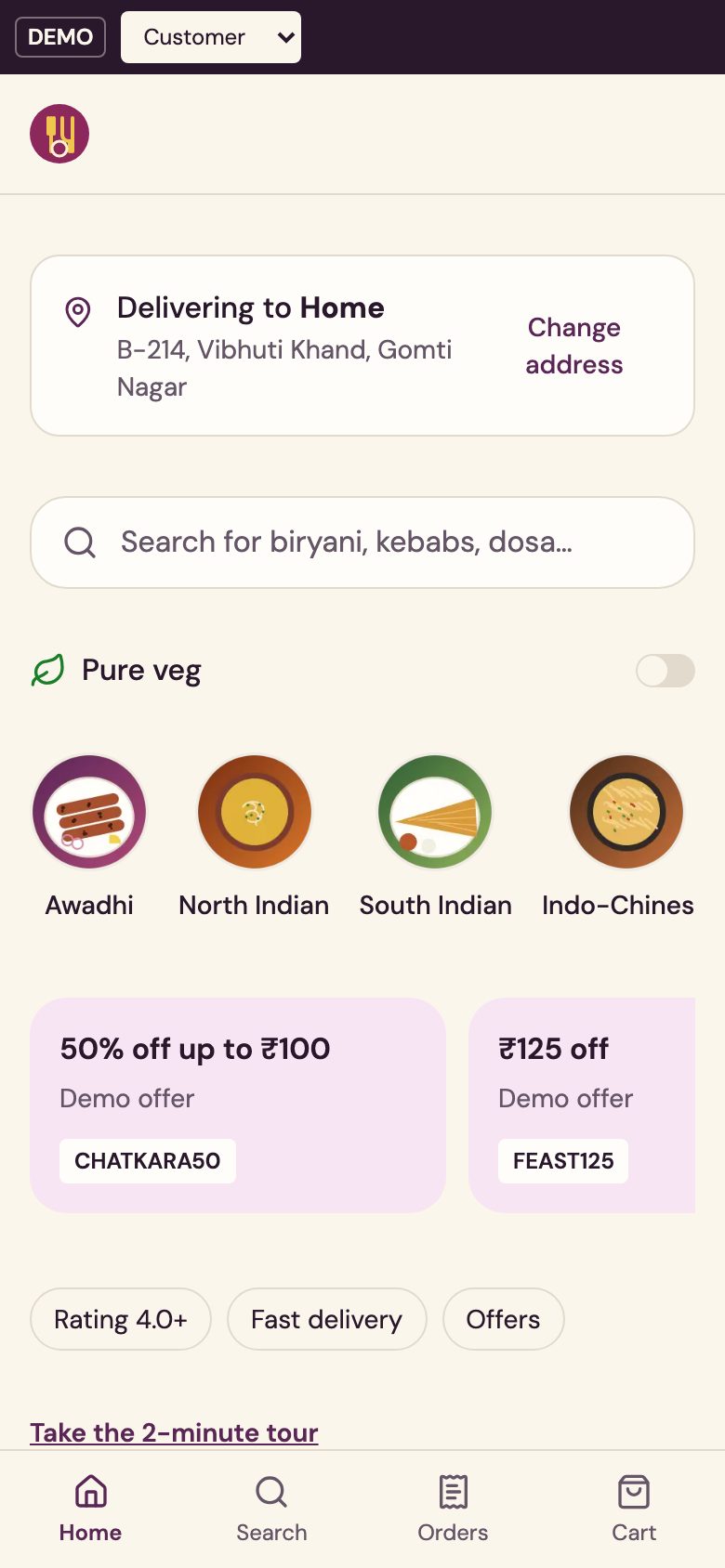
Our concept build Bitevia is a demonstration, not a live product with real clients. It shows three apps: a customer app, a kitchen screen that counts down 60 seconds to accept an order, and a rider app, plus a payout statement that compares platform fees with own-app economics.
- It illustrates: order flow, kitchen acceptance, rider hand-off and the fee comparison.
- It does not cover: GST-ready invoicing, recipe-level inventory, integration with Swiggy or Zomato, or FSSAI paperwork. Those need a POS, or would be added in a custom build.
The Saral builds software like this to a fixed price. If you reach the signals above, you can send a brief. Until then a POS, your platform apps and a payout sheet will carry you a long way. Software features and prices change quickly, so verify any vendor claim directly.
Tax, invoicing and data-protection rules change; confirm with a CA and check official sources. This is not legal advice. Vendor names are examples that businesses commonly use, not endorsements.
More on starting a cloud kitchen
- Start hereThe full playbook →Models, licences, startup costs and the steps to your first customer.
- Go deeperWhat to buy →Range, exhaust, cold chain, packaging and the order tablet, costed, with what to rent or skip.
- Go deeperWho to hire →Head cook, line, packer and helpers in hiring order, with pay, trial tasks and shift design.
- Go deeperGetting customers →Platform listing craft, launch offers, WhatsApp regulars and the move to your own ordering link.
- Go deeperFinding suppliers →Mandi, meat, dairy, dry grocery, gas and packaging sources, with vetting, terms and backups.
Questions people ask
What software does a cloud kitchen need?
At minimum, the platform partner apps on a dedicated tablet, a billing or POS tool that prints kitchen tickets and GST invoices, and a sheet for recipe costing and payouts. As volume grows, add an aggregator-integrated POS that merges orders into one screen, and inventory tracking for raw material and wastage.
Which POS is best for a cloud kitchen in India?
No single POS is best; test two with your real menu through a full peak hour. Check which delivery platforms it officially integrates with in your city, how it syncs out-of-stock items, and whether it prints KOTs by station. Petpooja, Posist and Torqus are commonly used names; we have not verified current prices.
How do I check that a delivery platform's payout is correct?
Compare each statement line against your own order records: orders, commission, taxes collected, ad charges, refunds and net payout. Keep a weekly sheet with the platform's figure beside yours and the difference. Raise disputes quickly, since platforms usually set a window for objections, and confirm that window in your partner agreement.
Do I need my own app for a cloud kitchen?
Not at the start. A WhatsApp catalogue or simple ordering page handles regulars well. An own app with your own riders pays only when repeat orders are a large share and your delivery area is dense, so rider cost per order beats the platform commission. Model it with your own numbers before building.
Can one screen show orders from all delivery apps?
Yes, some restaurant POS vendors integrate with several platforms so that orders arrive in one queue and print as tickets. Availability depends on the vendor, the platform and your city, and some charge per outlet. Ask the vendor which integrations are official and run a trial during a busy dinner service.