Start with attendance you can trust, payroll that handles EPF, ESI and professional tax, and GST invoices that match attendance. Sheets and an off-the-shelf attendance and payroll app cover the first three to five sites. Custom software starts to pay when you run many sites and need client-facing tickets, photo checklists and wage reports in one place.
The chain that matters is simple: attendance proves who worked, payroll pays them and files statutory returns, and the invoice bills the client for exactly those people. Break any link and you lose money or a renewal.
The work the software has to do
| Job | Daily or monthly | What breaks without it |
|---|---|---|
| Attendance at each post, with shift and site | Daily, before the morning shift | You invoice for people who did not work, or cannot prove those who did |
| Relief and replacement tracking | Daily | Posts uncovered, penalty clauses triggered |
| Wage calculation with EPF, ESI, professional tax and bonus | Monthly | Short pay, penalties, audit queries |
| Challans and returns file | Monthly | Late deposits and withheld client payments |
| Invoice from attendance and rate card, with GST | Monthly | Disputes, delayed approval and cash gaps |
| Complaint and task tickets | Daily | Complaints on WhatsApp get lost; no closure proof |
| Consumables stock and issue | Weekly | Stockouts or billing disputes |
| Checklist and photo proof of cleaning rounds | Per round | No evidence when the client questions quality |
| Technical maintenance schedule and log sheets | Per asset | Missed preventive maintenance and no history |
| Document vault for audits | Anytime | Hunting for challans while the auditor waits |
The playbook on starting a facility management company lists the tech in short; here is how to build it up without paying for tools you will not use.
The first three sites: a sheet plus one attendance app
For up to about 60 to 100 workers, a disciplined spreadsheet and a low-cost attendance tool are enough, and you will learn what your clients actually ask for.
- Attendance: a mobile app with selfie, GPS and time stamp, or a small biometric or face-recognition terminal at the site. Check that the export is a sheet you can reconcile with payroll, and that the vendor can show you how data is stored and who can see it.
- Payroll: a wage sheet with formulas for days worked, wage, deductions and net pay, checked by your CA each month. Or a simple payroll tool that supports EPF, ESI and professional tax for your state.
- Invoicing: an accounting package with GST invoicing such as Tally, Zoho Books or Vyapar-type tools; see the GST billing software guide. I have not verified any vendor's current price or features, so compare current plans.
- Tickets: a shared sheet or a form (Google Forms, WhatsApp Business with a labels list). Number each complaint, record time raised and closed and the person responsible.
- Documents: a cloud folder per site with fixed subfolders: registrations, wage registers, challans, appointment letters, police verification and insurance.
- Messaging: a WhatsApp group per site with the client admin and your supervisor; see WhatsApp for business apps for the official business options.
Attendance and worker details are personal data. Collect only what you need, tell workers what the app records, restrict who sees it and ask the vendor about retention and deletion. See our DPDP Act checklist. This is not legal advice.
Three to fifteen sites: off-the-shelf attendance, payroll and a helpdesk
When supervisors hand in attendance on paper and your accounts person is re-typing, buy tools that connect. Look for a workforce or payroll product that takes attendance by site and shift, computes wages with statutory deductions and creates challan files, plus a ticketing tool the client can use.
| Tool type | What to check | Where it falls short for FM |
|---|---|---|
| Workforce attendance and payroll (India-focused HRMS) | Multiple sites and shifts, daily-wage and monthly pay, EPF and ESI files, contractor and principal-employer reports | Few link attendance to a client rate card and an invoice |
| Accounting with GST | E-invoicing if your turnover requires it, TDS, multi-branch, credit notes for SLA penalties | Does not know about posts, shifts or attendance |
| Helpdesk or ticketing | Ticket by QR code or link without login, SLA timers, photo attachment, client view | Not tied to your sites, workers or checklists |
| CAFM or maintenance tool | Asset register, preventive schedules, work orders, spares | Priced and designed for larger or technical portfolios |
| Inspection and checklist apps | Photo proof, scoring, issue tracking | Another login for supervisors; data sits apart from payroll |
At this stage a monthly export from attendance into the invoice sheet is often still done by hand. That is acceptable if it takes one person a day and the numbers tie out; it becomes a problem when it takes three days or contains errors.
When custom software is worth it
Custom software pays when the gaps between your tools cost more than the build, or when clients ask for things off-the-shelf tools cannot deliver.
| Signal | What custom could cover | Alternative to try first |
|---|---|---|
| Invoice disputes from attendance mismatches | Attendance by post against the contract's sanctioned strength, invoice generated from it | A stricter sheet with locked formulas and a weekly reconciliation |
| Clients want live dashboards or tickets by QR code | A client portal with attendance, tickets, SLA timers and monthly reports | A helpdesk tool with a shared view |
| Supervisors on paper checklists, no photo proof | A supervisor app with area checklists, photos, timestamps and offline mode | A general inspection app |
| Relievers allocated by phone call | A roster that suggests available relievers by site and shift | A shared roster sheet |
| Multiple states with different wage rates | Wage-rate tables per site and category, with revision dates | Payroll tool with custom salary structures |
| Consumables billed at actuals | Stock issue per washroom with rate card and monthly bill | Stock sheet with a monthly photo of the store |
| Technical contracts with many assets | Asset register, scheduled maintenance, work orders and history | CAFM tool trial or a maintenance app |
A usable first custom scope is small: site and post master data, attendance import, a supervisor checklist app, a ticket form with a QR per washroom, and an invoice builder that reads attendance. Leave payroll with a specialised product and integrate by export, because statutory rules change and are better maintained by a vendor focused on them.
If you do build, read how to choose an app development company, start with a minimum viable product on two sites and plan for maintenance costs.
A realistic plan for the first year
- Month 0 to 3: one site, selfie-GPS attendance app, wage sheet checked by your CA, accounting software for GST invoices, WhatsApp group with the client.
- Month 3 to 8: two to four sites, payroll tool with EPF and ESI files, a ticket form with QR codes, a shared checklist with photos, and a monthly client report in a fixed template.
- Month 8 to 12: list what keeps going wrong. If it is reconciliation, invest in integration or a custom invoice builder. If it is client visibility, build the portal. If it is nothing, keep your tools.
- Always: back up data, restrict access by role, and keep a manual fallback for when an app or network fails at a site.
Where our concept build and The Saral fit
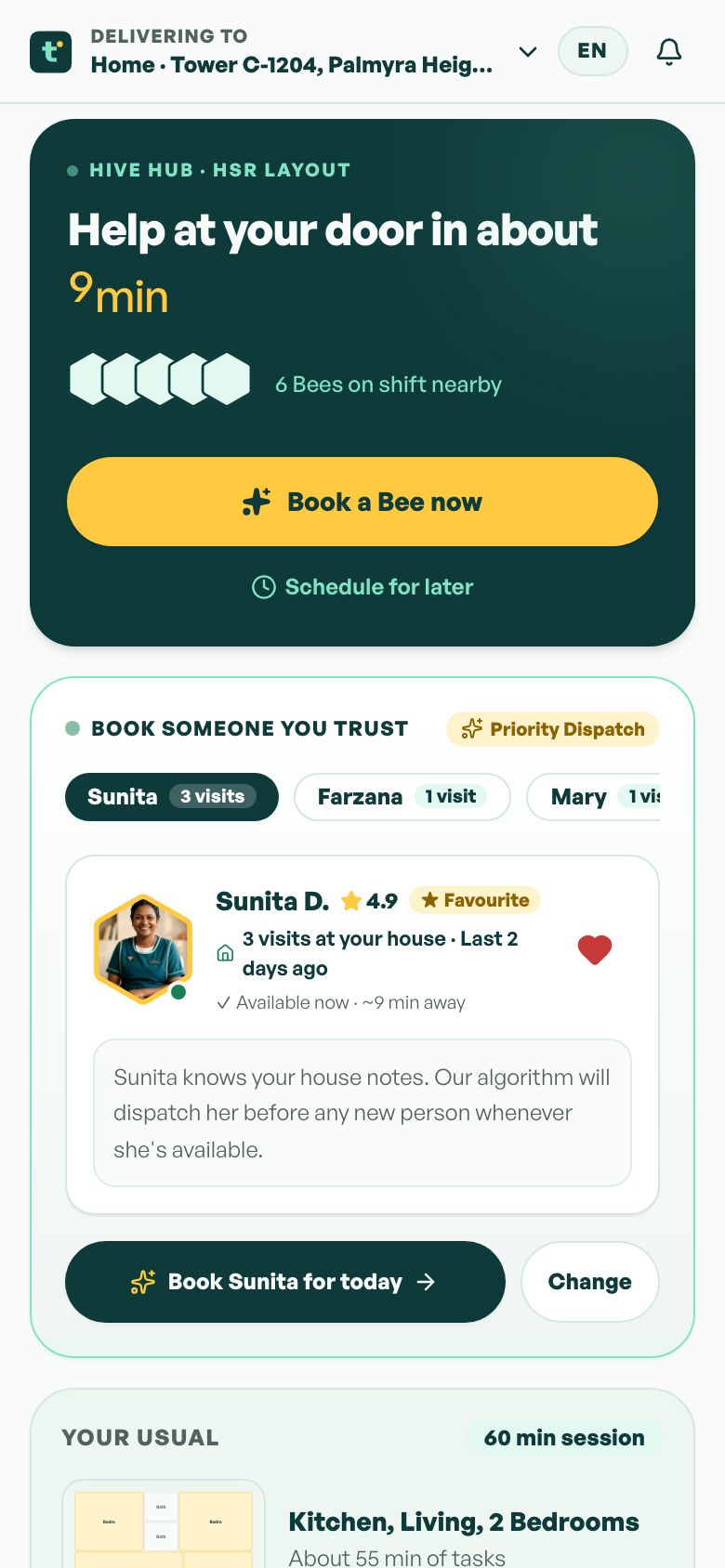
Our concept build TidyBee is a household-help booking app. It is not a facility management platform and does not do payroll, tenders or client contracts. What may carry over is the worker side: verified profiles, scheduled shifts, check-in at a location and ratings after a shift. Site checklists, QR tickets, wage tables and invoice building would be new work on top.
The Saral builds web and mobile apps for businesses in India. If you reach the point where attendance, tickets and invoices should live in one system, you can read a home services app overview, see how we work or send a brief for a fixed quote. Until then, the sheet and off-the-shelf stack above is usually the right answer.
More on starting a facility management company
- Start hereThe full playbook →Models, licences, startup costs and the steps to your first customer.
- Go deeperWhat to buy →Machines, chemicals, uniforms, MEP kits and site gear, with rent-versus-buy and what to hold back.
- Go deeperWho to hire →Supervisors first, then relievers, technicians, a compliance executive and accounts, with pay bands.
- Go deeperGetting customers →Tenders, GeM and corporate vendor lists, per-head pricing, payment terms and keeping the renewal.
- Go deeperFinding suppliers →Chemicals, machines, uniforms, consumables, spares and licensed subcontractors: sourcing and terms.
Questions people ask
What software does a new facility management company need?
Attendance with time and location proof, payroll that handles EPF, ESI and professional tax, and GST invoicing. For the first few sites a mobile attendance app, a CA-checked wage sheet and accounting software are enough. Add a ticket form and a checklist with photos as clients ask. Compare current plans before paying.
Should attendance be biometric or app-based?
Use a biometric or face-recognition terminal at larger sites with many workers and steady Wi-Fi, and a selfie plus GPS app at smaller or scattered posts. Pick the one whose export you can reconcile with payroll and invoices. Whichever you choose, tell workers what is recorded and limit who can see it.
Can one tool do attendance, payroll and client invoices?
Rarely. Most India-focused HR tools handle attendance and payroll, and accounting tools handle GST invoices, but few link attendance to a client's rate card and sanctioned strength. Many firms bridge them with a monthly export into an invoice sheet, and consider a custom builder only when that step becomes slow or error-prone.
When should I invest in custom software?
When gaps between your tools cost more than a build, for example repeated invoice disputes, clients asking for live attendance and tickets, or supervisors without photo proof across many sites. Start with a small scope, such as a checklist app, QR tickets and an invoice builder, and keep payroll with a specialist product.
Is worker attendance data covered by data-protection rules?
It is personal data, including photos, locations and identity documents, so treat it carefully. Collect only what you need, say what is recorded, limit access by role and ask vendors about retention and deletion. India's data protection law applies to digital personal data; confirm obligations for your firm with a lawyer.