A charging station needs a charge-point management system (CMS) speaking OCPP to the chargers, a way to take payments, a public listing, and a sheet that reconciles sessions to the electricity bill. For one or two sites, a vendor-provided CMS plus a spreadsheet is enough; custom software only pays once you run many sites or sell to fleets.
The difficulty is that charger hardware and software are tied together. A charger is a networked device that reports to a server, and the server decides who can start a session, what is billed and what shows on the map. Pick the software first, then confirm that your chosen chargers support it.
What the software has to do
| Job | Where it lives | What fails if you skip it |
|---|---|---|
| Talk to chargers (OCPP) | Central system, usually in the cloud | No remote start or stop, no meter readings, no fault alerts |
| Authorise and bill sessions | CMS plus a payment gateway | Free charging or unbilled energy |
| Accept UPI, cards and wallets without an account | Gateway integration, QR or app | Drivers leave rather than sign up for one charge |
| Show live status on maps and apps | OCPI roaming or platform listing | Drivers cannot see you or trust the status |
| Invoice fleets monthly | Billing module or an accounts package | Hand-made invoices and disputes |
| Track uptime and faults | CMS dashboard, alerts to phone or WhatsApp | Broken chargers noticed from reviews |
| Reconcile energy sold vs bought | Sheet or accounts software | Losses and metering errors go unseen |
The Ministry of Power guidelines advise open protocols such as OCPP for charger-to-server communication and OCPI for roaming between operators, and ask public stations to publish real-time information. That makes it practical to change CMS vendors later, if your chargers support OCPP properly. OCPP 1.6J is the common version in Indian networks today, with 2.0.1 adding richer diagnostics and smart charging.
One or two sites: the cheapest thing that works
Start with what the charger maker or a CMS vendor already provides. Building your own back-end for one DC charger is rarely worth it.
- Use the vendor's hosted CMS or an independent platform on a monthly per-charger fee, as long as it exports session data and supports OCPP so you can leave.
- Turn on remote monitoring alerts to your phone: offline charger, fault code, high temperature, door open, meter stops reporting.
- Accept UPI through the CMS's payment gateway. Dynamic QR codes on the charger or the app should confirm the session start before you walk away. Our UPI guide explains the flows in plain terms.
- Keep a daily sheet with columns for date, charger, sessions, kWh delivered, revenue, faults and downtime minutes, and tie it to the monthly DISCOM bill.
- List the station on Google Maps and at least one roaming or network platform.
- Use a simple accounts package for GST invoices and fleet statements. Our GST billing software guide lists what to look for.
How GST applies to charging, and at what rate, has been the subject of clarifications; we have not verified the current position. Confirm with a chartered accountant before you set up invoicing.
Three to ten sites: a network back-end that fits your trade
Once you have several chargers across locations, the ops problems change. You need to know which site is losing energy, which charger is faulting most, and which fleet is behind on payment.
- A multi-site CMS with role-based access, so a site host can see their share but not other sites' revenue.
- Smart charging and load limits per site, so total draw never exceeds the sanctioned load. This avoids tripped incomers and demand penalties.
- Tariff rules by time of day, charger type and customer group, so you can pass through a lower daytime rate and an evening premium.
- Fleet accounts with driver cards or app IDs, spending caps and monthly invoices.
- A ticket log for faults linked to the AMC partner, with timestamps for response and fix, so you can check the vendor against the contract.
- Revenue share reports for hosts and land owners, based on kWh billed. For public land under the national model, the revenue share is described per kWh, so the report must be exact.
At this stage compare two or three CMS vendors on the total cost per charger per month, the data export, the roaming connection, the speed of support and how they handle a firmware rollout on a live network. Ask them what happens to your data and your chargers if you leave.
When custom software pays
Custom starts to make sense when you sell something the off-the-shelf CMS cannot, or when your own app is the product.
| Trigger | What a custom build would cover | Rough scale |
|---|---|---|
| Fleet contracts with their own rules | Driver and vehicle limits, shift-based slots, invoicing to the fleet's ERP | Months of work; budget an estimated ₹10–30 lakh |
| Your own driver app and brand | Station finder, session start, wallet, receipts, support | Estimated ₹8–25 lakh, plus app-store and gateway running costs |
| Energy optimisation with solar or storage | Load and tariff forecasting, charging schedule, dispatch | Specialist work; start with a vendor module |
| A marketplace of third-party chargers and hosts | Onboarding, revenue split, KYC, settlement | Larger; see our marketplace app guide |
Use our MVP guide to cut the first release down. Custom work should sit on top of OCPP and OCPI, not replace them; if you write your own charger protocol layer, you take on safety-relevant firmware and certification you probably do not want.
Voltride and The Saral
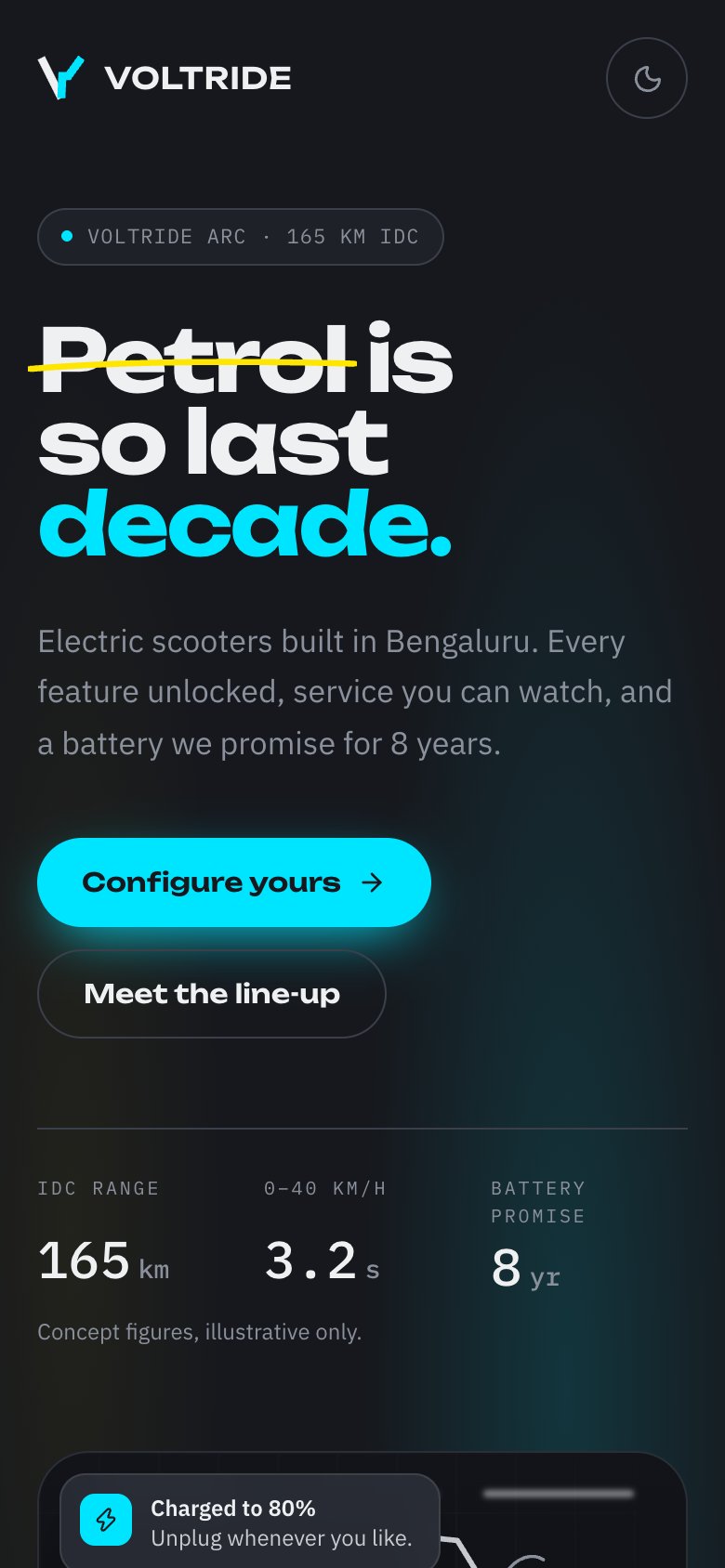
Our concept build Voltride is a connected electric scooter brand, not a charging network. It does include a public charging screen in the owner app with station and port sheets, a charging-grid page with a coverage checker on the website, and an operations dashboard showing charging sessions by hour and station health. Those are interface ideas you can borrow; it is a concept with simulated data, with no real chargers, OCPP connection or payments behind it.
The Saral builds websites and apps for Indian businesses. For a charging operator that usually starts with a business website that shows live status, connector types and a cost estimate, and later a fleet billing portal or driver app. If that is where you are, send a brief and we reply with a fixed quote. Equipment decisions are in what to buy.
More on starting a EV charging station
- Start hereThe full playbook →Models, licences, startup costs and the steps to your first customer.
- Go deeperWhat to buy →AC and DC chargers, panel and cabling, metering and safety kit, costed, with what to delay.
- Go deeperGetting customers →Fleets, map listings, roaming and host partners, plus launch pricing and idle fees.
- Go deeperFinding suppliers →Charger makers, EPC contractors, DISCOM, software and AMC partners, and how to vet each.
Questions people ask
What software does an EV charging station need?
At minimum, a charge-point management system that talks OCPP to your chargers, a payment gateway with UPI, and a public listing on maps and charging apps. Add a sheet or accounts package for energy reconciliation and GST invoices. Fleet billing and multi-site dashboards come later as you grow.
What is OCPP and why does it matter?
OCPP is the Open Charge Point Protocol that lets a charger report to and take commands from a central server. It matters because chargers supporting it can be moved between software vendors. The national guidelines advise open protocols, and OCPP 1.6J is the common version in India today.
Can I take UPI payments at an EV charger?
Yes. Most CMS platforms and charger vendors support UPI through a payment gateway, usually with a QR on the charger or a web page that opens without an app install. Ask the vendor how a failed or partially completed session is refunded, and how long settlement takes.
How do I get listed on charging apps?
Connect to a roaming or aggregation platform through your CMS, usually via OCPI, and keep your charger details and live status accurate. The national guidelines also ask public stations to publish type, kW, availability and price. Also claim your Google Maps profile and add connector details.
When should I build my own charging app?
Build your own only when you have enough sites or fleet customers that the off-the-shelf app limits you, such as fleet-specific billing, branding or a marketplace. For one or two sites a vendor CMS and map listings are cheaper and quicker, and a custom app would sit unused.