The short answer
Event apps and wedding apps look similar from a distance — dates, venues, guests, payments — but they solve different problems. Ticketing is about selling out fast and getting thousands of people through a gate without a queue. Wedding planning is about a family coordinating many events, dozens of vendors and hundreds of guests over months.
Decide which you are building. Then build the side that usually gets forgotten: the gate scanner for ticketing, and the vendor tools and shared family planning for weddings.
Two products, two kinds of pressure
| Event ticketing | Wedding planning | |
|---|---|---|
| Peak pressure | The minutes a popular show goes on sale, and the hour before doors open | The months before the wedding, and the wedding week itself |
| Who uses it | Fans, venue staff, gate staff, organisers | The couple, both families, vendors, guests |
| Core screens | Discovery, seat map, checkout, pass, gate scanner | Event timeline, vendor shortlist, budget, guest list, RSVP |
| Our example | Outpass | Vowbook |
Ticketing: the moments that matter
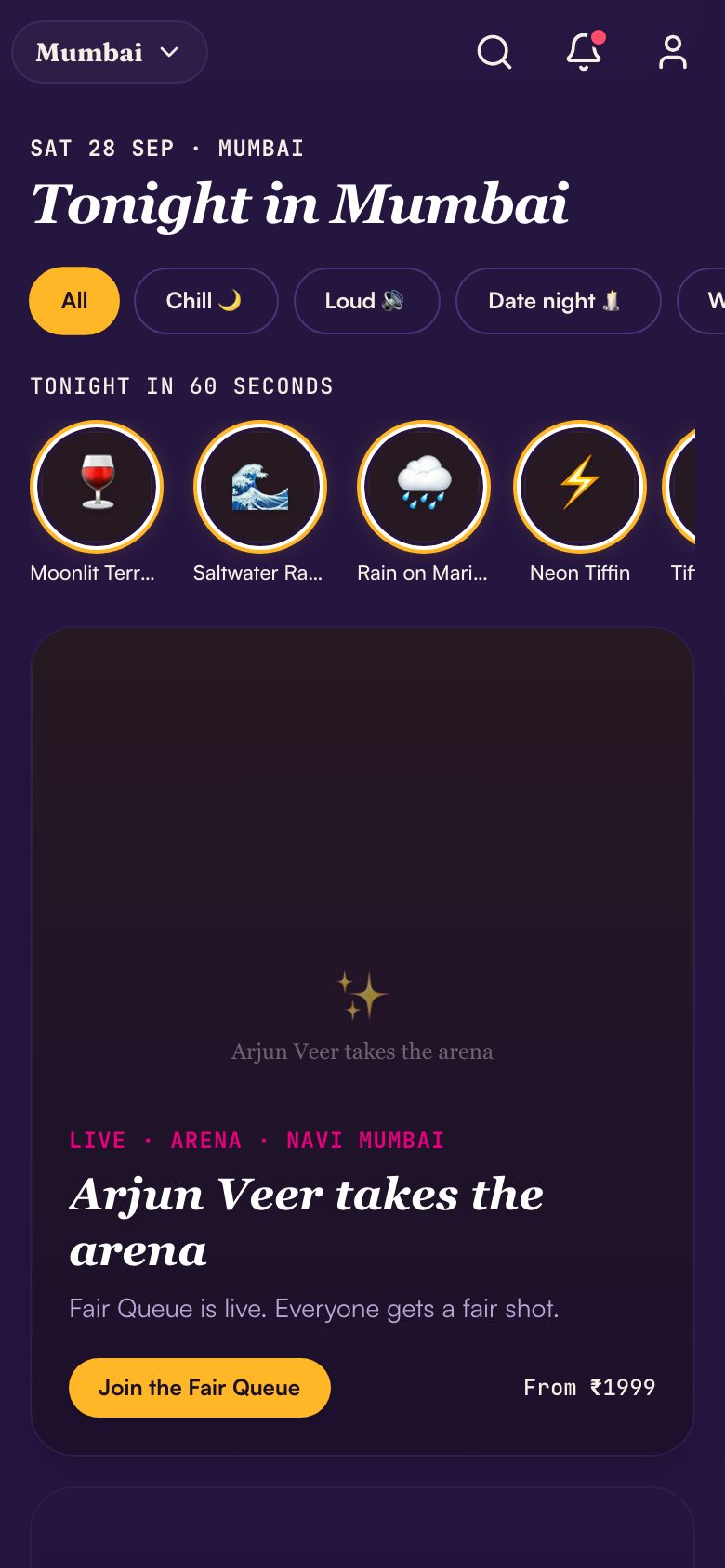
- Seat maps that work on a small screen: pinch-zoom, price categories, and a quick pick of the seats still available together.
- A checkout that survives a rush. Hold seats for a few minutes, show a clear timer, and never sell the same seat twice.
- Fast UPI payment, with a clear state while the payment confirms and a safe retry if it fails.
- A pass that works offline: a QR code saved on the phone, so entry does not depend on venue signal.
- Group bookings and bill splitting, because people go out in groups.
- Clear refund and transfer rules before purchase.
Read adding UPI payments to your app for how to handle the moment between pay and confirmed — the most anxious seconds in any ticketing app.
The gate scanner is a product too
If the gate is slow, the event feels badly run, however good the app was. Gate scanning needs its own app.
- Validation in well under a second per ticket, with a big green or red result staff can read in a crowd.
- Offline mode: ticket lists downloaded before doors open, scans synced when signal returns.
- Protection against duplicate entry across several gates at once.
- A supervisor view: how many are in, which gate is slow, and a manual override with a reason.
Outpass includes a gate scanner built for high-throughput entry, alongside the customer app and a venue app for tables, guest lists and cover charges.
Plan the gate as a physical flow, not just a screen. How many gates, how many staff per gate, which devices, where the chargers are, and what staff do when a pass will not scan. A simple manual lookup by phone number or booking ID keeps the line moving while the problem is sorted.
After the event, the scan data is valuable: arrival times by gate, no-show rates by ticket type, and how quickly the venue filled. Organisers use it to plan staffing for the next show, so keep it and report on it.
Wedding planning: built for families, not just couples
An Indian wedding is often several events — Mehendi, Haldi, Sangeet, the ceremony, a reception — sometimes across cities. Planning apps that assume one event and one couple miss the point.
- A multi-event timeline with venues, timings, dress codes and who is responsible for each.
- Shared access for both families, with roles: who can see the budget, who can message vendors.
- A budget ledger by event and category, with paid, due and pending amounts.
- A guest list with RSVPs per event, dietary needs, accommodation and travel arrival times.
- A wedding website for guests with dates, maps, travel details and RSVP — in the languages your families read.
Vowbook brings these together: a couple's planner with a multi-day timeline, a guest manager, a budget breakdown and a shareable wedding site.
The vendor side
If your app connects couples with photographers, caterers, decorators and venues, the vendor tools decide whether vendors stay active.
- A lead inbox with enquiry details: dates, events, guest count and budget.
- Portfolio uploads that look good on a phone.
- Quotes with line items, so couples can compare like for like.
- Booking confirmations, advance payments and a payment schedule.
- Reviews tied to real bookings only.
This is a marketplace, with the trust problems every marketplace has. Our marketplace app solution covers verification, moderation and payouts.
Vendors in Indian weddings are often small businesses run from a phone — a photographer, a mehendi artist, a caterer with a family kitchen. Their tools must work on that phone, in their language, with WhatsApp notifications for new leads. A vendor dashboard that needs a laptop will sit unused, and the couples' enquiries will go unanswered.
If you collect payments on behalf of vendors, you are handling other people's money. Work with a payment provider that supports split payments or a regulated escrow arrangement, and take advice on the tax treatment.
Payments, refunds and payouts
Both products move a lot of money in short bursts, and both need clear rules before the first rupee is collected.
- Ticketing: collect at checkout, issue the pass only on confirmed payment, and settle with organisers after the event or on a schedule you agree upfront.
- Cancellations and postponements: decide in advance what happens to tickets — refund, credit or transfer — and automate it, because thousands of people will ask at once.
- Convenience and booking fees shown before the final step, never added at the end.
- Weddings: vendor advances, milestone payments and the final balance tracked per vendor, with receipts the family can find later.
- Shared budgets: when several family members pay different vendors, the ledger must show who paid what, so totals agree.
- GST invoices for ticket sales and vendor services where they apply. Confirm the tax treatment with your CA.
Our UPI guide covers collection and refunds, and the fintech app solution explains when you need a regulated partner to hold money for others.
Mistakes to avoid
- Testing the sale with ten users. A popular on-sale can bring thousands in the first minute. Load-test the checkout and the seat holds before launch.
- Passes that need signal to open. Venues are crowded and networks jam. Save the pass on the phone.
- One login per wedding. Families share passwords and overwrite each other's changes. Give each person their own access and role.
- English-only guest pages. Grandparents and relatives may read Hindi, Tamil, Bengali or Gujarati better. See building apps in Indian languages.
- A vendor marketplace before the planner. Couples come for planning tools; vendors follow the couples. Build in that order.
If you are planning an MVP, our MVP guide for Indian startups explains how to pick the one flow to launch with.
Where to start
- Ticketing: customer app with discovery, seat map, checkout and pass, plus the gate scanner. Add the venue app and organiser dashboard next.
- Wedding planning: the couple's planner with timeline, budget and guest list, plus the wedding website. Add the vendor marketplace once families are using the planner.
Either usually fits the 8–12 week first build in our process. See event booking apps for the full scope, and the Jaipur and Goa pages for destination-wedding markets.
Questions people ask
How do ticketing apps stop the same seat being sold twice?
By holding seats for a few minutes when someone starts checkout, and confirming the sale only when payment succeeds. The hold and the payment state live on the server, so two people tapping the same seat at the same moment can never both pay for it.
Does event entry scanning work without internet?
It should. Gate apps download the ticket list before doors open, validate QR codes on the device, and sync scans when signal returns. Several gates scanning at once need to share scan data so one ticket cannot be used twice at different gates.
What features does an Indian wedding planning app need?
A multi-event timeline, shared access for both families with roles, a budget ledger by event, a guest list with RSVPs for each event, accommodation and travel details, and a guest-facing wedding website. A vendor marketplace can come later, once families are using the planner.
Can guests RSVP without installing an app?
Yes, and most should. A wedding website with a simple RSVP form works on any phone, and links can be shared on WhatsApp. Keep the app for the couple and family members who are planning, not for every guest. Guests get updates on WhatsApp instead.