The short answer
Indian users are not one audience. A founder in Bengaluru on the latest phone, a shopkeeper in Indore on a mid-range Android and a farmer near Nashik with a shared handset all use apps differently. Good design for India means designing for the widest of them without making the app worse for anyone.
These are the patterns we use again and again across our builds — Zippit, Croprise, Coinjar and Crest — and why each one matters.
Login: phone number and OTP, nothing more
For most consumer apps in India, the phone number is the identity. Email-and-password sign-up loses people at the first screen.
- Ask for the mobile number, send an OTP, and let the phone auto-read it where the platform allows.
- Keep the person signed in. Asking for an OTP every visit feels like a bank, not a shop.
- Ask for name, address or email only when you actually need it, at the moment you need it.
- Offer a resend after a short wait and a fallback, such as a WhatsApp OTP, for patchy SMS delivery.
Our WhatsApp for business apps guide covers OTPs over WhatsApp and the template rules behind them.
Payments: show the options people trust
UPI is the default for many Indians, but not for every order or every person. A checkout that feels familiar converts better than a clever one.
- Put UPI first, with the person's UPI apps shown directly, then cards and net banking.
- Keep cash on delivery where your category needs it, especially for first orders and smaller towns. You can nudge towards UPI later with a small benefit.
- Show the full price before the payment step: item total, delivery, packaging, taxes. Surprise fees at the end break trust.
- After payment, show a clear success screen with an order number, even if the network drops.
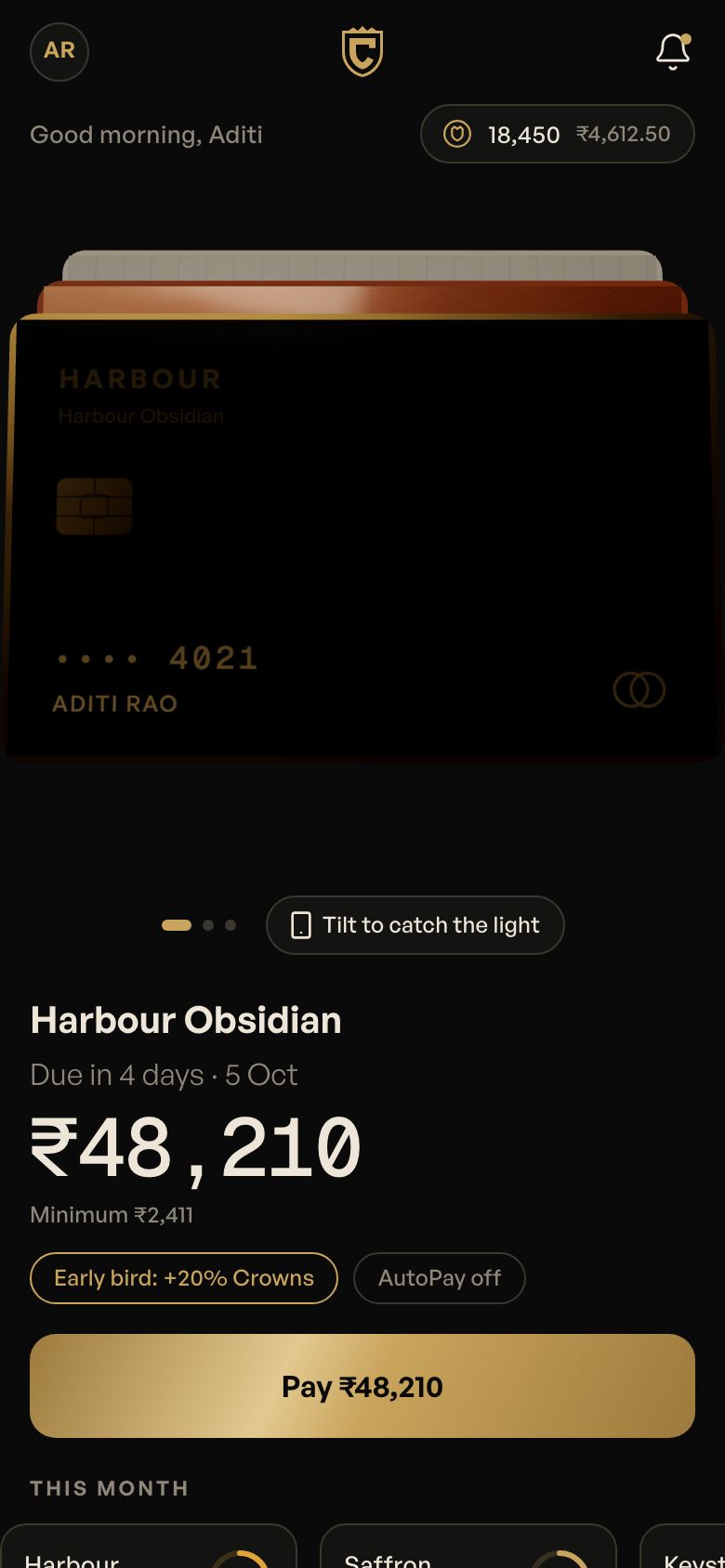
Coinjar, our UPI concept, is built around these moments: the scan, the confirmation and the receipt. For the plumbing, read adding UPI payments to your app.
Language: more than a translation toggle
Many of your users read Hindi, Tamil, Kannada, Bengali or Marathi more comfortably than English. Some read English but prefer to speak in their own language.
- Design with real translated strings from the start. Words in many Indian languages run longer than English and break tight buttons.
- Use fonts that render the script cleanly at small sizes on cheaper screens.
- Let people switch language anywhere, not only at onboarding.
- Use voice input and icons where reading is hard. Croprise, our farmer app, is voice-first and photo-first: a farmer photographs a sick leaf instead of typing a description.
- Keep staff and partner apps in the language the staff use. Zippit's rider app runs in Kannada.
The full playbook is in building apps in Indian languages.
Phones and networks: design for the middle, not the top
Many of your customers use mid-range or older Android phones, with limited storage, on mobile data that drops in lifts, basements and highways.
| Constraint | What it breaks | What to do |
|---|---|---|
| Low storage | Big app downloads get skipped or uninstalled | Keep the app small; load images on demand; consider a PWA for occasional use |
| Slow or patchy data | Spinners, failed payments, lost forms | Cache key screens; save drafts; retry quietly; confirm orders even after a drop |
| Older Android versions | Animations stutter, layouts break | Test on modest hardware, not only flagships; make heavy motion optional |
| Shared phones | Wrong account, privacy worries | Easy account switch; hide sensitive details behind a tap |
If you're deciding between a native app, cross-platform or a web app, our native vs cross-platform vs PWA guide walks through the trade-offs for Indian users.
Addresses and locations that actually work
Indian addresses are often described, not numbered. Delivery and service apps that rely only on a typed address get lost.
- Let people drop a pin and add a landmark: “opposite the temple”, “blue gate, second floor”.
- Save several addresses with labels such as Home, Shop and Parents.
- Give partners a call button and a short note field for the last fifty metres.
- Use PIN codes to check serviceability before someone fills a cart.
Trust signals: show, don't claim
People are wary of new apps, especially ones that touch money or send someone to their home. Trust comes from specific, visible details.
- Show who is coming: name, photo, rating, vehicle number.
- Show prices line by line. Crest explains every reward; Milvara's statement explains every charge.
- Explain policies in plain words at the moment they matter: refund, cancellation, delivery window.
- Give a real support route — chat or a callback request — not only an email address.
- Avoid fake urgency and fake scarcity. Indian users have seen every trick, and dark patterns undo trust fast.
If your app collects personal data, the DPDP Act shapes how you ask for consent and explain use. Our DPDP checklist covers the basics; it is not legal advice.
One signature moment
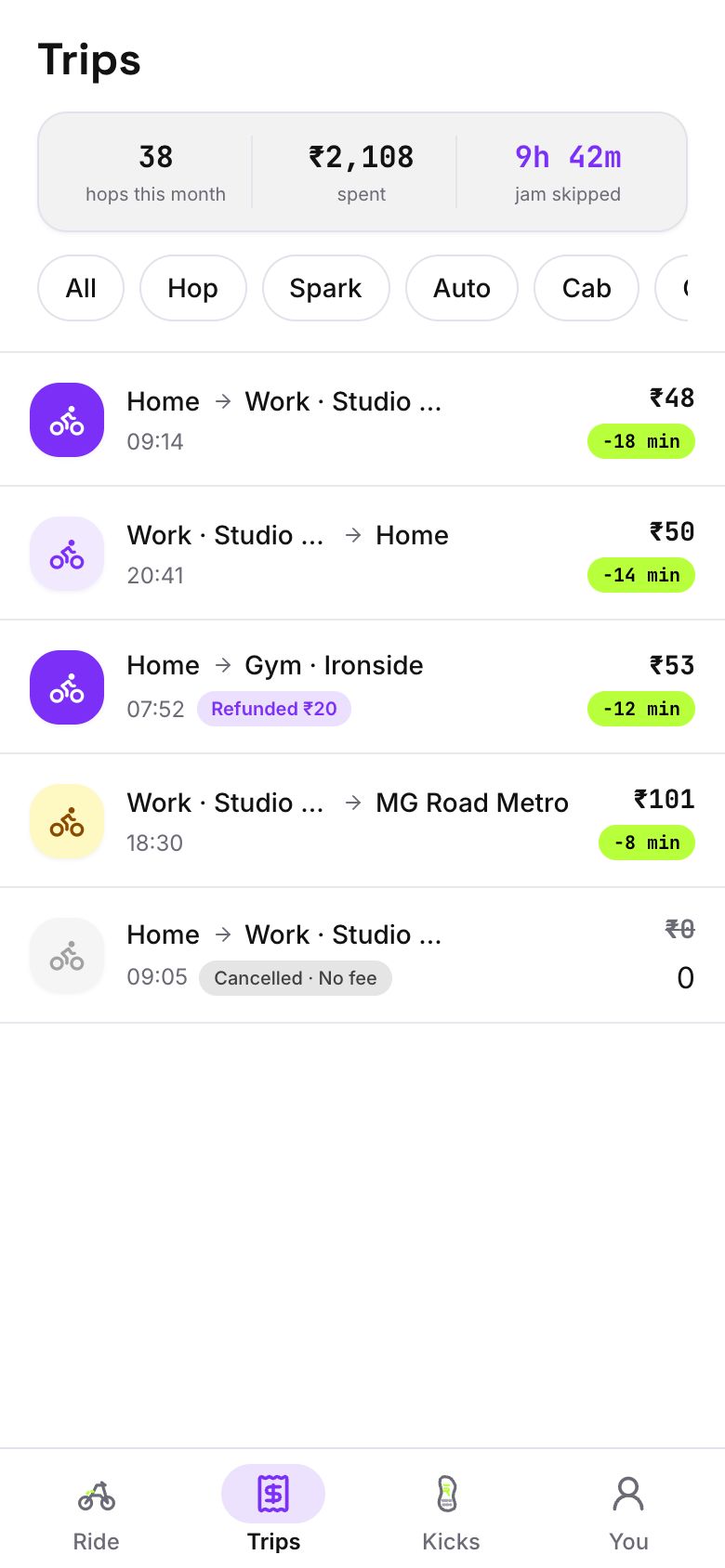
Calm, quick core flows make people trust an app. One delightful moment makes them talk about it. Zippit's saved-trips receipt — “Zippit saved you 42 min and 3 market trips” — is designed to be screenshotted and shared on WhatsApp.
Pick one moment that matches your brand and build it properly, rather than sprinkling animation everywhere. It's part of every full build we do; see how on the process page.
Notifications and support that respect people
Indian phones fill up with promotional notifications fast, and people mute or uninstall the noisiest apps. Treat notifications as part of the product, not a marketing channel.
- Send only what helps: order updates, a delivery at the door, a payment received, an appointment tomorrow.
- Let people choose categories: transactional updates on, offers off.
- Use WhatsApp for important updates only where the person has opted in, and keep templates short and useful.
- Put support one tap away from every order, with the order already attached so nobody has to repeat themselves.
- Answer in the language the person wrote in where you can.
A shared support inbox, like our Replyvo concept, keeps chats from customers, partners and staff in one place with response-time tracking. See the business inbox page for what that involves.
Questions people ask
Should my app have cash on delivery?
If you sell physical goods to consumers, usually yes at launch. Many first-time buyers prefer to pay on delivery until they trust you. Cash on delivery adds operational work — cash handling, failed deliveries — so many businesses keep it but gently encourage UPI with a small benefit once trust is built.
Which Indian languages should my app support?
Start with the languages your customers and staff actually use, not a long list. A city-focused app might need English plus one regional language; a staff or rider app might need only the local language. Design layouts for longer strings from day one, so adding a language later is a content job, not a redesign.
How do I make my app work on cheap Android phones?
Keep the download small, load images on demand, cache the screens people use most, save form progress, and make heavy animation optional. Then test on the kind of phone your customers actually carry. Many problems only show up on a mid-range device on mobile data, never on a developer's flagship on office Wi-Fi.
Is OTP login safe enough?
For most consumer apps, phone number and OTP is a sensible balance of safety and ease. Add protections around it: rate-limit OTP requests, watch for SIM-swap patterns, and ask for a second check before sensitive actions like changing a payout account. Financial apps may need stronger checks, depending on the regulated partner they work with.