The short answer
A home services business sells trust. A customer lets a stranger into their home and pays for work they cannot easily judge. The app's job is to make that feel safe: clear prices before booking, a verified professional who arrives on time, proof of the work done, and a fair way to complain.
The customer app is the visible part. The pro app and the dispatch desk are where quality is actually decided — who gets which job, how they are trained, what they must check before leaving, and how they are paid.
Scheduled, instant or recurring?
The kind of service shapes the whole product.
| Model | Examples | What the app must get right |
|---|---|---|
| Scheduled | AC service, plumbing, carpentry, salon at home | Slots, diagnosis, parts, upfront pricing |
| Instant | House help within minutes, urgent repairs | Live supply near the customer, fast matching, arrival tracking |
| Recurring | Weekly cleaning, pet grooming, deep-clean plans | Calendars, the same pro each time, pause and skip |
The customer app
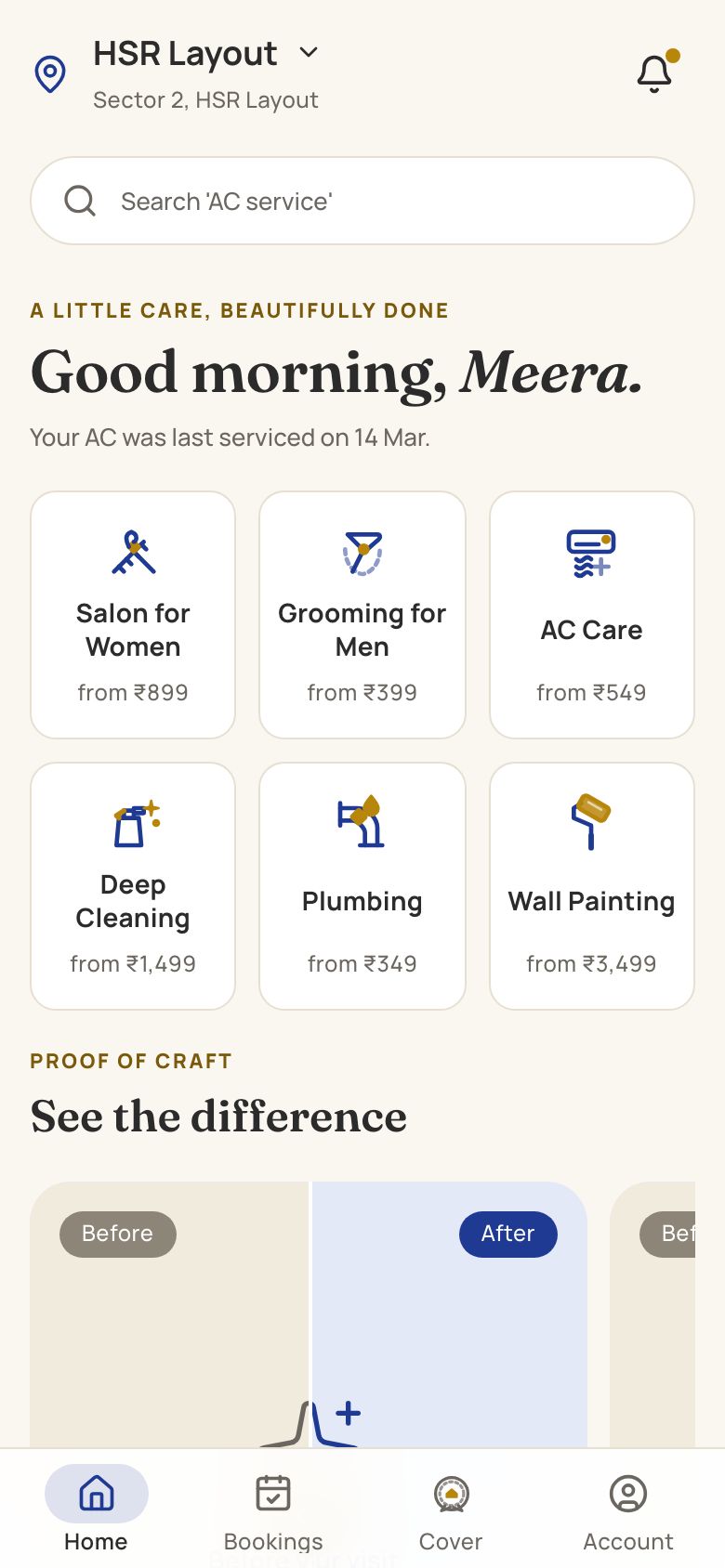
- Upfront prices by job type, with what is included and what costs extra — parts, extra hours, a second visit.
- A simple diagnosis for repairs: a few questions and photos so the right pro brings the right parts.
- Slots that are real: only offer times when a qualified pro is actually free in that area.
- Pro profile before arrival: name, photo, verification badge, rating and skills.
- Live arrival tracking and a masked call button.
- Clear invoice and payment by UPI, card or cash, with a breakdown that matches the quote.
- Rework and complaint flow inside the app, not a phone number that never answers.
TidyBee shows an instant model with a room picker and a duration selector, so customers book by the half-hour with a clear price.
Society and gated-community entry is a real step in Indian cities. Capture the tower, flat number, gate instructions and any visitor-approval app the society uses, and let the pro tell the customer they have arrived at the gate. Many delays are the security desk, not the pro.
Build for the person who books for someone else: adult children booking a service for their parents in another city, or an office manager booking for a workplace. Let them add the on-site contact, pay remotely and get updates, while the pro calls the person who is actually there.
The pro app is where quality lives
Professionals use the app all day, on their own phones, often between jobs on a two-wheeler. Make it quick and fair.
- Job list and schedule with addresses, landmarks and customer notes.
- A checklist for each job type — what to inspect, what to photograph, what to explain before leaving.
- Before-and-after photos stored with the job, for quality checks and disputes.
- Parts and kit used, so billing and inventory stay right.
- Earnings, tips and payout dates they can see without calling anyone.
- Safety tools: an SOS button, check-in and check-out, and a way to refuse an unsafe job.
- The language they read, with large text and icons.
HomeCraft's pro app has a digital diagnostic checklist and parts inventory; TidyBee's puts earnings, payday and safety tools first. Read building apps in Indian languages for the language side.
Dispatch and the ops desk
- A city board of today's jobs, pros on duty and gaps in coverage.
- Assignment rules: skills, distance, rating, and fairness so the same pros do not get every good job.
- Escalations: late arrivals, no-shows, complaints and rework requests, each with an owner.
- Onboarding: documents, background verification, training status and kit issued.
- Payouts and incentives, with clear reports.
Background verification, worker classification and social security rules for gig and platform workers are evolving in India. Take legal advice on how you engage and pay professionals, and design the onboarding flow around it.
Training is part of the product. A short in-app module for each job type — what good looks like, the checklist, how to explain the work to the customer — keeps standards the same across a growing team. Track who has completed which module, and only offer jobs to pros trained for them.
Pricing, payments and payouts
Unclear pricing causes more home-services complaints than bad work. Decide the rules upfront and make the app enforce them.
- Fixed prices for predictable jobs — a deep clean by home size, a standard AC service, a grooming session.
- Visit plus quote for repairs: a fixed visit charge, then an itemised quote in the app that the customer approves before work begins.
- Parts at listed prices, recorded by the pro, so the invoice matches what was used.
- Payment after the job, by UPI, card or cash, with the invoice sent on WhatsApp.
- Tips that go to the pro in full, shown separately in their earnings.
- Payouts on a fixed day with every job, incentive and deduction listed.
Recurring plans — weekly cleaning, monthly grooming — work well with UPI AutoPay mandates. Our subscription delivery app solution covers pause, skip and renewals.
Mistakes to avoid
- Offering slots you cannot fill. Show only times when a qualified pro is actually free nearby, or you will cancel on customers.
- Treating pros as interchangeable. Recurring customers want the same person. Let them request a favourite.
- A pro app built for office Wi-Fi. Pros work in basements, lifts and new buildings with poor signal. Checklists and photos must save offline.
- Ratings with no context. A one-star rating with no reason helps nobody. Ask what went wrong.
- Expanding cities before quality is stable. Fix the checklist, training and dispatch in one city first.
If you are still deciding how much to build first, read our MVP guide for Indian startups.
Ratings and complaints that stay fair
Ratings decide pros' income, so they must be fair. A few principles:
- Only customers with a completed job can rate it.
- Ask specific questions — on time, work quality, behaviour — not just stars.
- Let pros see feedback and respond, and let ops review unfair ratings.
- Use photos and checklists to settle disputes, not memory.
- Track repeat issues by pro and job type, and retrain before removing.
Reviews also power local search. Encourage happy customers to review your business on Google — see local SEO for Indian businesses.
Close the loop with pros, too. A weekly summary of their ratings, the comments behind them and one thing to improve does more for quality than a penalty system. Pros who feel the ratings are fair keep their standards up; pros who feel judged by a black box leave for another platform.
What to build first
- Customer app with services, upfront pricing, slot booking, tracking and payment.
- Pro app with jobs, checklists, photos, earnings and safety tools.
- Ops desk with dispatch, onboarding, escalations and payouts.
- A website that explains services and pricing and recruits pros.
Launch one city and a few services first. A first version usually takes 8–12 weeks. See our home services app solution, the cost guide, and the Bengaluru, Pune and Hyderabad pages for apartment-heavy markets.
Questions people ask
What apps does a home services business need?
Usually three: a customer app for booking and payment, a pro app for jobs, checklists and earnings, and an ops desk for dispatch, onboarding and complaints. A website explains services and recruits professionals. The pro app and ops desk decide quality, so budget for them properly.
How do home services apps assign professionals?
Most start with semi-manual dispatch: the system suggests pros by skill, distance and availability, and an ops person confirms. Fully automatic matching comes later, once you have enough jobs and data to tune it. Fairness rules stop the same pros getting every good job.
How do we handle complaints and rework?
Build the complaint flow into the app with photos, link it to the original job's before-and-after photos and checklist, and assign every complaint an owner and a deadline. Clear rework rules, stated before booking, avoid most disputes before they start.
Should prices be fixed or quoted after inspection?
Use fixed prices wherever the job is predictable, like cleaning or a standard service. For repairs, show a fixed visit and diagnosis charge, then a quote in the app that the customer approves before work starts. Never let the final bill surprise the customer.